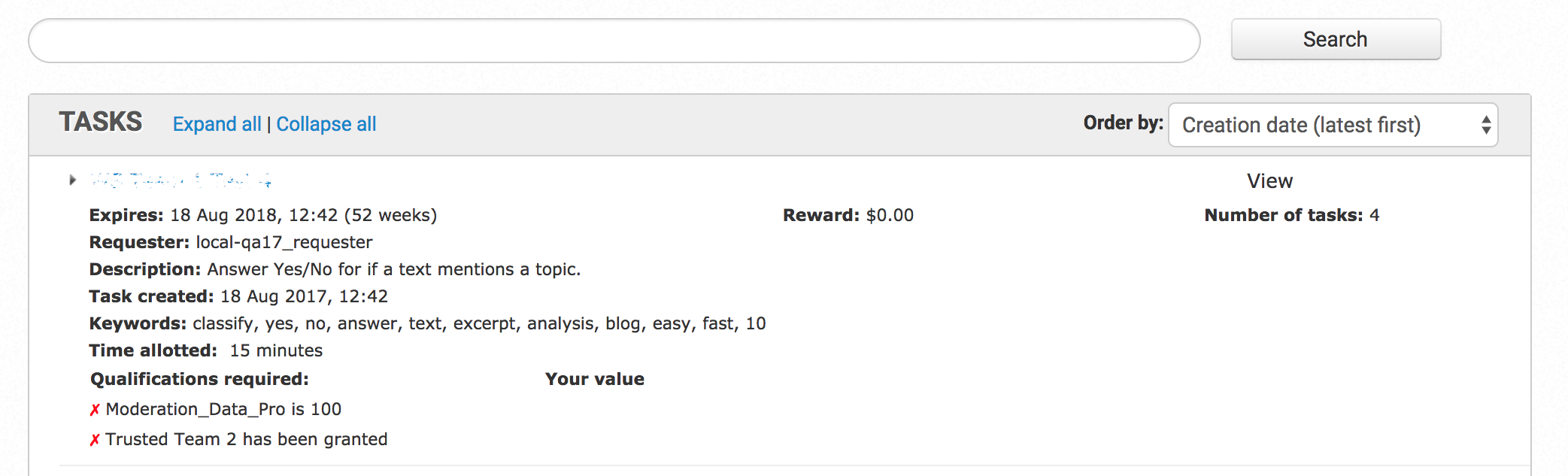
Create Private Qualification Task
The article describes how to set up a qualification process where initial access to Qualification Tasks is limited to a specific group of workers.
The approach is practical when there are data access restrictions within the qualification process.
To create a private Qualification Task, follow the steps below:
In WorkSpace, combine Trusted Workers into a team. For details and instructions, see Managing Teams.
note
The team should be created by the same requester who was used to set up the WorkSpace license in Control Tower.
In Control Tower, create a Qualification Task. For instructions, see Create Qualification Task.
In the created task, go to the Run tab > Advanced Options > Qualification. Add the team qualification from Step 1 to the Qualification Task created at Step 2.
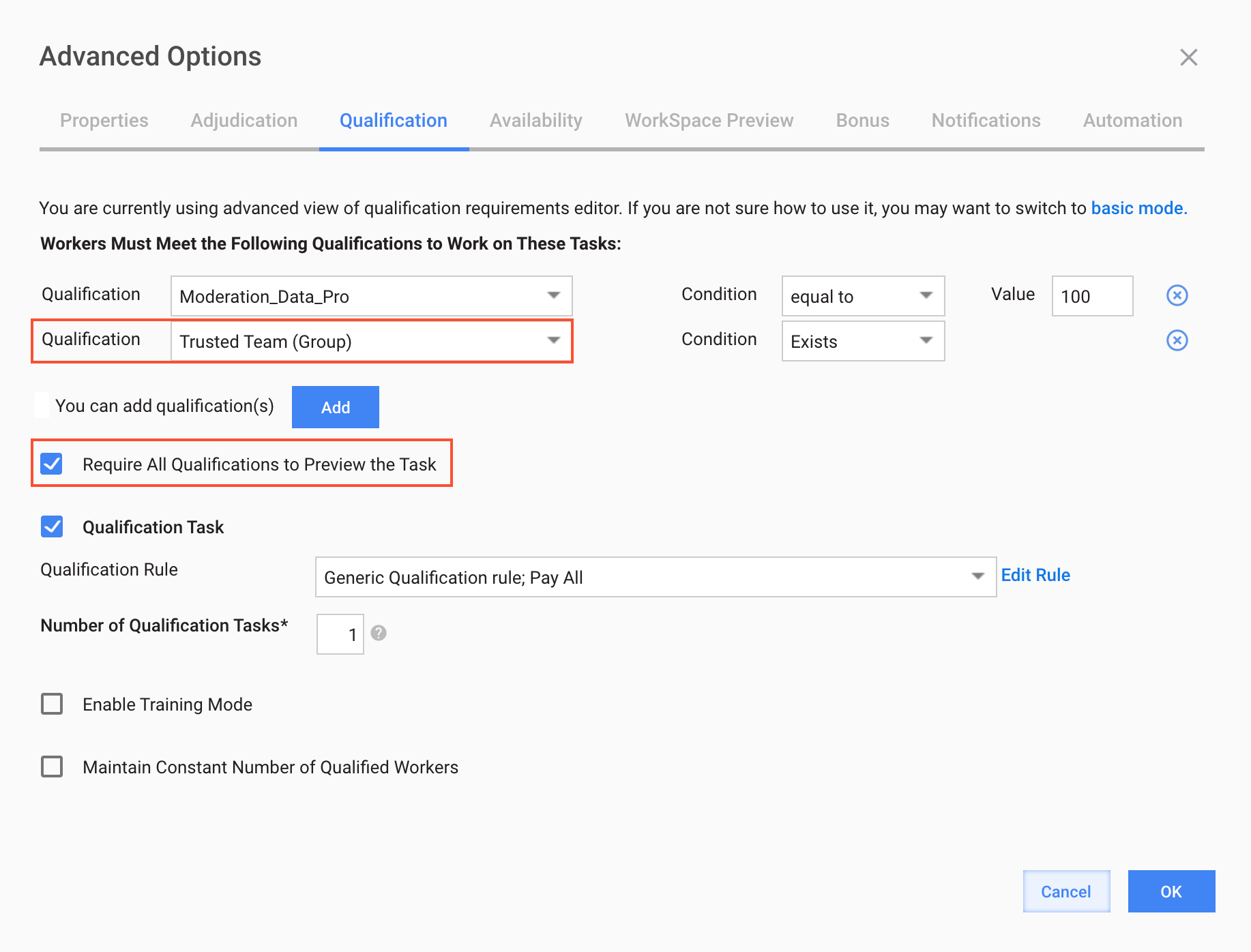
On the Qualification tab, select the Require All Qualifications to Preview the Task checkbox.
The setup results in workers having no ability to view the Qualification Task unless they belong to the team.