
Obtaining Qualification
Worker Qualifications control which Tasks are available and which ones can become available once a worker obtains correct Qualifications.
Each Qualification has a Score from 0 to 100, showing worker skills in the appropriate area. To access interesting well-paid tasks, obtain different available Qualifications with the maximum Score.
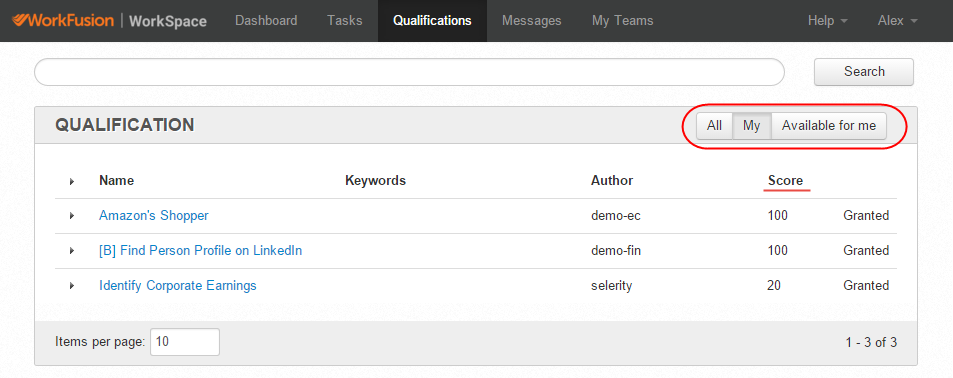
To obtain a Qualification, request a Qualification or complete a certain number of Qualification Tasks.
Request Qualification
To request a qualification, follow the steps below:
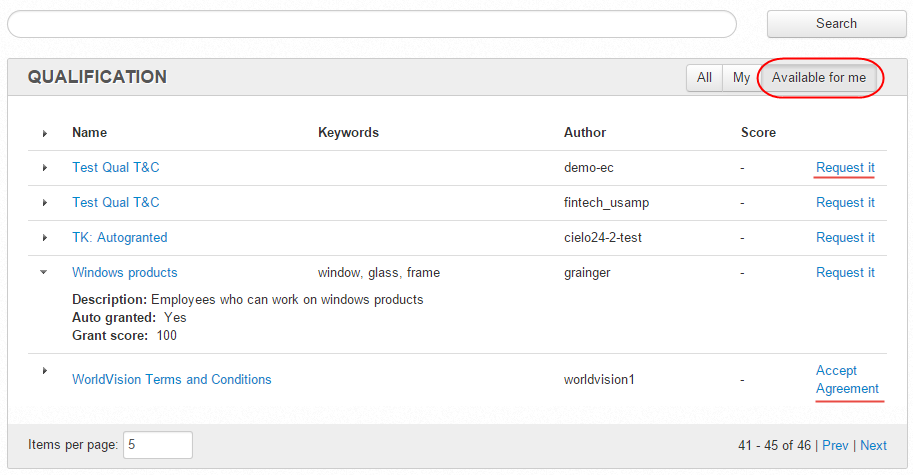
- Go to Qualifications > Available for me.
- Click the appropriate Request it or Accept Agreement link.
- Pass the Qualification Test or accept the Agreement.
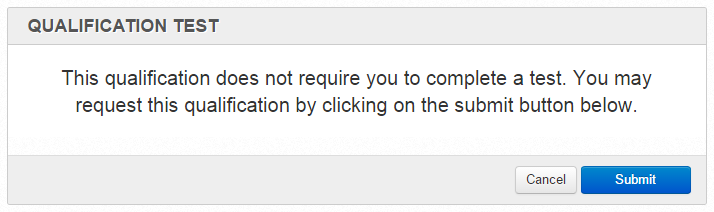
In some cases, Qualifications are granted automatically, and you do not need to pass a test.
Search and complete Qualification Tasks
If you found a task that requires a Qualification, search the Qualification by copying and pasting its name to the Search field.
If you do not have the Qualification required for a task, the View link is inactive, and you cannot access it until you get the Qualification.
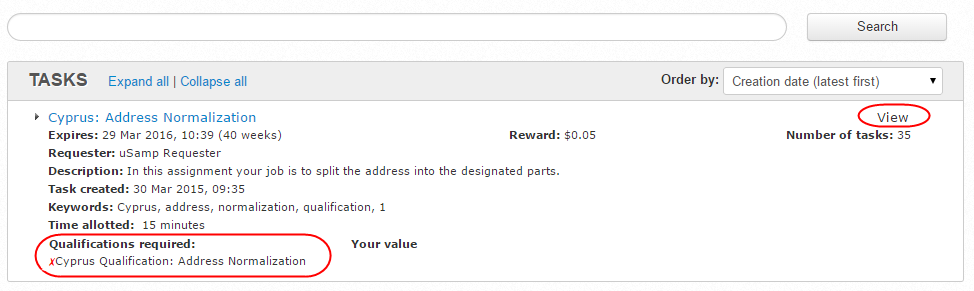
Complete the required number of Qualification Tasks and get the Qualification.
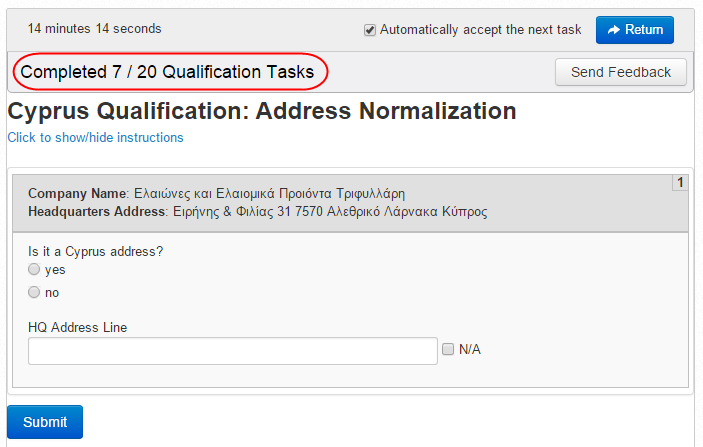
The Qualification Score depends on the number of correct Answers. You must submit all required Qualification Tasks to obtain a Qualification. In the example above, there are 20 such tasks.
Alternatively, search tasks using the test or qualification keywords and complete them.