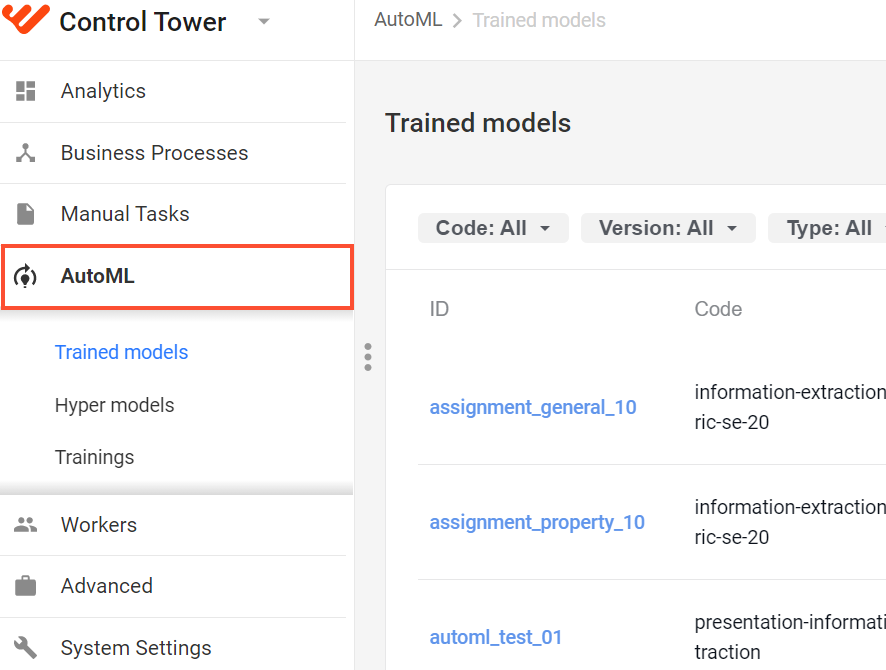
AutoML menu in Control Tower
Control Tower allows users to manage hyper models, associated trained models, and model trainings. To access the capability, log in to Control Tower and, on the main menu, click AutoML.
important
The AutoML menu becomes visible only if you have the Manage models permission in Control Tower. For instructions on setting the permission, refer to the Role Management article.
The AutoML menu enables access to the three pages:
- Trained models—lists available trained models and features capabilities for managing them.
- Hyper models—lists available hyper models and features capabilities for managing them.
- Trainings—lists completed or ongoing model trainigs together with their statuses, versions, and timestamps. From the page, you can also access model training error logs.
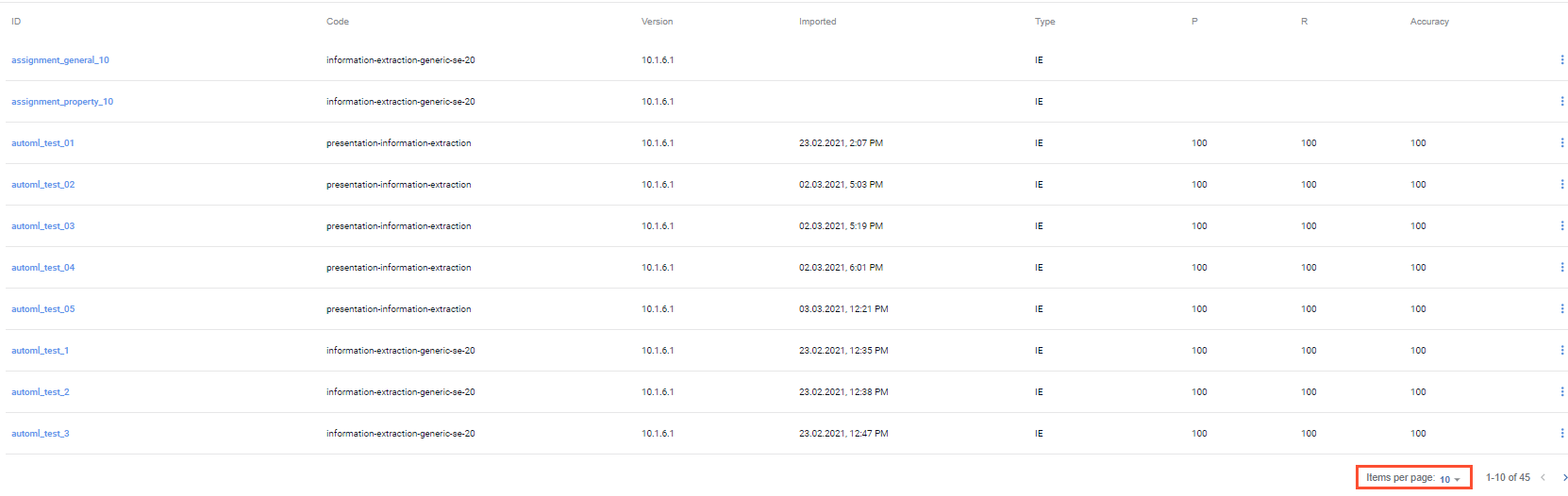
At each page, you can set the number of listed items to 10, 50, or 100. For that, select an option from the pagination menu in the right bottom corner of the page.
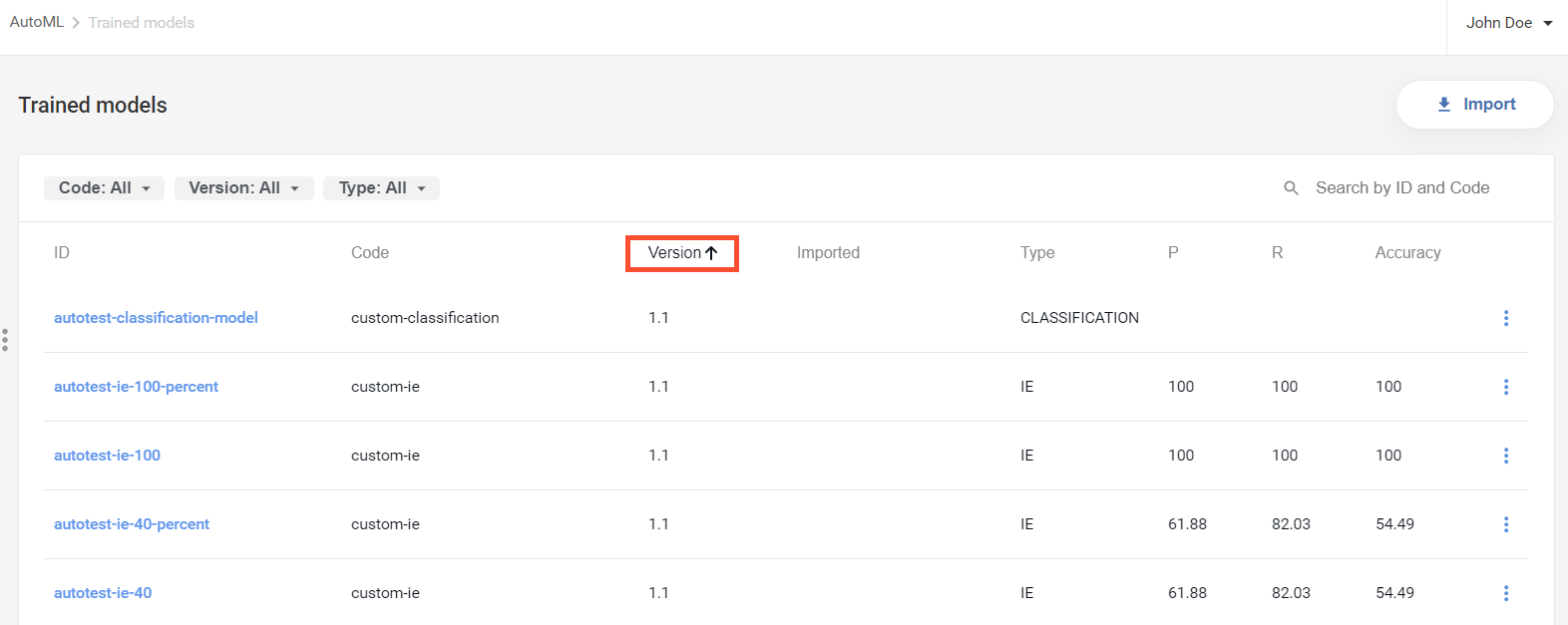
To change the sorting order in the lists on the pages, click appropriate column headers.