
Log in to Control Tower
Control Tower is the heart of Intelligent Automation Cloud used for automation. Use Control Tower to perform the following actions:
Start Control Tower
Before you start working with Control Tower, make sure no Windows updates are pending, as some of them can interfere with Control Tower.
An infrastructure administrator starts Control Tower in Intelligent Automation Cloud. To launch Control Tower, proceed with these steps:
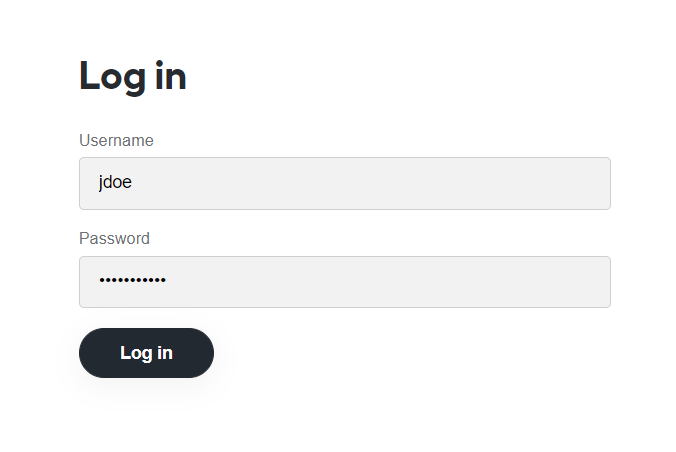
Open the link provided by your administrator in a browser.
Log in using your credentials (username and password provided by your administrator).
After launching Control Tower, you see a dashboard with the following tabs:
Edit account information
To view the account menu, click your username in the top right corner.
Here, you can perform the following actions:
Manage Account: update your account settings, such as password, email, and so on. For detailed instructions, refer to Manage user settings.
System Preferences: customize your User settings, for example, your name, notification email, and timezone.
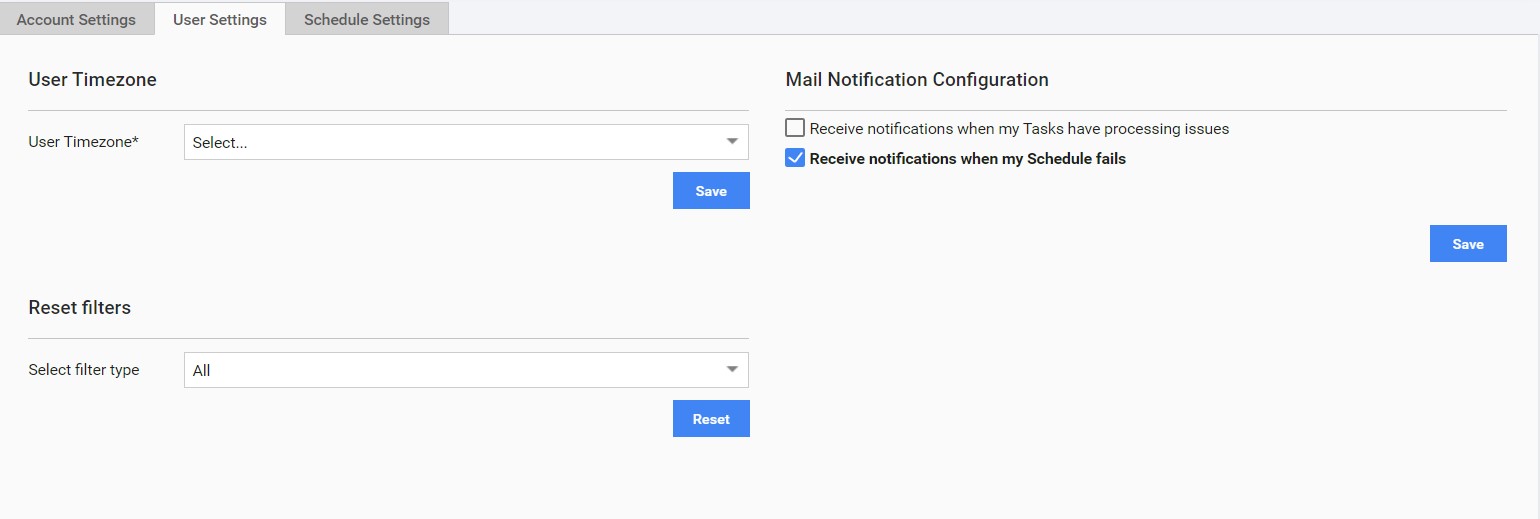
Log out: sign off.