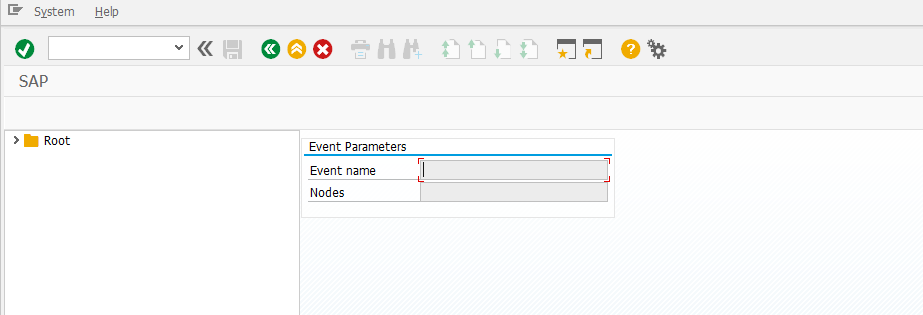
Test SAP controls
note
The use case allows to view SAP UI controls. The easy way to test SAP UI controls is to use the transactions DWDM or SE83.
Open SAP GUI and log in.
Start the
SE83transaction. Enter the transaction codeSE83into the OK Code field and press Enter.Select the respective control and its example.
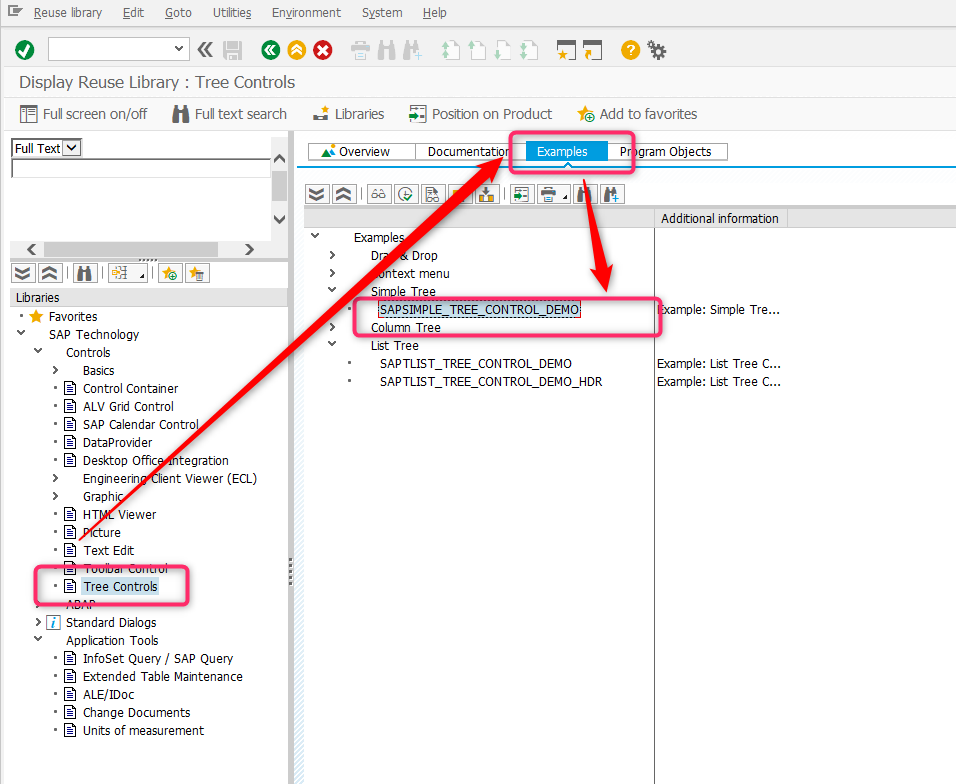
Double-click the example, open the report, and press the Execute button or F8.