
Update ELK license
Initial installation of WorkFusion Intelligent Automation Cloud version 10.0 enables the 30-day trial license for ELK. For production purposes, it is required to update the license in Kibana.
important
The WorkFusion ELK License file must be provided by the installation team or your Account manager.
To update the ELK license:
Go to Kibana, for example, at https://app_hostname/kibana/.
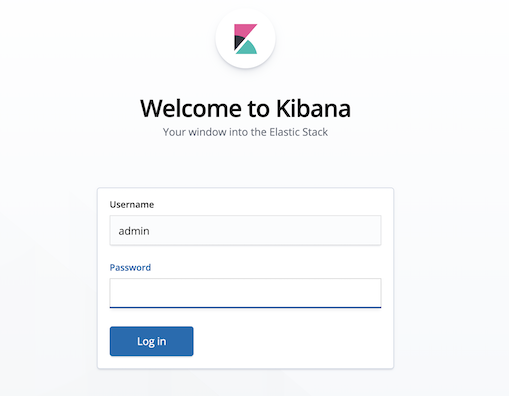
Authenticate to Kibana, using the ELK admin credentials that you specify in the config.yml file during the installation.

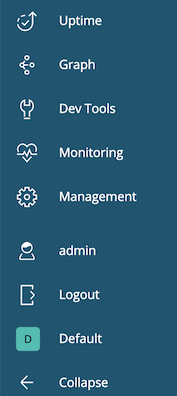
On the left menu, click Management.
Go to the license management section.
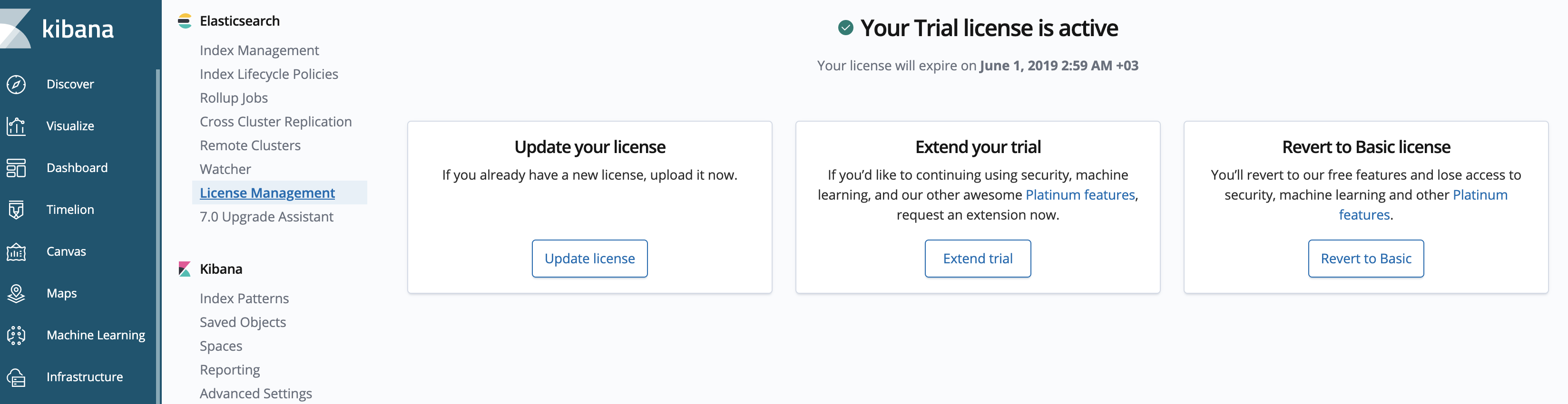
Click Update license.
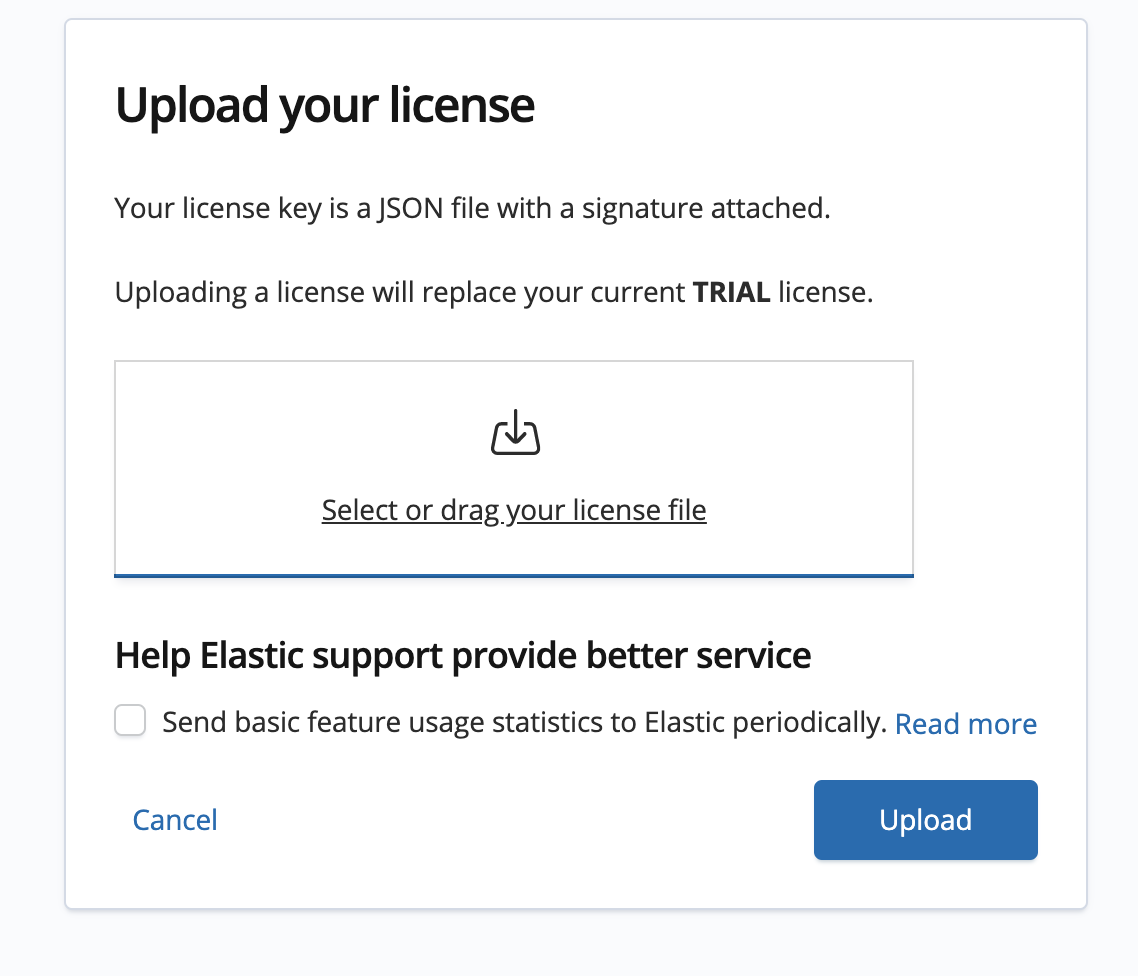
Select or drag your license file to the window. The license is uploaded to Kibana and updated automatically.
At the end of the trial period, the platinum features operate in a degraded mode. You can revert to a basic license, extend the trial, or apply a subscription.
For more information on the license expiration, see https://www.elastic.co/guide/en/elastic-stack-overview/6.7/license-expiration.html.