
Create Adjudication Rules
important
For IA Cloud Enterprise v10.2, you can use only the Adjudication rule (1+0). Other Adjudication rules are obsolete and are to be removed from the Control Tower user interface in further releases.
Select Advanced > Rules.
Select the rule with the template you need and copy it.
caution
Do not change the settings of the initial rule!
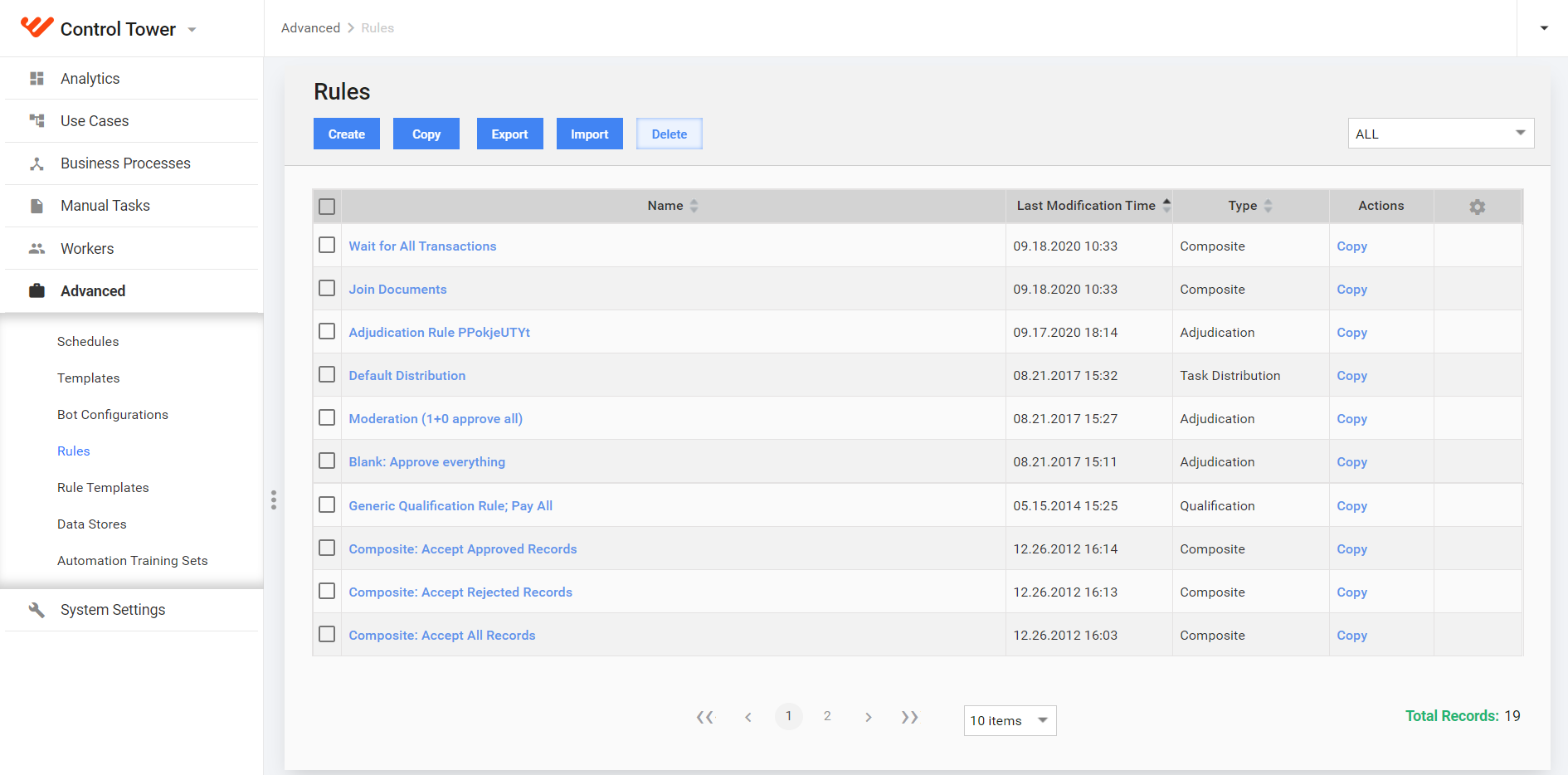
Select the rule you created. Name the rule so that you can reuse it for other questions.
Set up the majority values and max assignments limits, depending on the operation you have.
Save the rule.
Select your Manual Task, go to Run > Advanced Options. Select the rule you created, set up Min and Max # of Assignments, and click OK.
Run the task.