View Manual Task analytics
The Analytics page for Manual Tasks (MT) displays the analytics based on qualitative and quantitative MT data. The data are based on completed worker tasks and are recalculated over time.
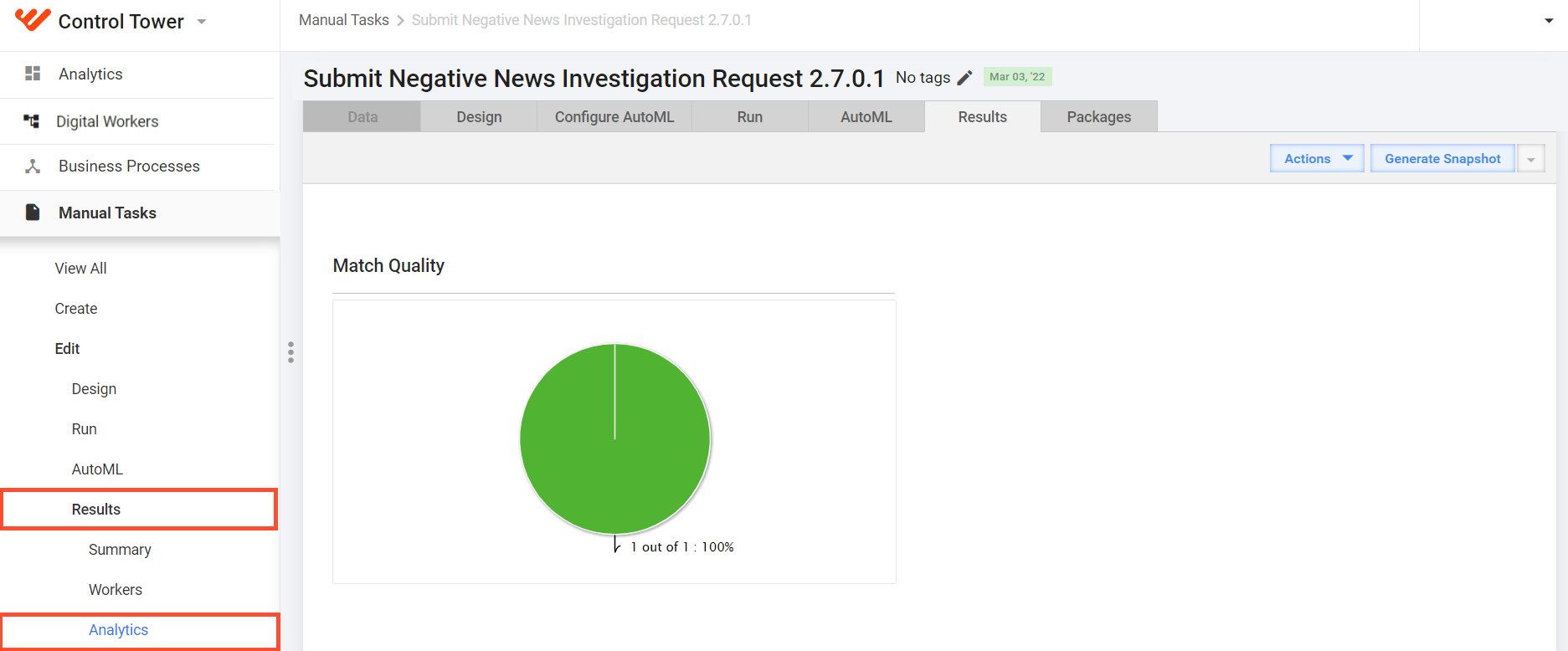
To access the Analytics page for a particular MT, select the MT in the list and, in the menu on the right, navigate to Results > Analytics.
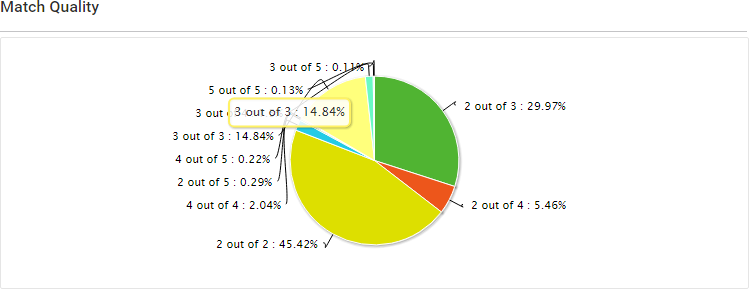
Match Quality
The chart displays the confidence distribution against all Answers in Records.
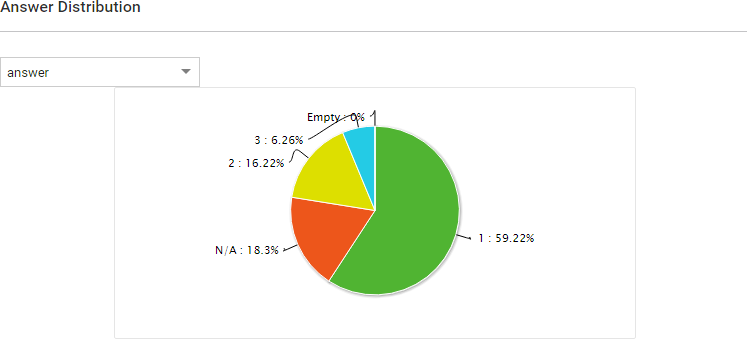
Answer Distribution
The chart is available for multi-value Answers.
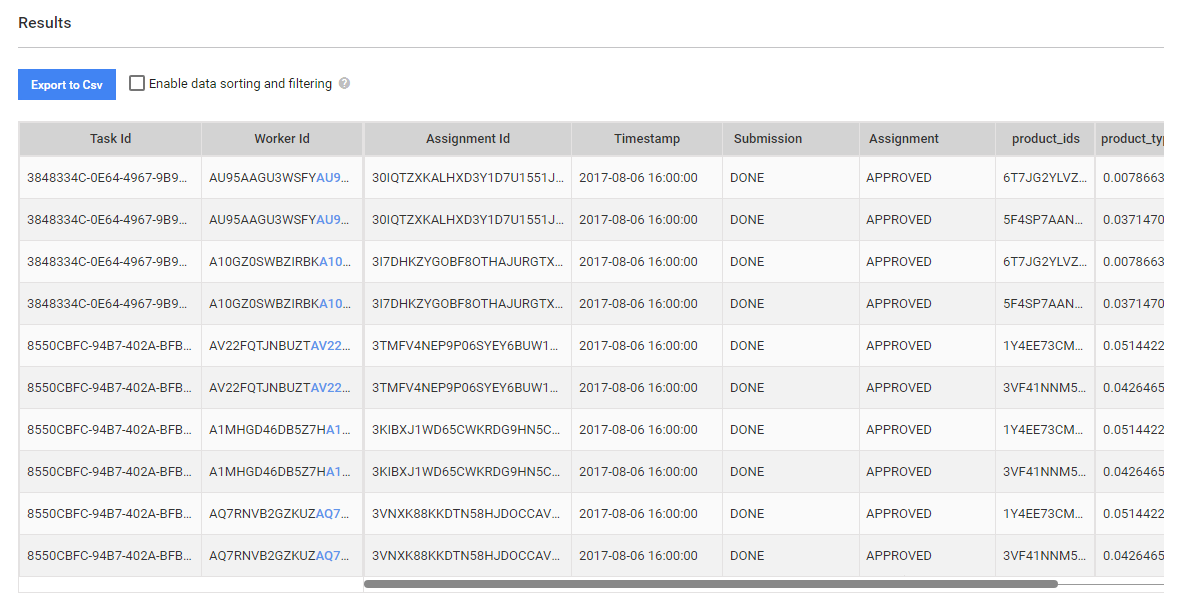
Results
The grid contains all submitted worker tasks with their data. You can click the Task ID or Worker ID and navigate to the respective worker task or worker.