
Sunbird 1.1.8
note
Available from November 17, 2017.
Sunbird 1.1.8 offers a new set of actions to work with files and folders enabling capabilities to read content of a folder, delete files and folders, read/write content from/to files.
In addition the releases fixes the issues with Clipboard, Mouse click capturing, Switch to window action reported for the previous versions of RPA Express.
New Features and Improvements
No more Malware warnings.
As JNativehook has been removed from RPA Express, most of the antiviral software do not recognize any threats, so you can install and use RPA Express without disabling your antiviral software.
Files and Folders
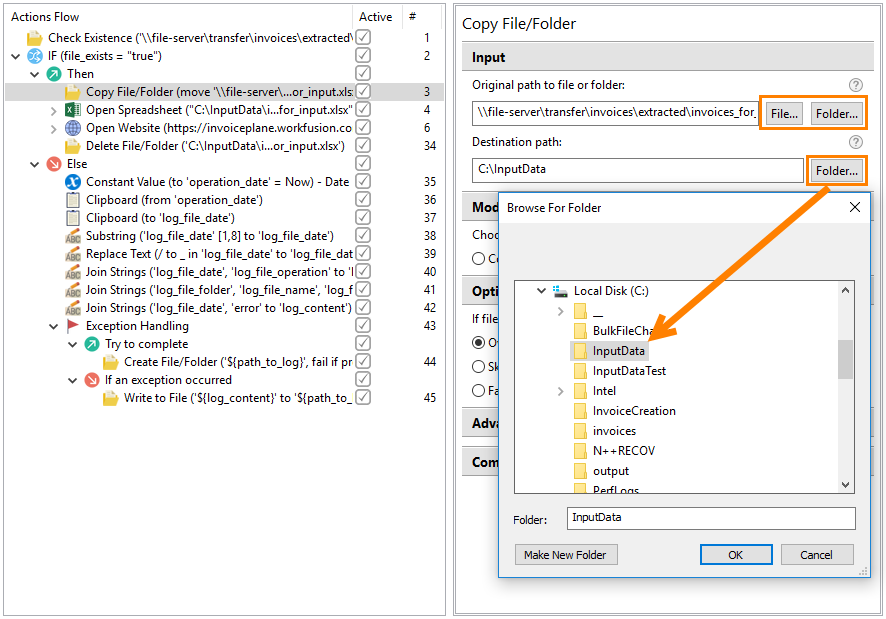
Buttons to select files and/or folders on your local drives have been added to all actions.
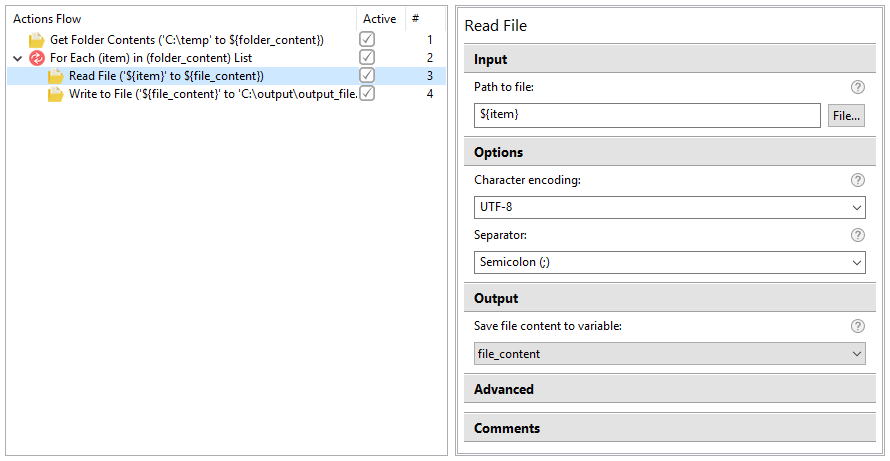
Read File
This action is intended to read content from a selected file. The files to be used in the action should have the Text type (for example, TXT, CSV, HTML, XML, JS, etc.).
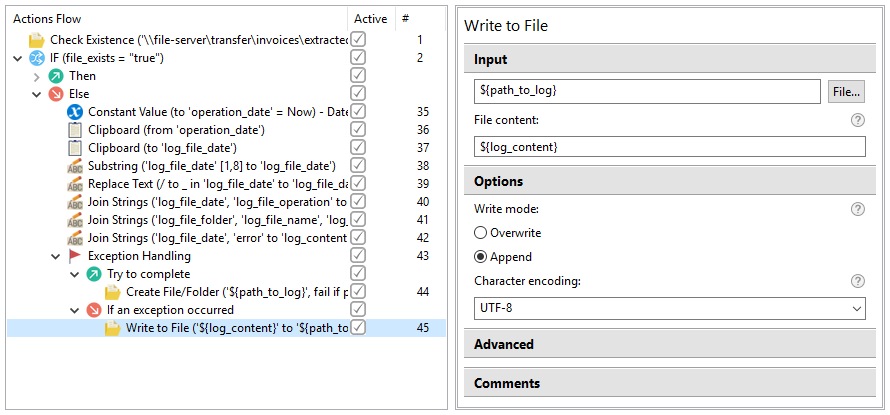
Write to File
This action is intended to write text content to a selected file. The files to be used in the action should have the Text type (for example, TXT, CSV, HTML, XML, JS, etc.).
You can add the content to the file either from the input field directly or using a Recorder variable (all types are supported) and define the encoding to enable the use of special or language-specific characters in the content.
This action is more reliable, than using Clipboard, as it is not interfered by other actions.
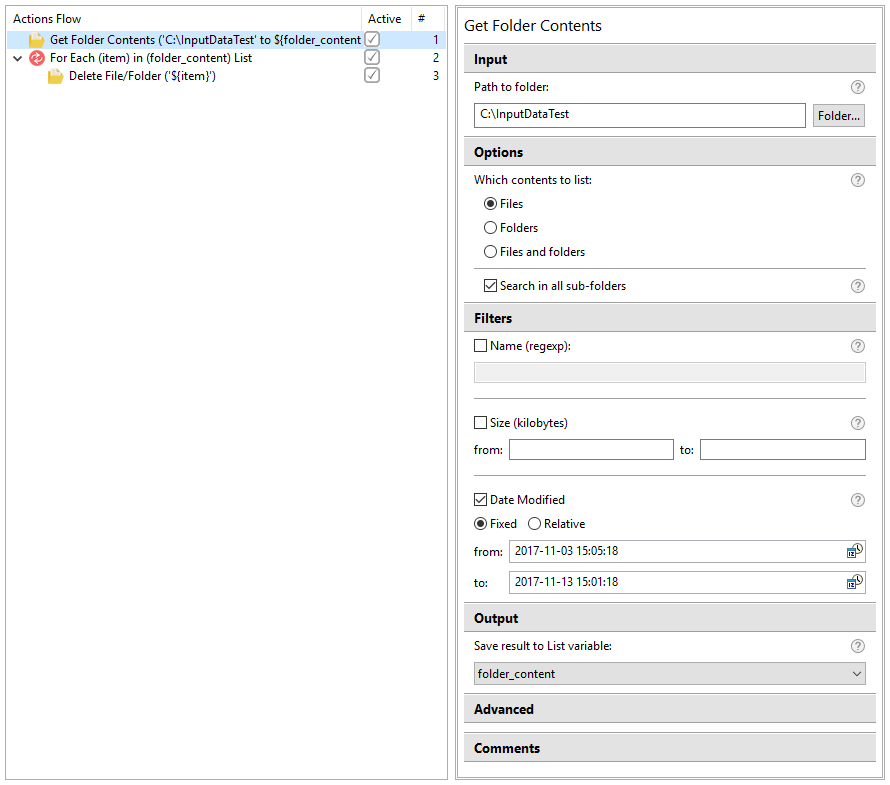
Get Folder Contents
This action reads a content of a defined folder including files, sub-folders or both and saves the results (full paths to the items) to a Recorder variable (List).
Delete File or Folder
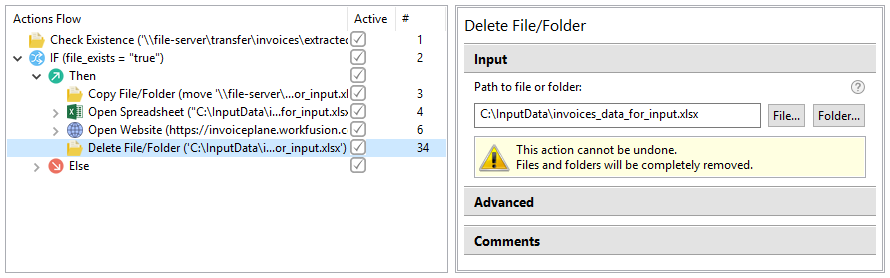
This action is intended to delete a file or a folder with entire content.
Variables in Enter Keystrokes
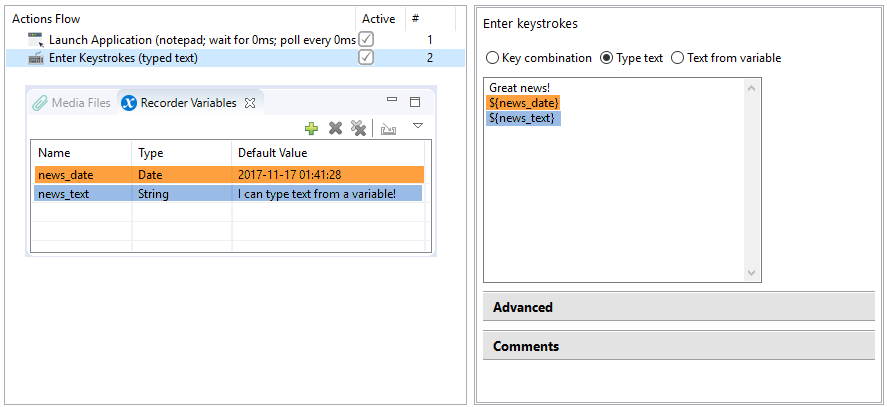
You can use Recorder variables in the Enter Keystroke action with the Type text option.
Bug fixes
Recorder
- [Clipboard]: Copy to clipboard from a variable fails, if the variable contains ", /, \ or any other special symbols.
- [Clipboard]: Copy from Clipboard to a String variable fails during playback in case of multi-line text.
- [Mouse clicks]: Middle mouse click is not recognized during recording.
- [Switch to window]: Switch to window action fails to move focus on Microsoft Edge.
- [Recorder]: Recorder is not able to minimize an application window.
- [Recorder]: Recorder cannot record drag'n'drop between windows correctly.
- [Recorder]: Sometimes Recorder fails to capture Win+R.
Known issues
WorkSpace
- WorkSpace sometimes is not accessible upon re-installing RPA Express due to incorrect uninstall of the previous version. The solution is to uninstall RPA Express and delete the RPA Express working folder manually, if it has not been completely removed.
Control Tower
- After re-installing RPA Express, the Publish To Control Tower option does not work for the recordings that have been published already with the previous version. The workaround is as follows. First, use the Publish As new Business Process option to deploy such recordings to Control Tower. After that the Publish To Control Tower option will work correctly.
Excel actions
- Set Range fails when copying a large amount of data (currently, limitation is 65,535 characters).