ODF archetypes
Before you continue with ODF archetypes, see Software development life cycle in the Work.AI platform.
The most important accelerator on the Start the project step is leveraging AI Agent blueprints wrapped as Maven archetypes.
In Eclipse, you can create a project in several ways:
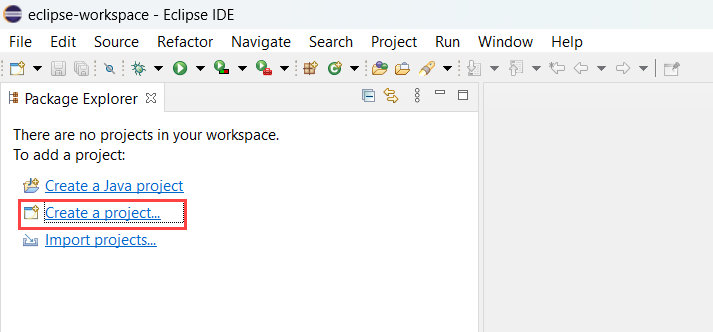
If there are no projects in your workspace, select the Create a project... option in Package Explorer.
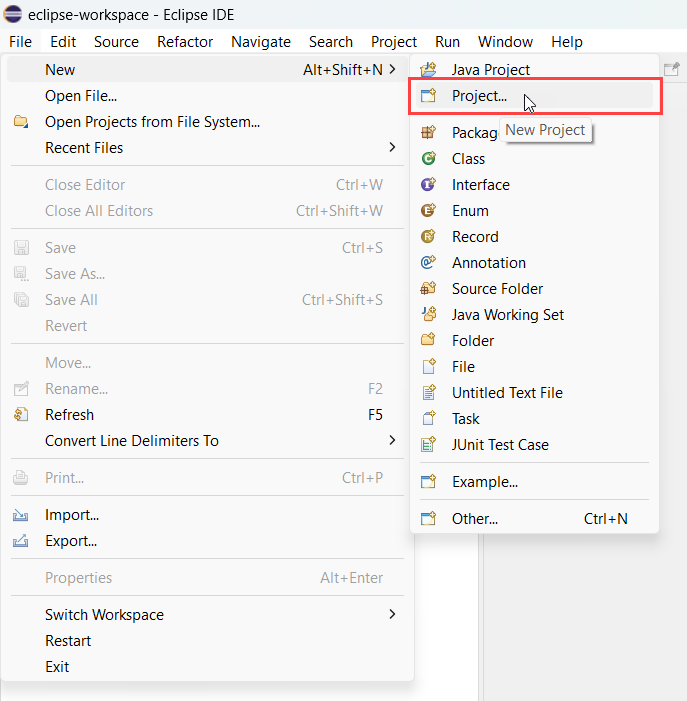
In the Eclipse menu, select File > New > Project....
Right-click the Package Explorer pane and select New > Project....
In the window that follows, perform the following actions:
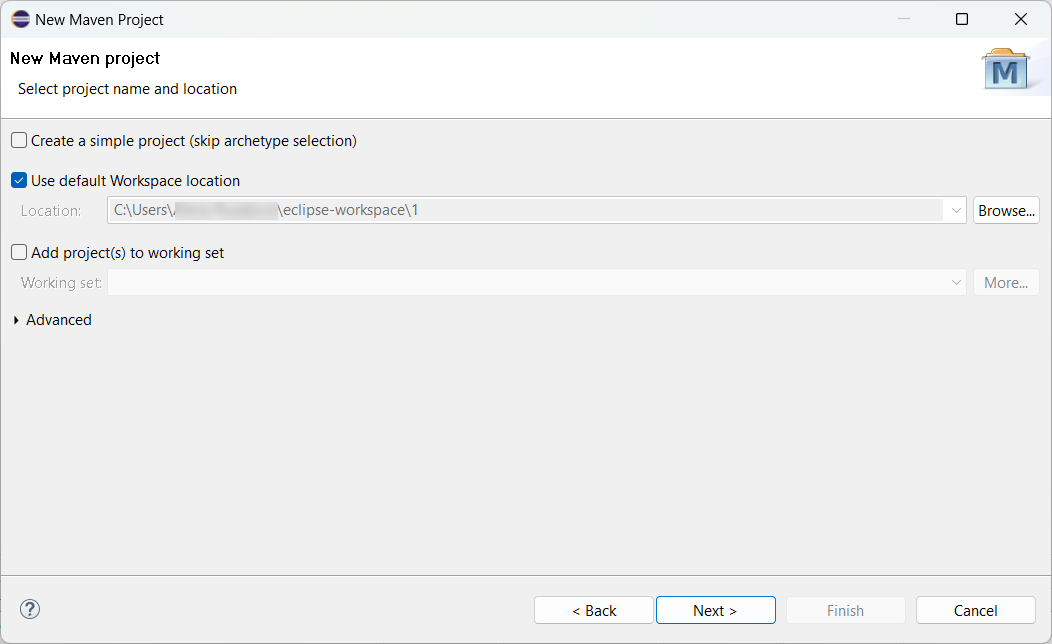
Select Maven > Maven Project > Next and choose between creating a simple project or using the default workspace location. Click Next.
In the Catalog drop-down menu, select the standard public repository with WorkFusion Maven archetypes (https://repository.workfusion.com).
Uncheck Show the last version of Archetype only to see all archetype versions.
Select the correct archetype and click Next.
View archetype options
| minimal-bundle-quickstart | Generates a project with Package module only (for Asset Bundle migration API) |
|---|---|
| rpa-bundle-quickstart | Generates a project with two modules: BCB module for Java classes (for example, Intake, RPA, Utils) and Bot Tasks Package module (for Asset Bundle migration API) |
Each archetype contains one or several Maven modules. Each module has its own POM file with the artifact name, versions, and dependencies.
Select type 1 or 2 if your project contains Machine Learning models of an appropriate type (Classification or Information Extraction). Then, three modules are created:
- A BCB module for Java classes
- Machine Learning models
- A Package module for the Asset Bundle where static and dynamic resources are packed
When referring to dynamic resources, keep in mind that when you add code in the BCB module, the Package module also contains it. You don't need to copy the JAR file manually.
Use type 1 to quickly create an Asset Bundle as a zip file. It contains the resource structure only.
Use type 2 to create an RPA project. It contains both the project catalog structure and Bot Task examples, including the InvoicePlane web application example made with the recommended PageObject design.
Prior to version 10.2.5 ODF provided archetypes with Machine Learning modules. Starting from v.10.2.5 you can use ML archetypes described here instead.
Choose archetype version
Consider an archetype version while creating a project. An automation is created to be ultimately deployed to server environments (DEV > UAT > PROD).
For example, you have the WorkFusion platform v10.2.0 on the server. To find out which archetype version to choose, use the compatibility matrix that contains the latest and recommended archetype version per each platform version.
If you create a pure RPA automation, select rpa-bundle-quickstart v10.2.0.27. Thus, the general rule is to choose a version based on the three digits (10.2.0) with the largest last digit (27).