Recognize tables and detect text
OCR supports two ABBYY versions:
- FREngine 11: the API path is
/api/v1/... - FREngine 12: the API path is
/api/v2/...
To recognize tables and detect text in images, add the DetectTextOnImage and AggressiveTableDetection request parameters to the /processDocument and, for v2, /processImage API endpoints. These parameters are set to false by default. To enable them, set the value to true. For details on the OCR API, see the guide.
AggressiveTableDetection
The setting turns on aggressive table detection allowing to recognize as many tables as possible, including tables without borders. It is recommended for documents that contain a lot of tables only.
Source document
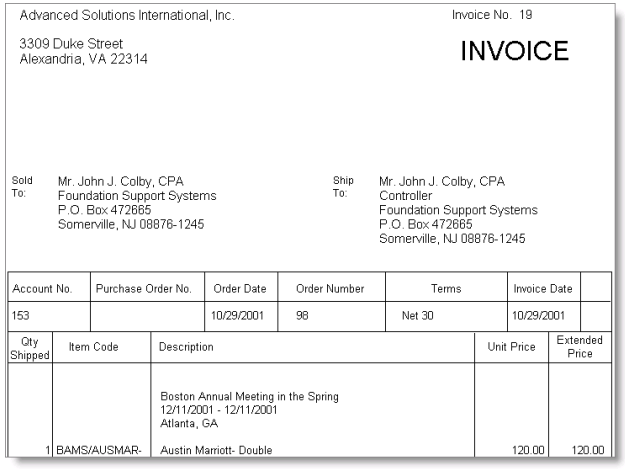
Recognition with v1
Tables are not recognized.
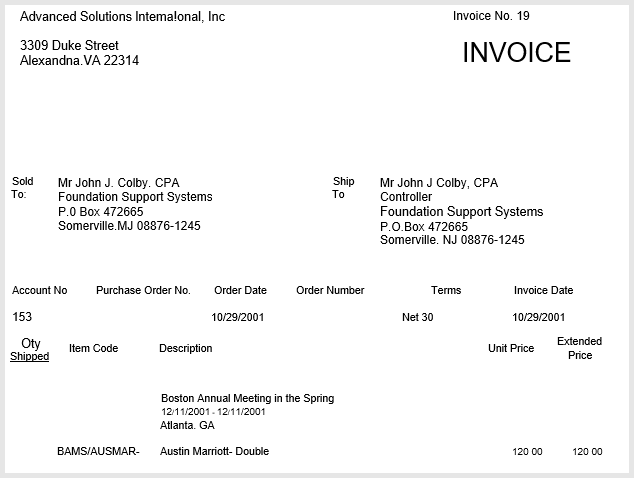
Recognition with v2
Tables are recognized.
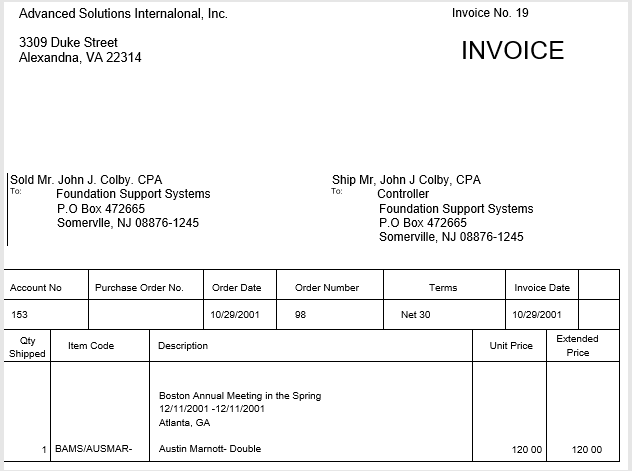
DetectTextOnImage
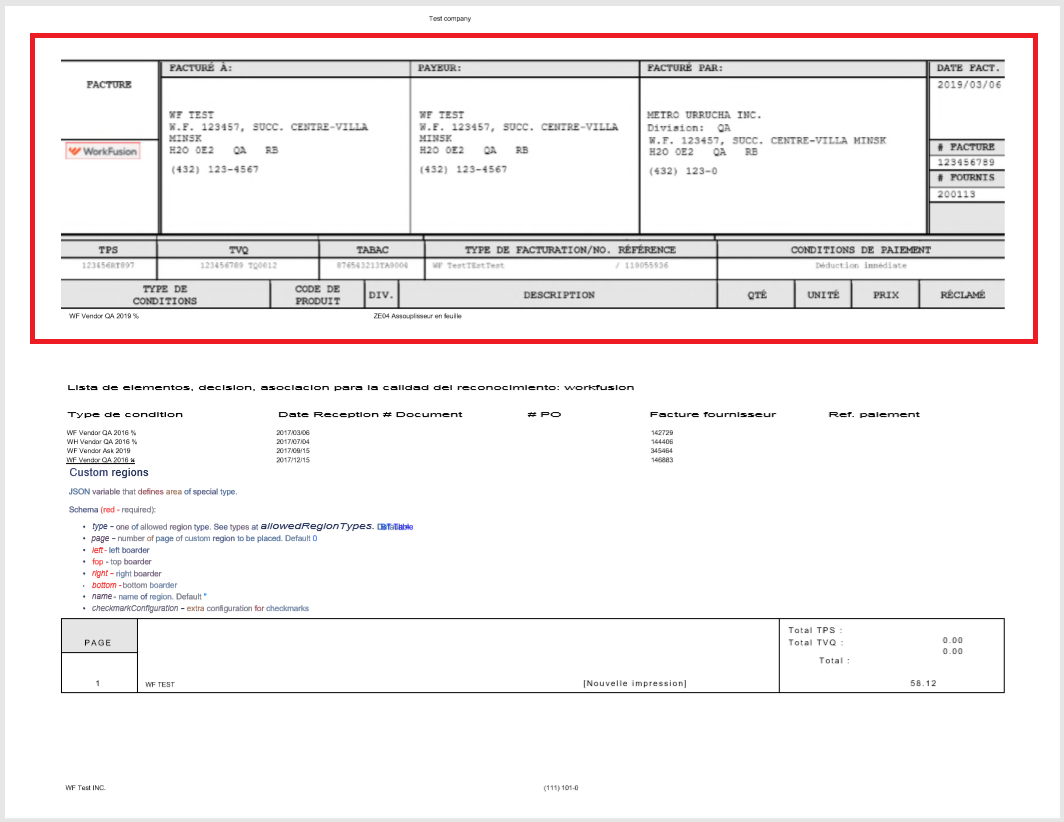
The setting turns on a capability to aggressively detect text on images.
Source document
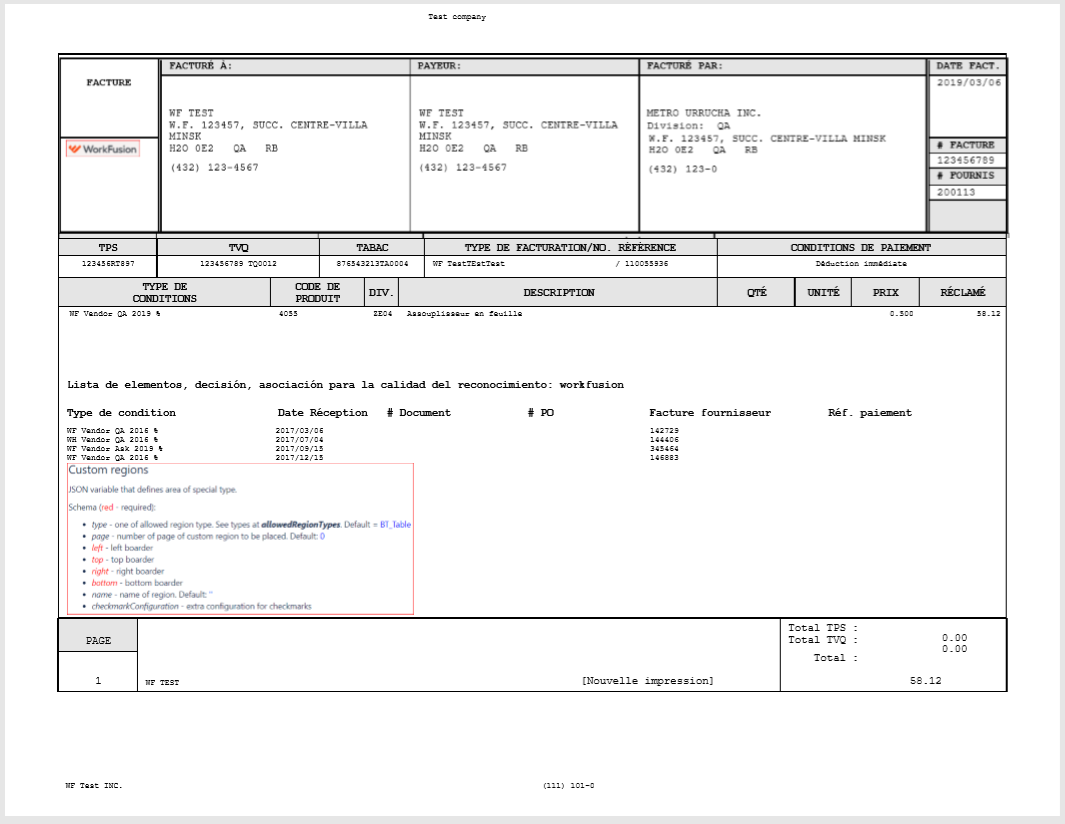
Recognition with v1
The selected region is recognized as an image.
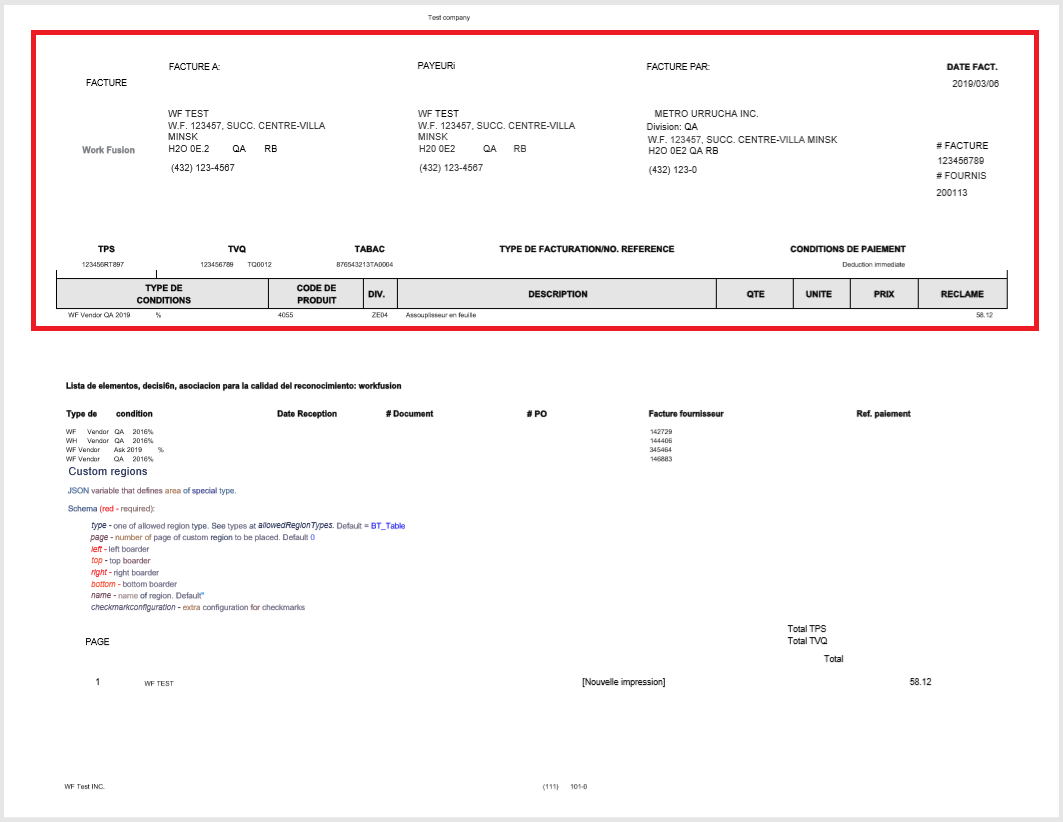
Recognition with v2
The selected region is recognized as text.
For troubleshooting tips, refer to the following support guides: