Set up Balance and Financial Accounts
Getting paid
You can earn money in WorkSpace by performing the following actions:
Enter your PayPal email in your User Profile. You will receive an email with your Balance Threshold.
Start searching and submitting Tasks and Qualification Tasks.
The submitted Tasks will be reviewed and approved or rejected. You will receive notifications in your Messages and on your Dashboard.
Only approved Tasks are paid. You can check your statistics and earnings on your Dashboard.
Each time your total earnings exceed the Balance Threshold, you will receive payments to your PayPal account.
Balance
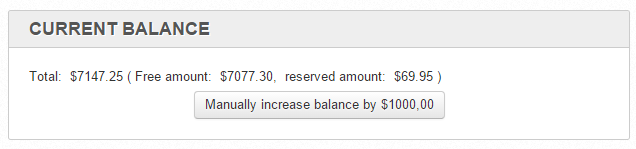
On the Balance page, you can:
Review the virtual balance.
Manually increase the virtual balance for internal Workers.
Financial Accounts
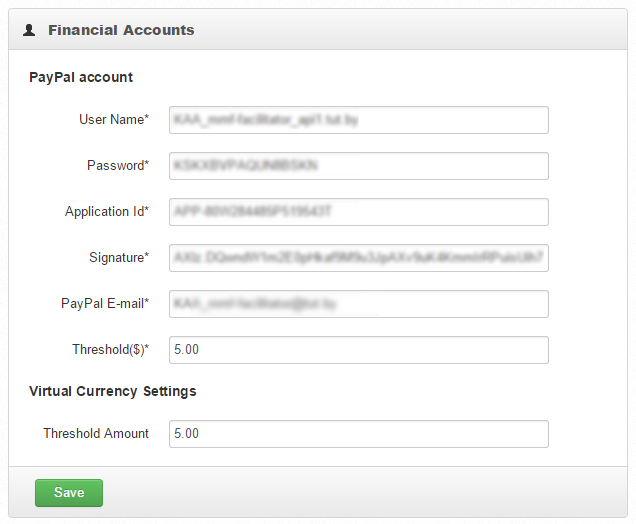
On the Financial Accounts page, you can view and edit:
- Paypal Credentials. See how to get the credentials here.
- Threshold for PayPal and Virtual Currency.
A Payment is created when a Worker gets approved Assignments with sum of rewards greater than the Threshold.
By editing the Threshold you can control, how often the Worker will get payments.