
Post installation procedures
Post-installation checks
This step will not change anything in the system. The tasks to be performed are:
- Check status of running services;
- Check TCP/HTTP endpoints for valid responses.
./install.sh check server_role
The output of this step is displayed on-screen in a special user-friendly format:
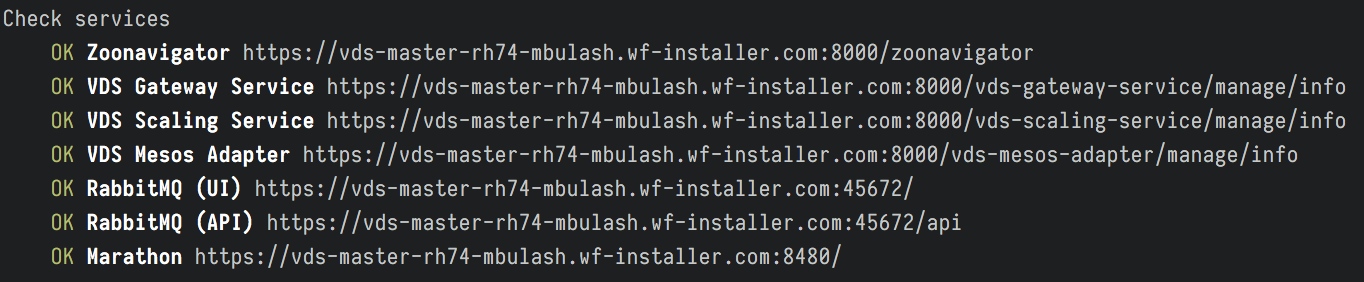
The output is produced by the Check step (fragment).
Post-installation health checks
Once the installation is complete, you should run health checks WorkFusion Platform with Business Process (BP) and Manual Task:
- To check WorkFusion S3, OCR and RPA, run health checks.
- To check ML (VDS), see the Cognitive Process Runbook. Use Classification model to perform a quick check.
Post-installation configurations and procedures
OCR License Activation
Activate the OCR license on OCR Server as described in the OCR license topic.
RPA Server
Configure RPA Manager on APP Server as described in APP Server post-install procedures.
VDS Server
If necessary, update models and install ML SDK as described in VDS Server post-install procedures.
Importing certificates
A browser cannot work properly with web pages over HTTPS without importing self-signed certificates. Use the instruction from Import Root or Intermediate CA to Store to import the certificates.