
Run manual task and view results
When you have uploaded the Data, completed the Task Design, and set the Run options, perform the following actions.
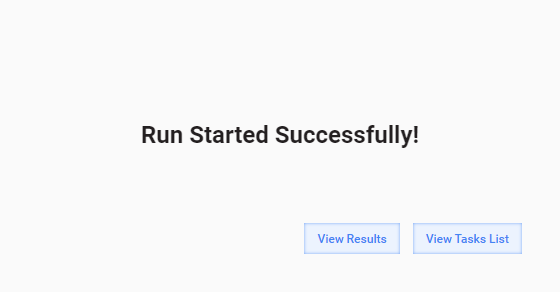
- Run the Task by clicking the Run This Task button on the Task Run tab. If the Task has started successfully, the following screen appears.
- Log in WorkSpace, search the Task by name or keywords, and try to complete several Tasks.
- Go back to the WorkFusion platform and edit the Task options, Design, or Data if needed.
- Copy the Task with Data. You can optionally stop or delete the original Task if you do not need it.
- Run the Task by checking the appropriate checkbox above the Run This Task button.
Videos ▶