Activate Business Edition
Here, you will find how to activate Intelligent Automation Cloud Business (or Business Edition).
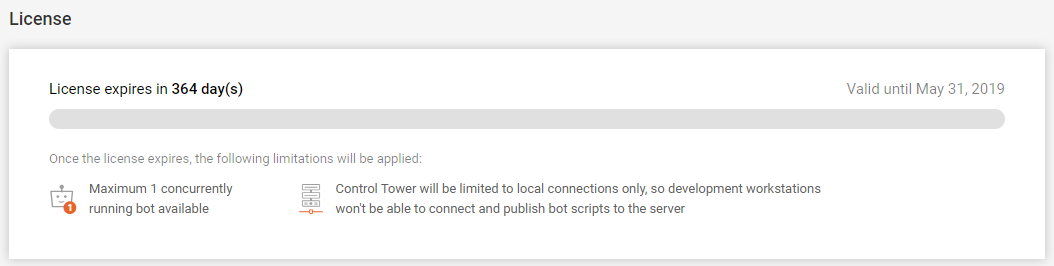
The warning message on license expiry appears 15 days before the actual license expiration date. It can be found next to the server on the Components tab on hovering.
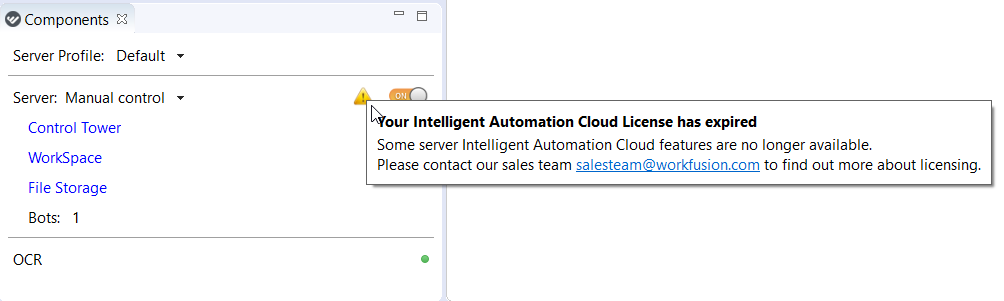
When your Business Edition expires, you can see the warning message both on the Components tab and on entering Control Tower.
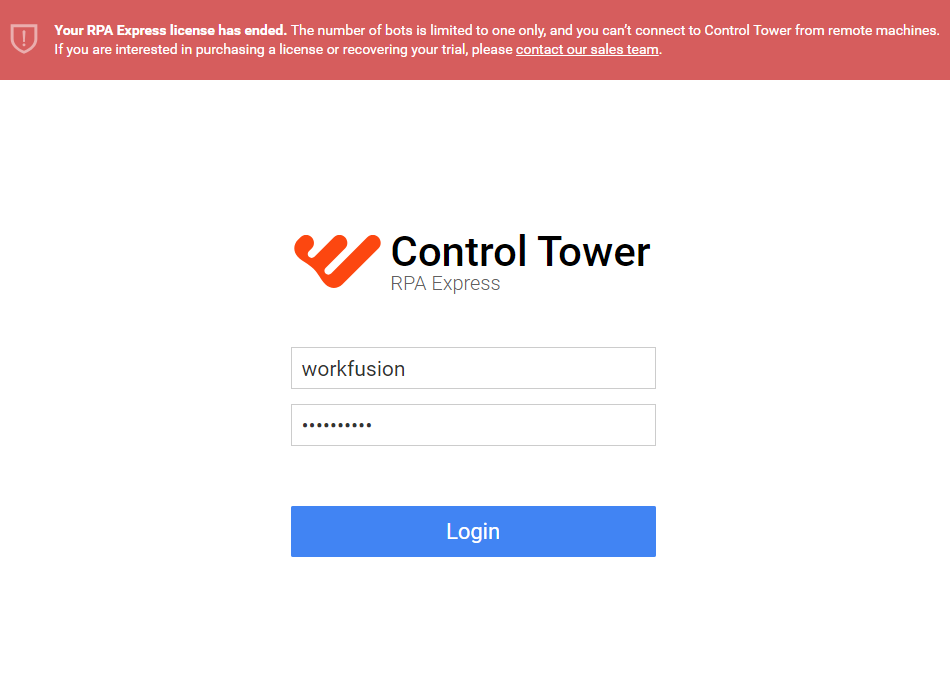
To get a new license, contact our sales team.
caution
Mind that the email for a license should be THE SAME EMAIL you specified when registering for Intelligent Automation Cloud Express, if you downloaded Express Edition first.
You will obtain your activation code once all purchase procedures are complete. When you receive your activation code for Intelligent Automation Cloud Business, do as follows.
Log in to Control Tower and go to Profile settings > License.
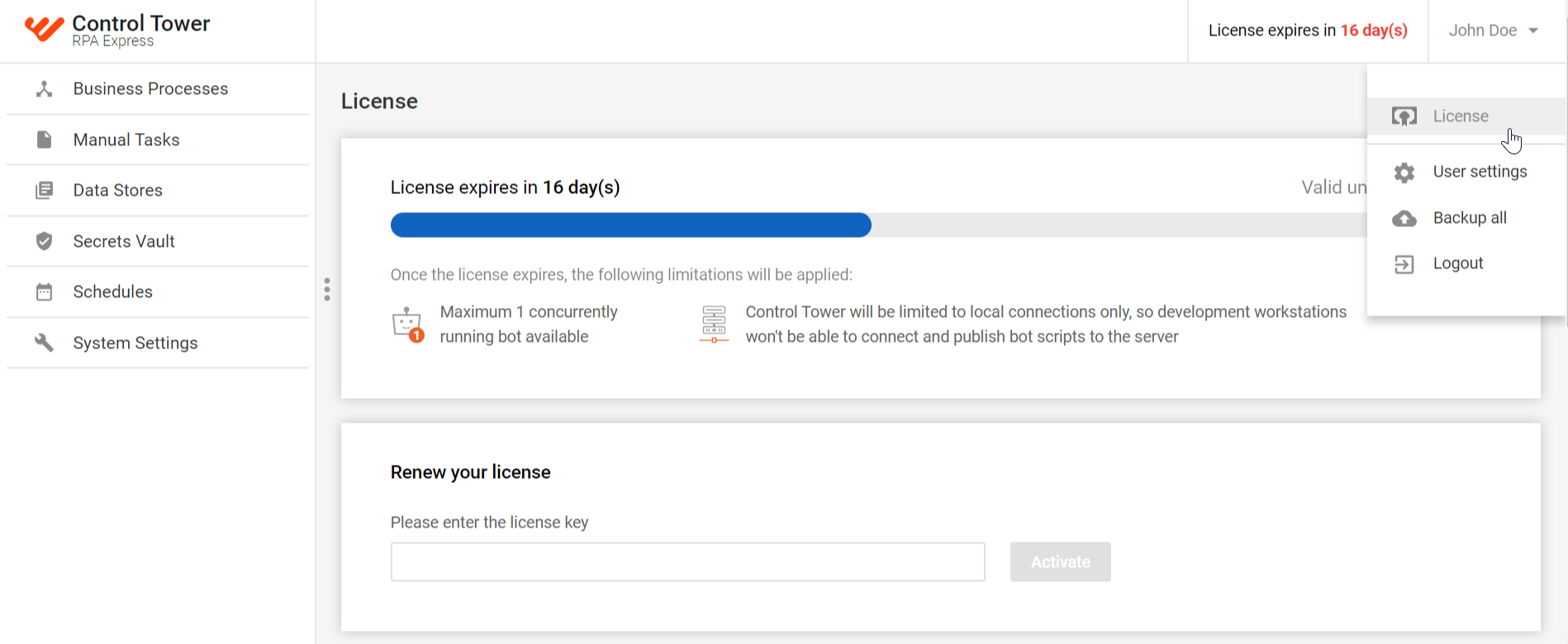
Paste your license code (which is only the string of characters, do not include '
license=') in the license key field and click Activate.

warning
Note that the license key on the screenshot above is a fake registration key and is used for presentation purposes only!
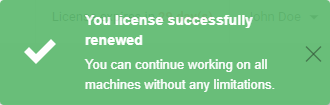
If the key entered is correct, the following window emerges confirming that the activation is successful.
See your license details in the License section.