
Update
caution
From time to time, updates may cause compatibility issues that are listed in Release notes. Before updating, review release notes for the version you are going to update to.
tip
Also, see Update best practice.
Preconditions
Before updating, make sure that:
- You have closed the application.
- You have enough free disk space according to System requirements.
- There are no running business processes during the update.
note
While updating, you are able to retain all of your previous settings including setup for the Windows users created during installation.
Update procedure
- Run the IntelligentAutomationCloudInstaller.exe installer file.
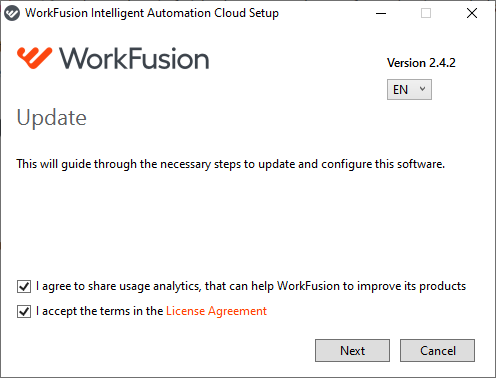
- Read and accept the License Agreement and click Next.
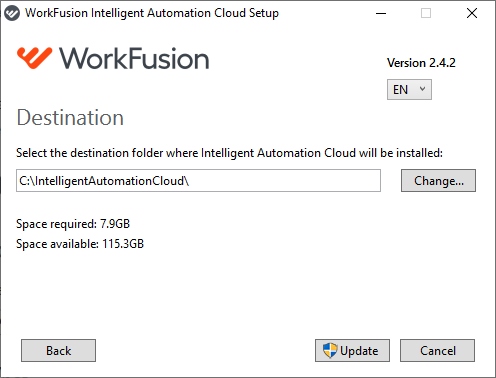
- Select the destination folder and press Update.
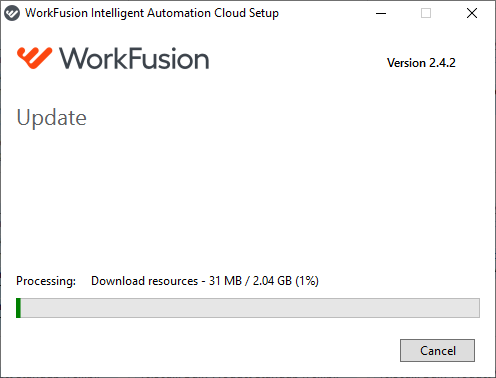
- If User Access Control is enabled on your machine, click Yes to accept the security prompts. The installer starts updating.
- On completing the update, click Finish. You can check Launch Intelligent Automation Cloud to start the program as soon as you exit the update mode.
important
After the update is finished, all the existing business processes and schedules in Control Tower are available in the new version.