OCR server upgrade from 8.2.x to 8.5.x+
The guide is valid for upgrade of OCR server version lower than 8.5.X to higher than 8.5.X+.
License
The actions below should be repeated for all activated licenses for all OCR servers.
Run License Manager using any user:
export LD_LIBRARY_PATH=$LD_LIBRARY_PATH:<INSTALL_DIR>/apps/ABBYY/FREngine11/Bin
<INSTALL_DIR>/apps/ABBYY/FREngine11/Bin/LicenseManager.Console
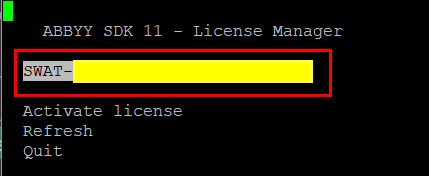
License serial number and other license parameters can differ from samples. Select the activated license:
Open the license parameters:
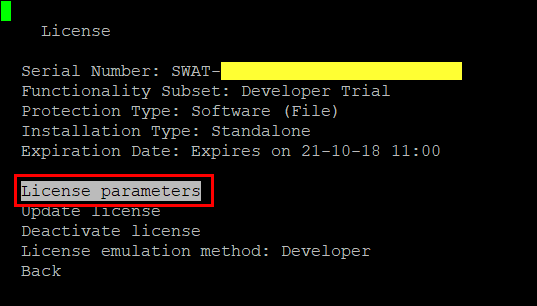
Make a screenshot of first page. Ensure that line with Volume > Regular Text > Remains is visible.
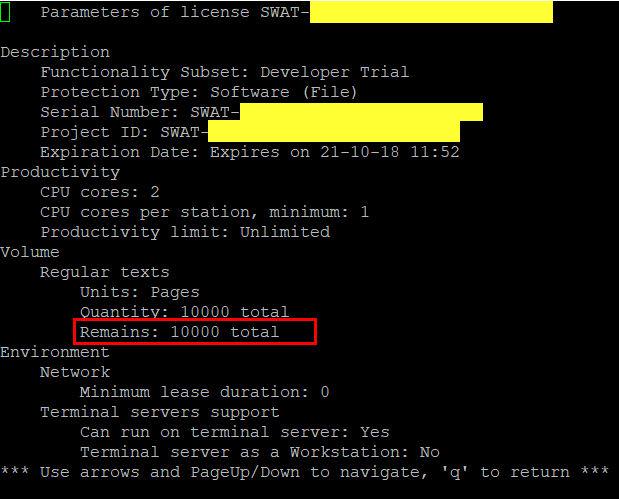
Request and activate license using the Activating OCR license guide. Attach all license screenshots if remaining is greater than 0.
API
Pattern usage
Changes below are required in case custom pattern is used in BP.
Replace the
patternNameparameter with thepatternparameter that is passed by content, not a filename.Affected endpoints:
/processImage/submitPattern: added/trainPattern: renamed to mergePattern that is combined with a new one/processDocument: uses pattern submitted with/submitPattern
Use
useDefaultPattern=trueinstead ofpatternName=default.Affected endpoints:
/processImage/processDocument
OCR parameters
Collect all changed parameters of OCR service in YML files (the
/etcdirectory) comparing with standard listed in blocks below:ocr-rest.yml: standard OCR rest properties
db.cleanup.abbyy: input: 2000 output: 2000 record: 600 spring.profiles.active: disabled-auth,mongoDbQueue,gridfs-storage,mongo-task ocr.rest.timeout: 5 ocr.rest.retries: 2ocr-worker.yml: standard OCR worker properties
worker.executor.abbyy.pool.size:

spring.profiles.active: abbyy,mongoDbQueue,gridfs-storage
Update configuration YML files with collected parameter values on the previous step.
Files to review in case any customization exists:
ocr-rest.ymlocr-worker.yml
OCR GhostScript
A new version of GhostScript is available since 8.5.x SPA version.
Newer version of GhostScript has impact on document convertion to tiff and may change quality of OCR.
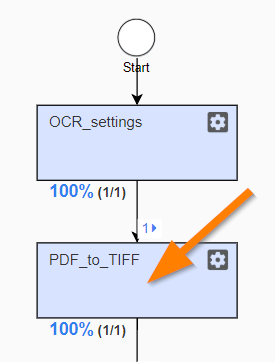
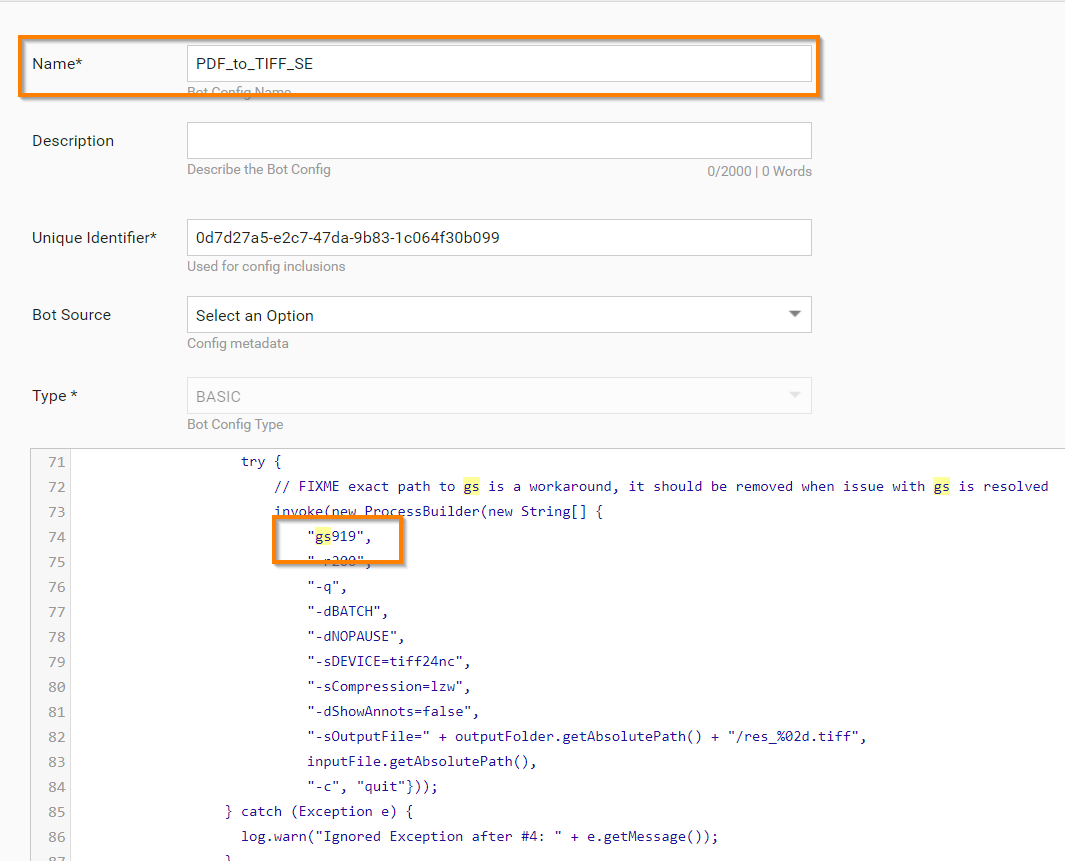
In case one of pre-processing steps uses GhostScript before OCR and quality is worse, there's need to downgrade version of GhostScript in Bot Task (PDF to Tiff convert) of Business Process:
"gs" is a new version, "gs919" is an old version.