
Select Use Case
Use Cases serve as the foundation for both Tasks and Bot Configurations. They describe the workflow of a particular Business Process and thus serve as a template to create either Manual or Bot Tasks based on that workflow.
For Manual Tasks, Use Cases simplify task creation by having predefined questions, answers, instructions, and sample input file and gold files.
For Bot Tasks, Use Cases simplify development by providing a baseline of the configuration code.
To select a Use Case, complete the following steps:
Select one of the categories and you will see all the Use Cases available in that category.
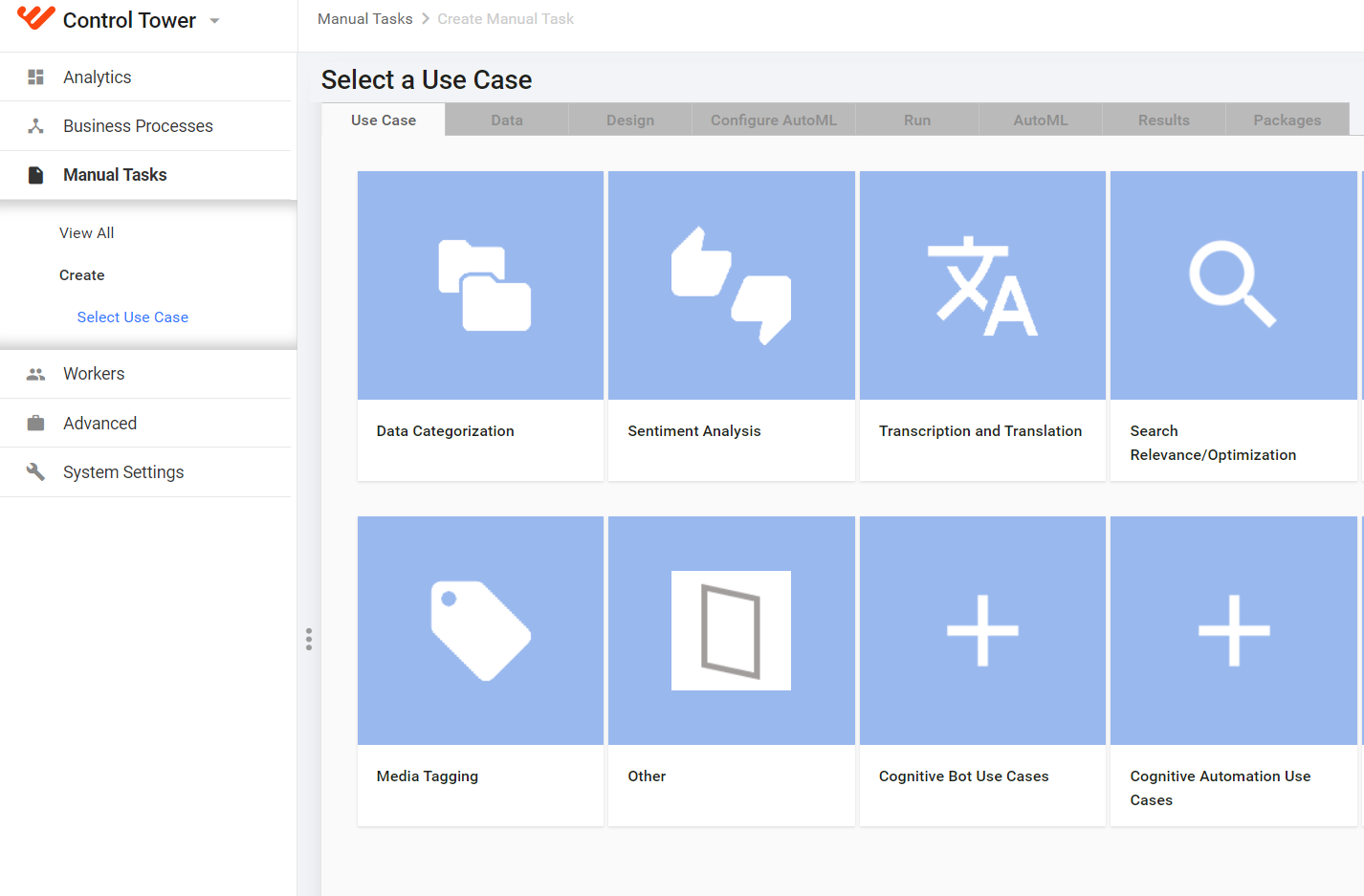
To create a Task from scratch, select Other > Blank.
Select a specific Use Case and click the Select This Use Case button in the bottom right corner.
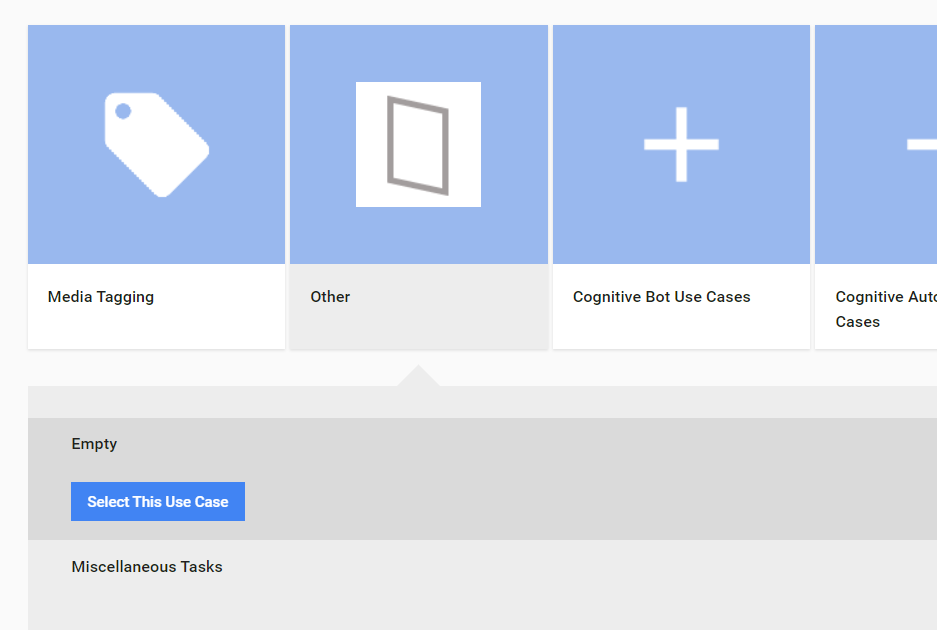
Use Cases have a preview image on the right side, if available.
caution
You will not be able to change the Use Case of the Task on the next steps. To do so, you should create a new Task (the current Task will not be saved).