
Changing Profile Settings
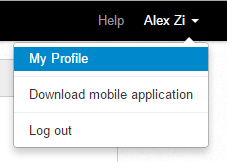
The user profile menu enables you to edit your profile information and log out.
To access your user profile, select My Profile from the user profile menu in the upper right corner.
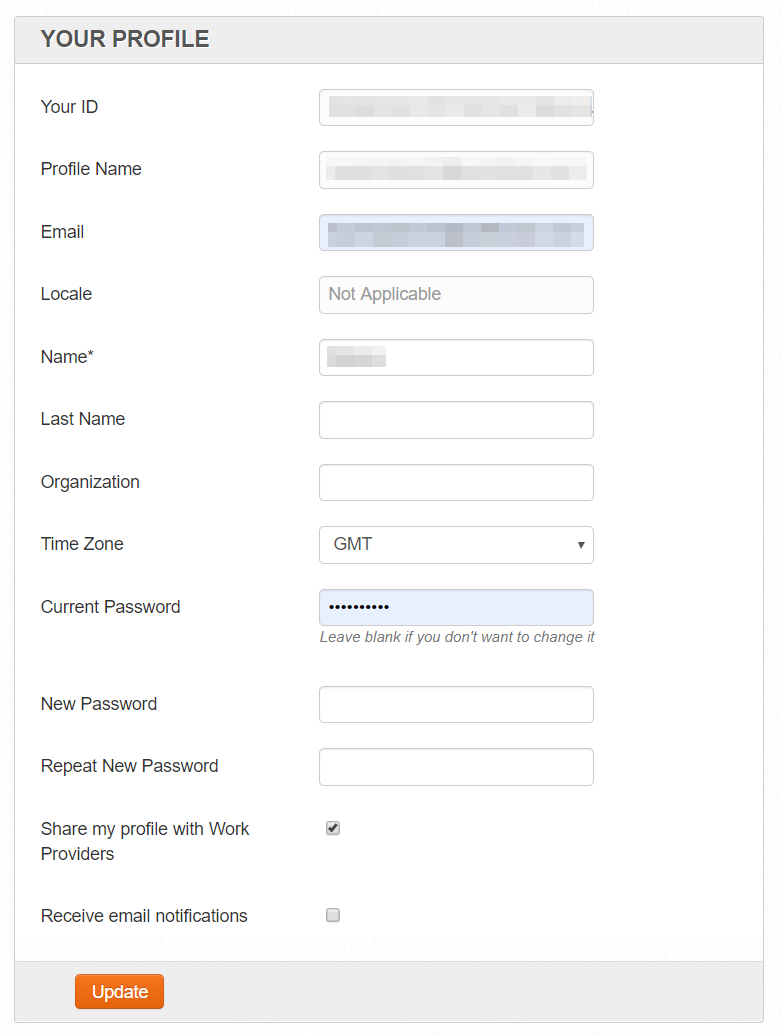
Your profile page contains both read-only and input fields.
- Read-only fields:
- Your ID
- Profile Name
- Input fields:
Email – the email address used for notifications and authorization
Locale
Name
Last Name
Organization
Time Zone
Passwords (Current, New Password, Repeat New Password)
To change your password, you must enter your current password together with a new one, and repeat the new password to confirm.
Receive email notifications
Setting Interface Language
WorkSpace automatically detects your browser's language and sets the application interface language from the following list:
- English (default)
- Russian
- Japanese