
ML settings in ZooNavigator
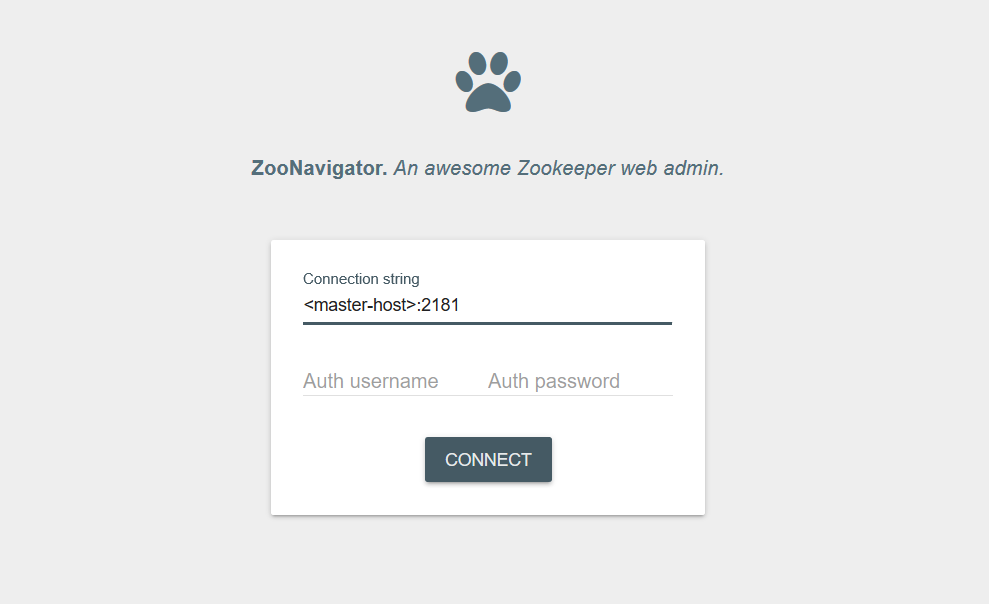
You can configure the settings via ZooNavigator (the web-based editor for ZooKeeper).
To open ZooNavigator UI in on-premise, use the following URL: http://<mlserver>:8000/zoonavigator/connect
The settings are divided into two groups:
- Mesos job limiting settings
- HPO limiting settings applied to an eval process for model with HPO
Edit settings
To edit settings:
Navigate to vds > default > eval > mesos or hpo.
Click a setting name. It should be visible in the full path on the top.
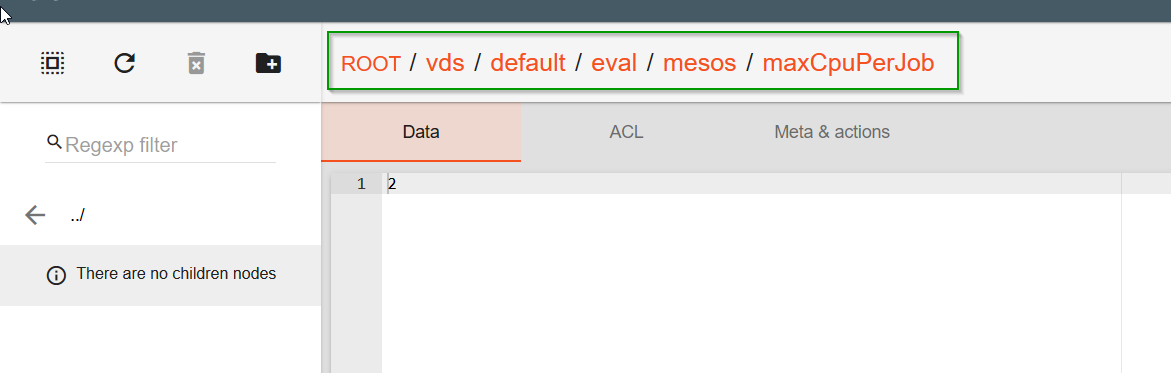
Edit the value and click Save. There is no need to restart the container as the settings are applied for all new jobs.
Add settings
To add a setting, do as follows:
Navigate to the folder where a setting should be added. For example, to add
/eval/mesos/maxPendingDeployments, navigate to vds > default > eval > themesosfolder.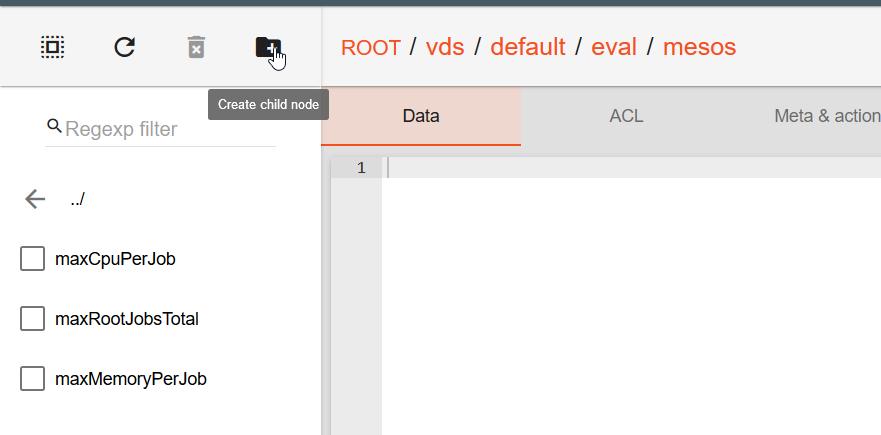
Click the Create child node icon.
Enter the setting name.
Click Created. The value appears in the list.
To add a value, click on a newly added setting and click Save. The changes are applied without restart.
Settings description
Mesos job limiting settings
| Name | Default Value | Description/example |
|---|---|---|
| /eval/mesos/maxPendingDeployments | Maximum pending job (i.e. pending deployments) that allow to submit new jobs. If pending jobs count exceed that limit then all new job submission will be postponed until pending jobs count will drop below limit. Used for cluster under high load. |
|
| /eval/mesos/maxRootJobsTotal | Root job limitation for evaluation. If reached, new job won't be started. Can be used for on-premise instances with the lack of resources. |
|
| /eval/mesos/maxRootJobsPerUser | Max root jobs limitation for a single user that starts evaluation. Used for shared cluster. |
|
| /eval/mesos/maxMemoryPerJob | Maximum memory allowed for a single job. | |
| /eval/mesos/maxCpuPerJob | Maximum CPU allowed for a single job. |
Logging: All notifications about the limits can be found in logs.
Examples:
2018-01-17 10:39:46.943 INFO c.w.vds.mesos.marathon.MarathonUtil 00038 (PE) Feature Extract Requested CPU 4.0, but limit is 2.0. Decrease.
Mind that the root (main) job limitations can be found in the mesos-adapter log only.
2018-01-19 09:41:04.901 [startEval/mQAxyL2OS6iZJPOYU6M4tw][] INFO 14411 --- [cTaskExecutor-9] c.w.v.s.mesos.service.MarathonService : Requested memory 30000.0, but limit is 16384.0. Descrease.
HPO limiting settings
| Name | Default Value | Description/example |
|---|---|---|
| /eval/hpo/experiment/limitByTotalJobs | Maximum user's running job that allow to submit new experiment job (not affected "leaf" jobs). If users's jobs count exceed that limit then all new experiment submission will be postponed until user's jobs count will drop below limit. All jobs are counted (main, hpo-main, and so on). |
|
| /eval/hpo/experiment/limitByUserJobs | Maximum user's running job that allow to submit new experiment job (not affected "leaf" jobs). If users's jobs count exceed that limit then all new experiment submission will be postponed until user's jobs count will drop below limit. | |
| /eval/hpo/model/maxParallelModels | Maximum number of parallel sub-models (HPO threads) running in single eval process per train. | |
| /eval/hpo/model/maxParallelExperiments | 8 | Maximum number of parallel experiments in single sub-model per train. |
| eval/hpo/model/timeLimit | 10h | Time limit per sub-model HPO. If added manually > time must be set in seconds, for example 10800 for 3h limit. |
| /eval/hpo/global/maxParallelExperiments | 128 | Maximum number of parallel HPO experiments for the whole cluster. |