
Business process run results
Workflow diagram
You can watch the BP progress and get real-time statistics using the BP scheme on Design tab in View Mode and on the Run tab.
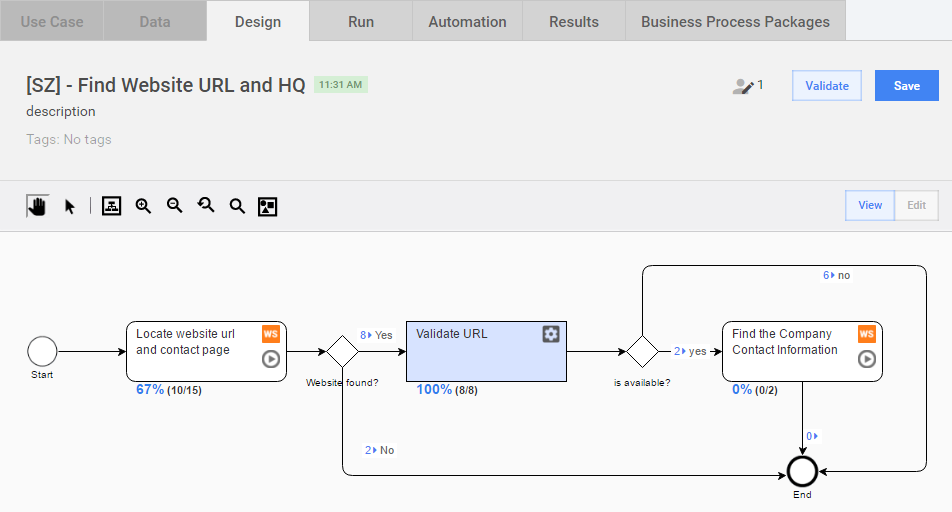
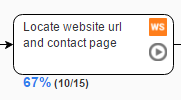
Each Task has an indicator with percent and number of Records handled in this Task. Example: 67% (10/15)**.
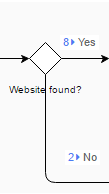
Each Rule Outcome has an indicator with number of Records that passed through a specific rule outcome based on conditions defined. Example: 8 → Yes and 2 → No.
These metrics are updated when new Records are submitted from different process steps by human workers or bots.
Summary
The Summary page gives a BP overview with key parameters and links. In the Choose Task drop-down, you can select an individual Task, Process, All BP Tasks, or Final Results.
- [M] - Bot Task
- [H] - Manual Task
- [P] - Process
Here you can view the Submission Statistics, Costs, and Worker Statistics for the whole process or for a selected step.
You can expand the BP Task Details by clicking the corresponding plus (+) icon or selecting a Task figure on the diagram.
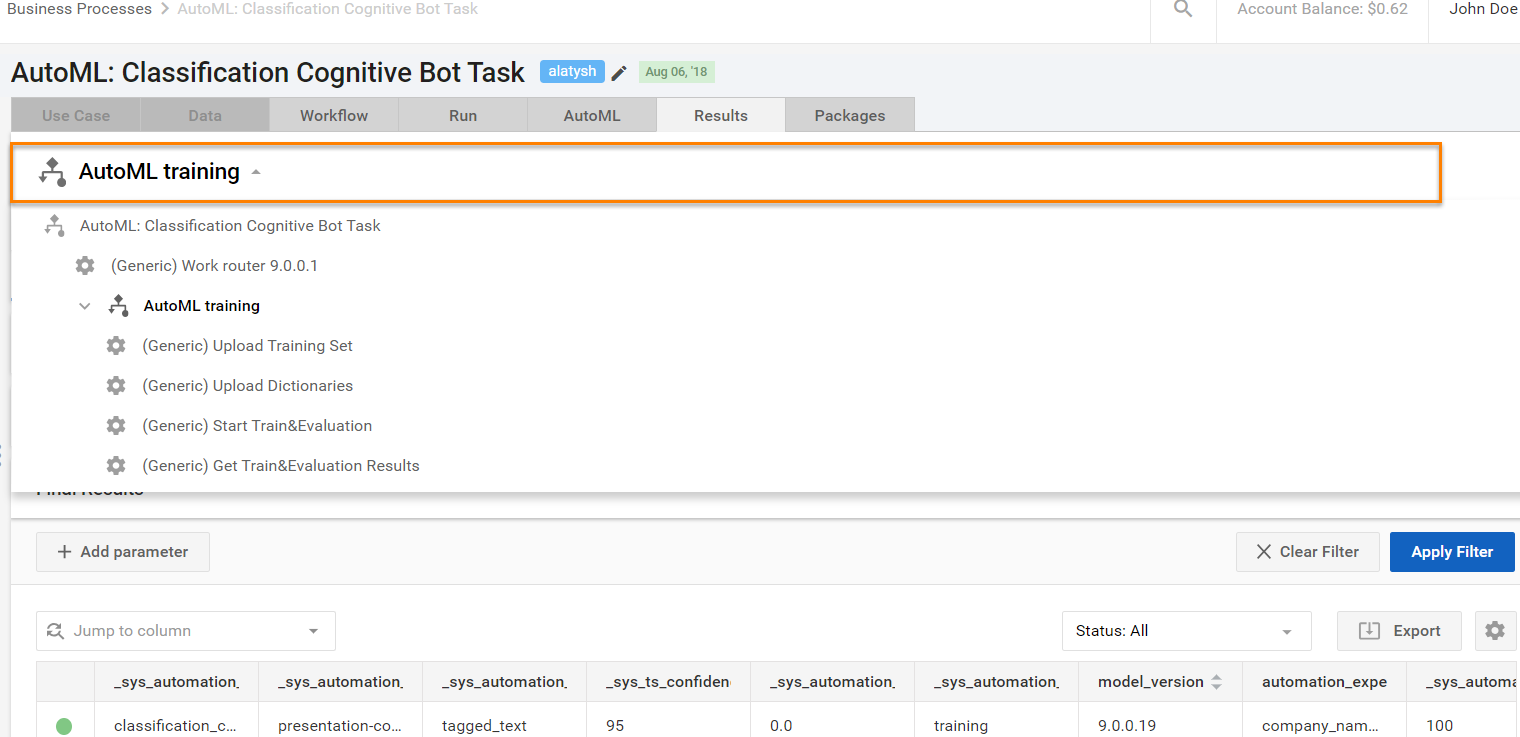
View results data
The View Results > Data page combines all the data gathered in the BP:
- Worker answers from Manual steps - example: "website_url"
- Data from Bot steps (provided in the export plugin) - example: "validity"
- Columns from the Input Data file - example: "company_name"
In the Choose Task drop-down, you can select an option to display Data for an individual Task, Process, All BP Tasks, or Final Results.
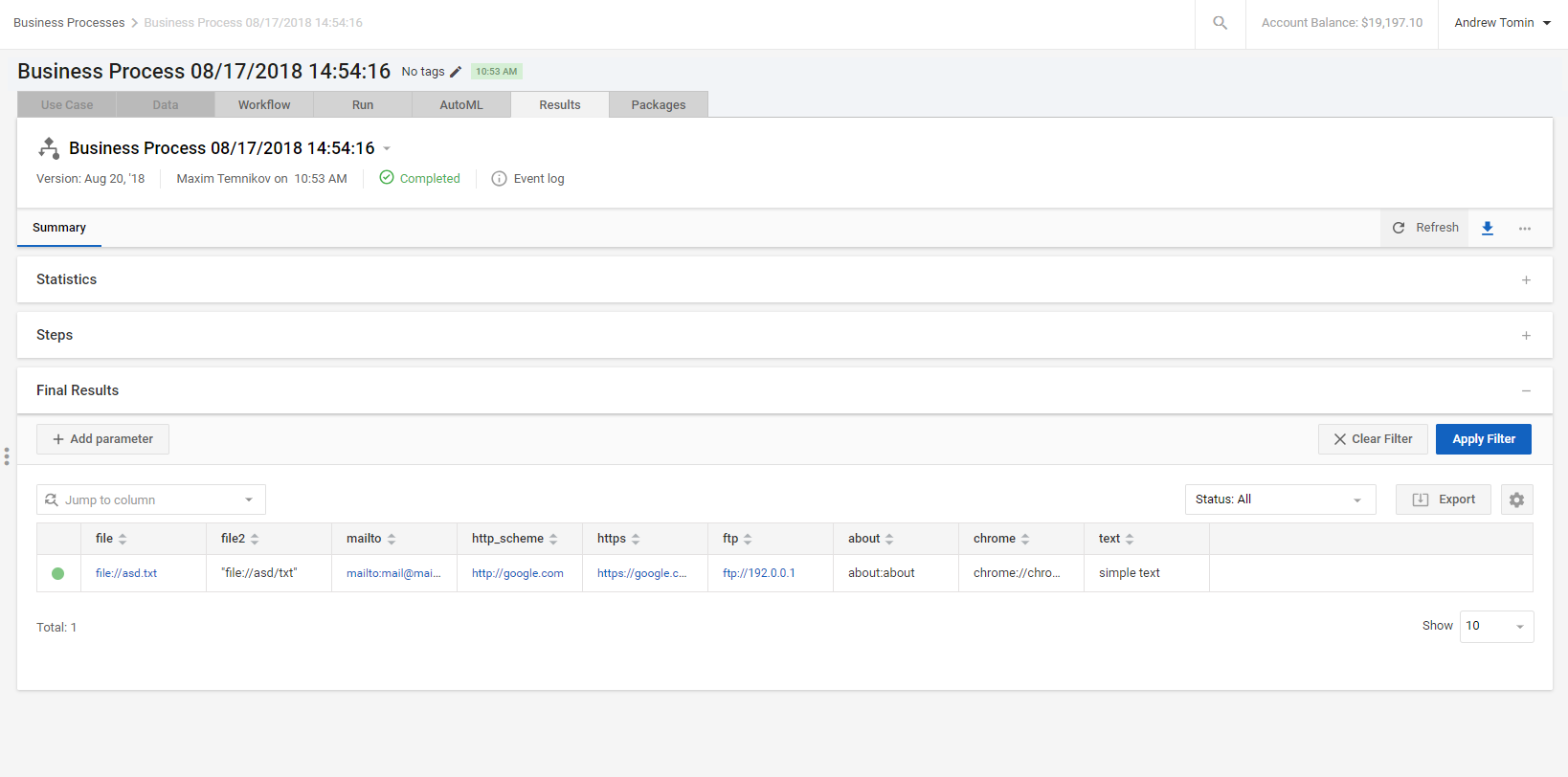
You can tweak the data view using the following filters:
- Record Status (In Progress, Not Started, Completed, Completed - Confidence Low)
- Process Step (any Manual or Bot step, or Final Results)
- Column name and value
- Worker ID
- Task ID
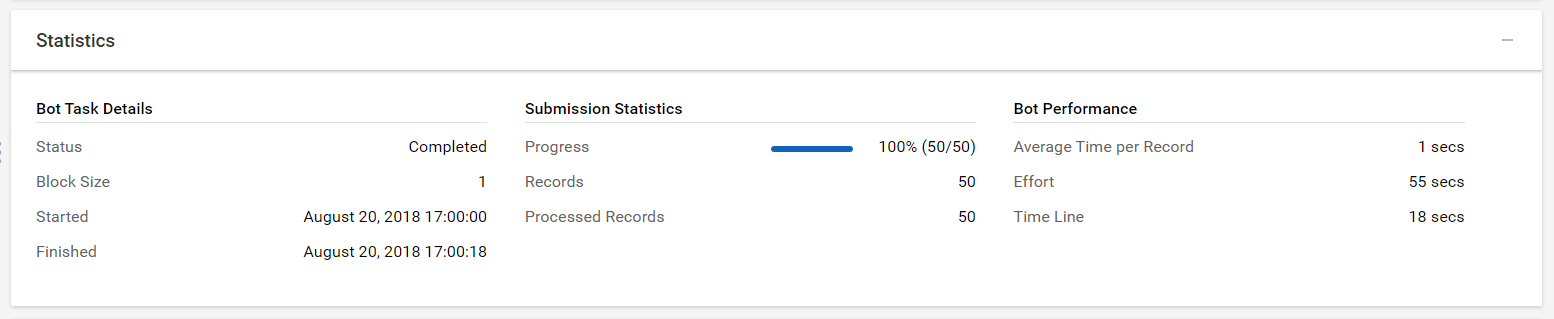
By clicking on the Statistics block, you may find basic statistics information about the Business Process instance.
Final results
The results can be exported to a CSV or Excel file and saved to your computer.
note
Some values may be empty (e.g., 1st and 2nd rows in the "validity" column). It happened because these records were not routed to the Bot step which automatically validates the website and adds "true" or "false" to the "validity" column. These records were routed directly to the process end after the 1st step, because their "website_url" was submitted as "n/a".