
SAP GUI supported controls
note
The SAP GUI desktop client internal structure is seen as any other Windows application. SAP GUI is automated using the Inspector tool, which is available in WorkFusion Studio.
In the table below, we collected SAP UI controls that a WorkFusion Bot can interact with and their typical selectors (here Object selectors).
Tool bar

- Tool bar –
[CLASS:GuiToolbar;NAME:tbar[1]] - Tool bar button –
[CLASS:GuiButton;NAME:btn[17]]
Title bar

[CLASS:GuiTitlebar]
Status bar

- Status bar –
[CLASS:GuiStatusbar] - Status bar message –
[CLASS:GuiStatusPane;NAME:pane[0]]
Checkbox button

[CLASS:GuiCheckBox;NAME:P_LAY04]
Push button
[CLASS:GuiButton;NAME:btn[17]]
Radio button
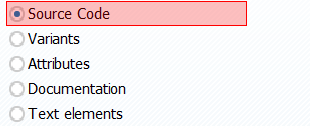
[CLASS:GuiRadioButton;NAME:RS38M-FUNC_EDIT]
Label

[CLASS:GuiLabel;TEXT:Vessel ID is;INSTANCE:3]
Text field

[CLASS:GuiTextField;NAME:SOURCE_ID]
Text field with search help

[CLASS:GuiCTextField]
Ok code field

[CLASS:GuiOkCodeField]
Combobox
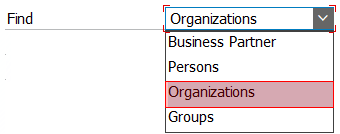
[CLASS:GuiComboBox;NAME:BUS_LOCA_SRCH01-SEARCH_ID]
ALV grid (fullscreen)
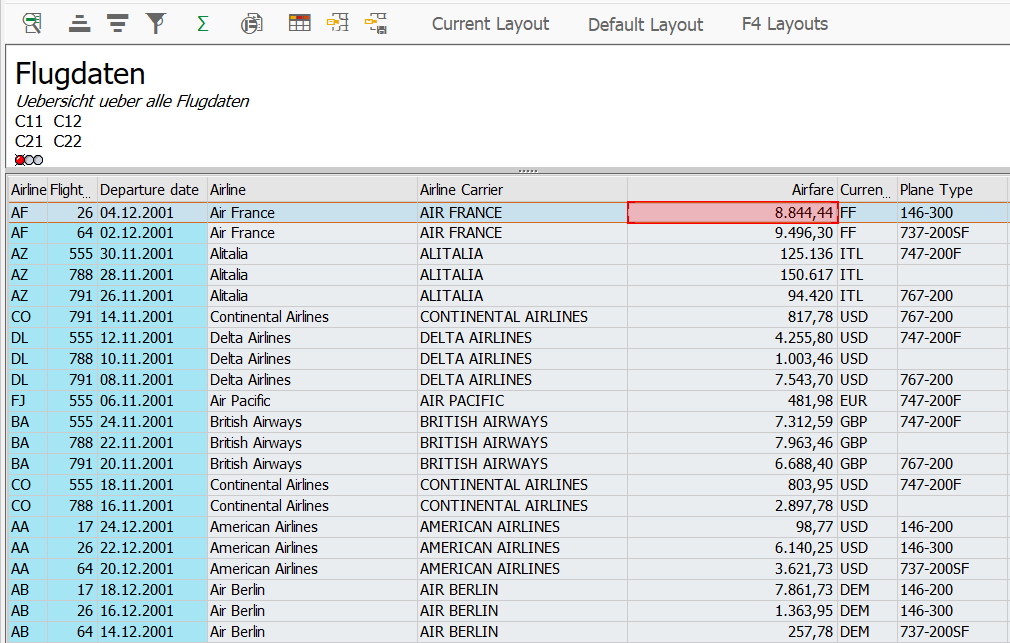
[CLASS:Normal;NAME:PRICE:1][CLASS:Normal;TEXT:DC]
ALV grid (embedded)
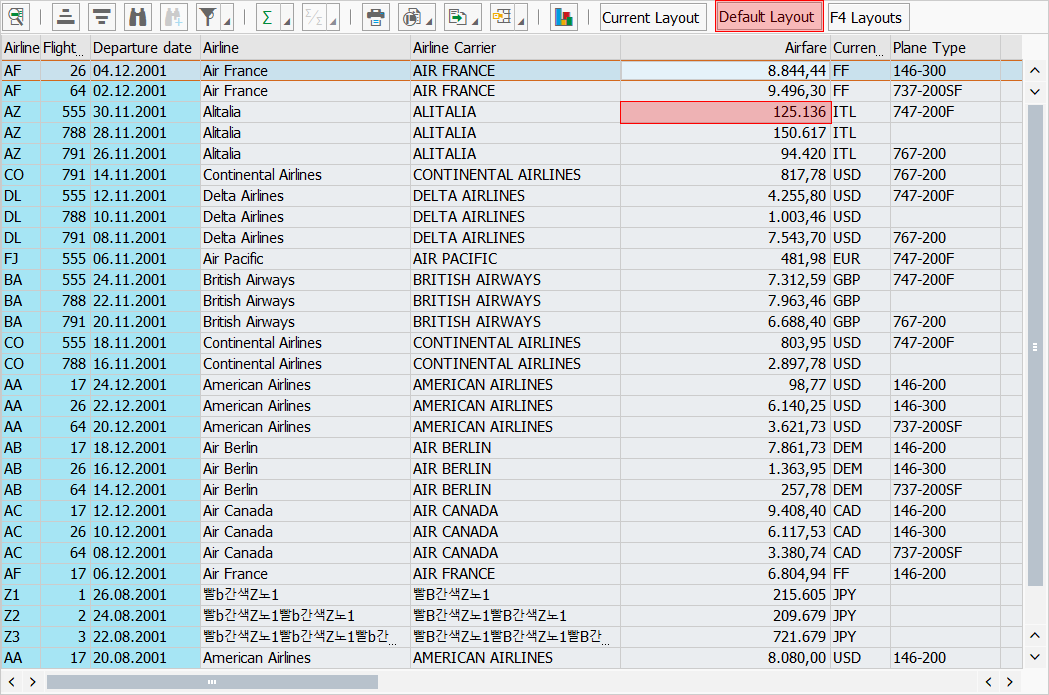
- Grid cell –
[CLASS:Normal;NAME:PRICE:3] - Grid cell with the
Textattribute –[CLASS:Normal;TEXT:DC] - Grid button –
[CLASS:Button;INSTANCE:30]
ALV list
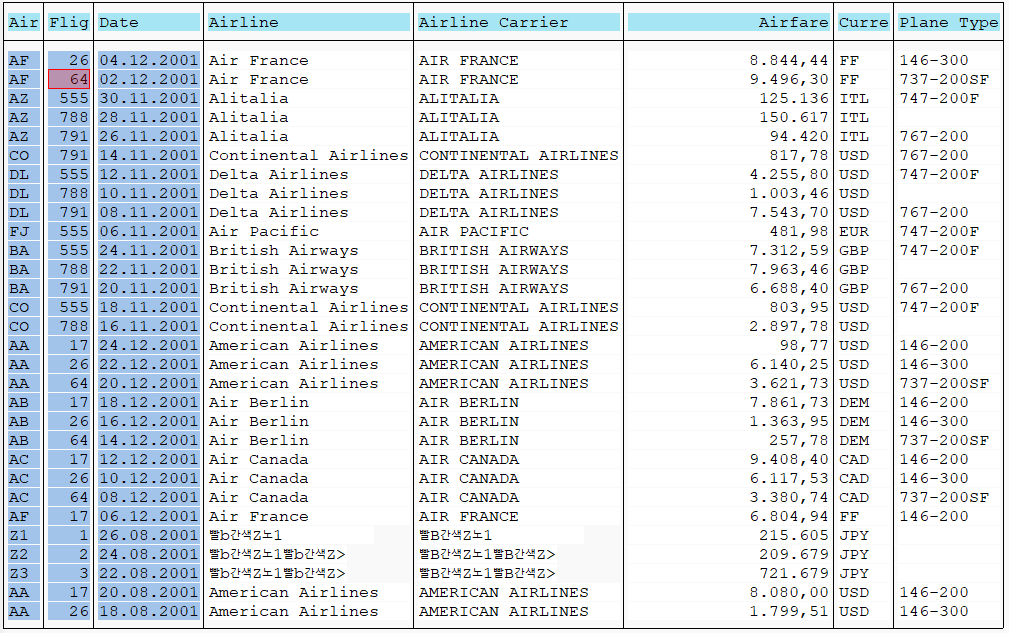
[CLASS:GuiLabel;CELL:2,3]
ALV hierarchical list
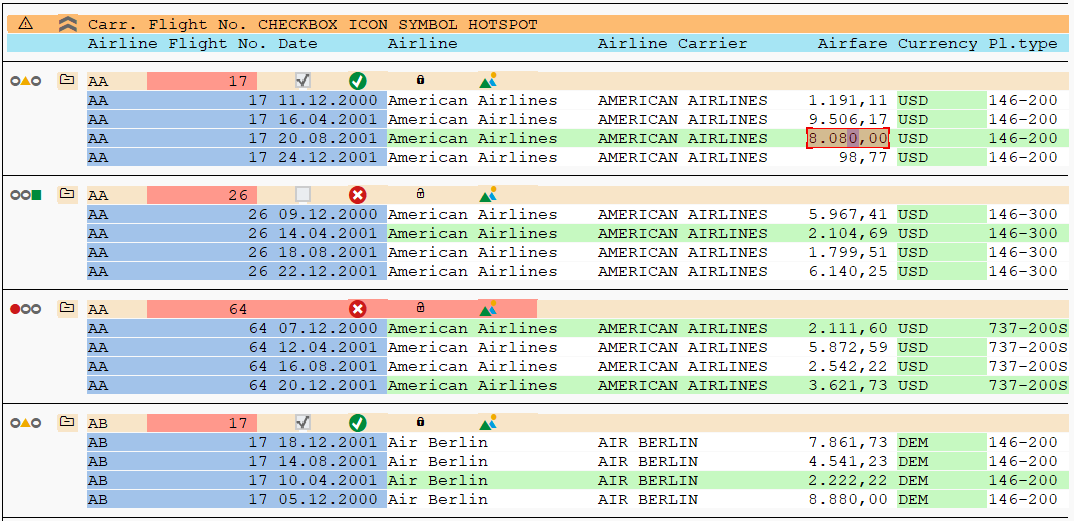
[CLASS:GuiLabel;CELL:5,12]
Table control
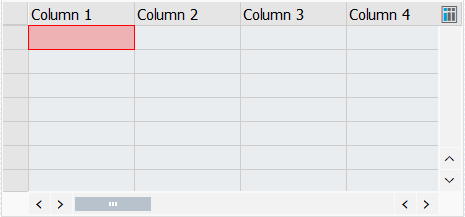
[CLASS:GuiTextField;NAME:Column 1:1]
Easy tree
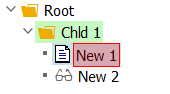
[CLASS:TreeItem;NAME:New1:2]
List tree
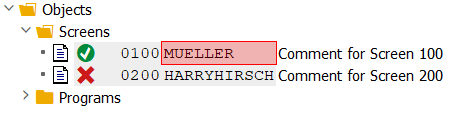
[CLASS:TreeNode;NAME:Child1]
Column tree
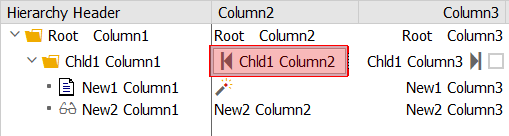
[CLASS:TreeItem;NAME:Child1:3]
Tabstrip control

[CLASS:GuiTab;NAME:BUS_LOCATOR_TAB_01]