Start Studio RPA Worker
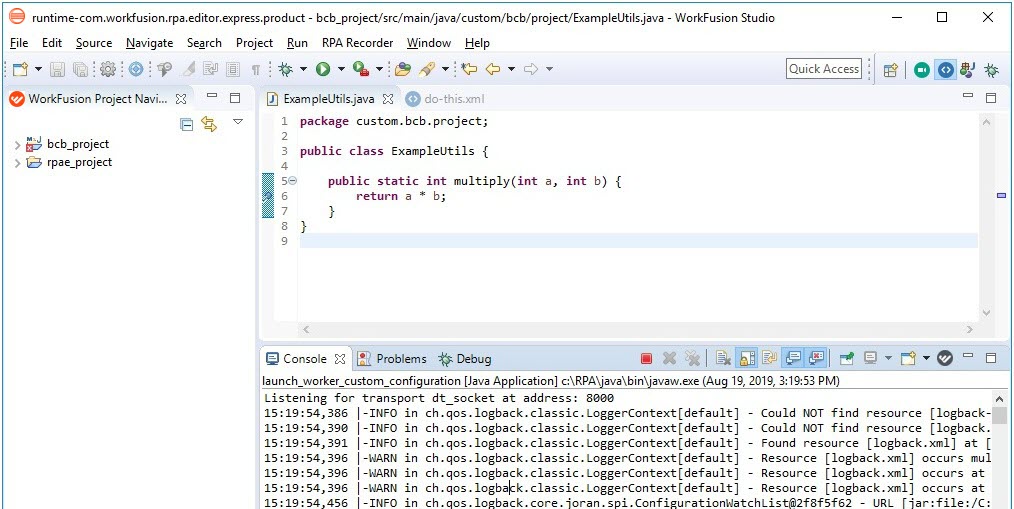
Starting from v10.1, WorkFusion Studio offers a new way of Bot Task execution via RPA Worker. The Restart Worker button is added within the toolbar.

When you launch WorkFusion Studio, RPA Worker starts automatically.
note
Until any Bot Task or Java class is opened for editing, you don't see any RPA Worker log data in the console. Do not be confused as this is expected behavior.
Use the Restart Worker button at any time, for example, if you develop new logic and your execution hangs.
By default, RPA Worker is run in the DEBUG mode, and port 8000 is used. You can see the actual RPA Worker port in the active console: