
Set up advanced search
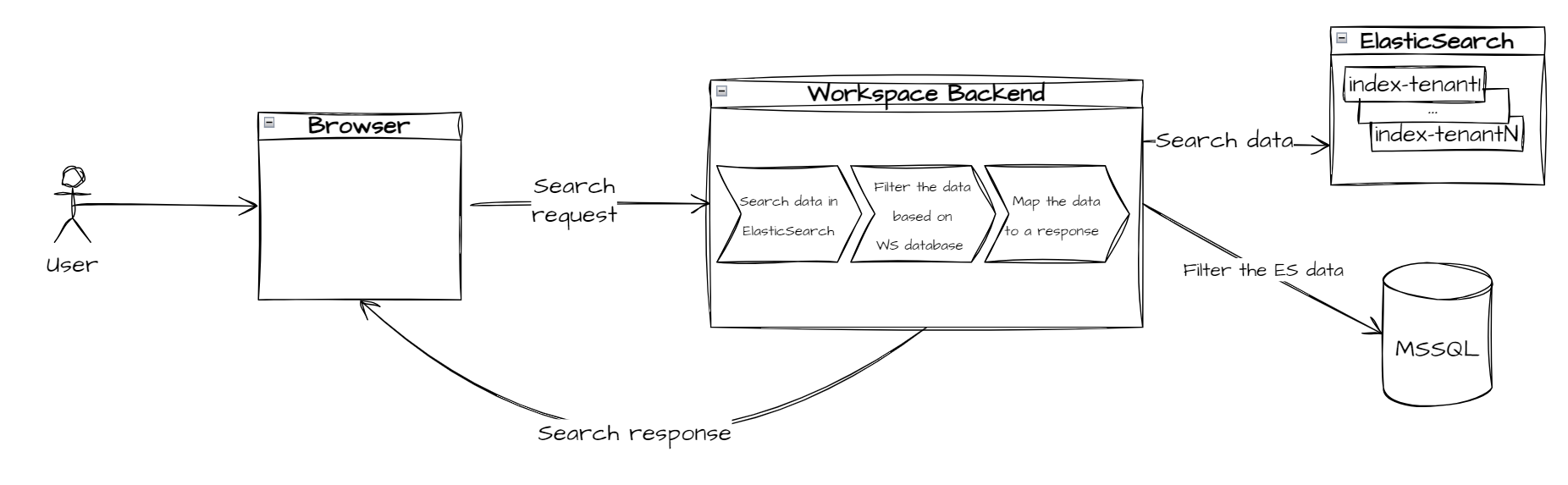
In WorkSpace, you can search for assignments based on business attributes. See the general flow below:
Assignment metadata is used to search by:
Title
Task
Priority
Assignee
Creation date
Expiration date
Custom attributes
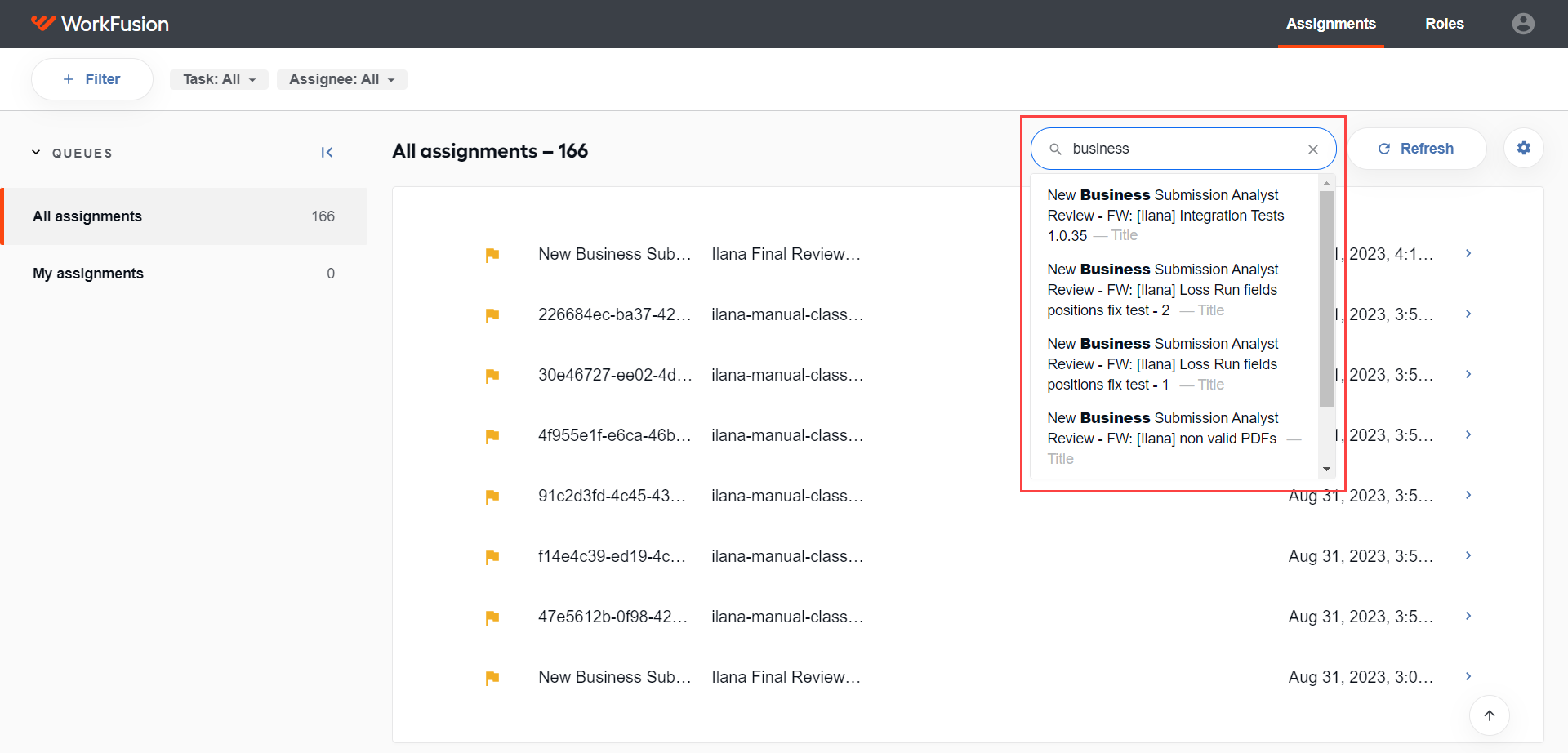
The search flow contains two steps:
- A search string is used to search data in Elasticsearch.
- Search results are mapped from Elasticsearch to the WorkSpace database. This database is a single source of truth with actual information about assignment statuses.
tip
For details on the advanced search in the WorkSpace application, see View assignments | Search for assignments.
Multitenancy
WorkSpace uses separate storages for tenants, meaning a separate database or a database scheme and a separate index for each tenant.
As soon as a tenant is configured, WorkSpace creates an index in Elasticsearch for this tenant. The index format is as follows:
workspace-index-TENANT_NAME
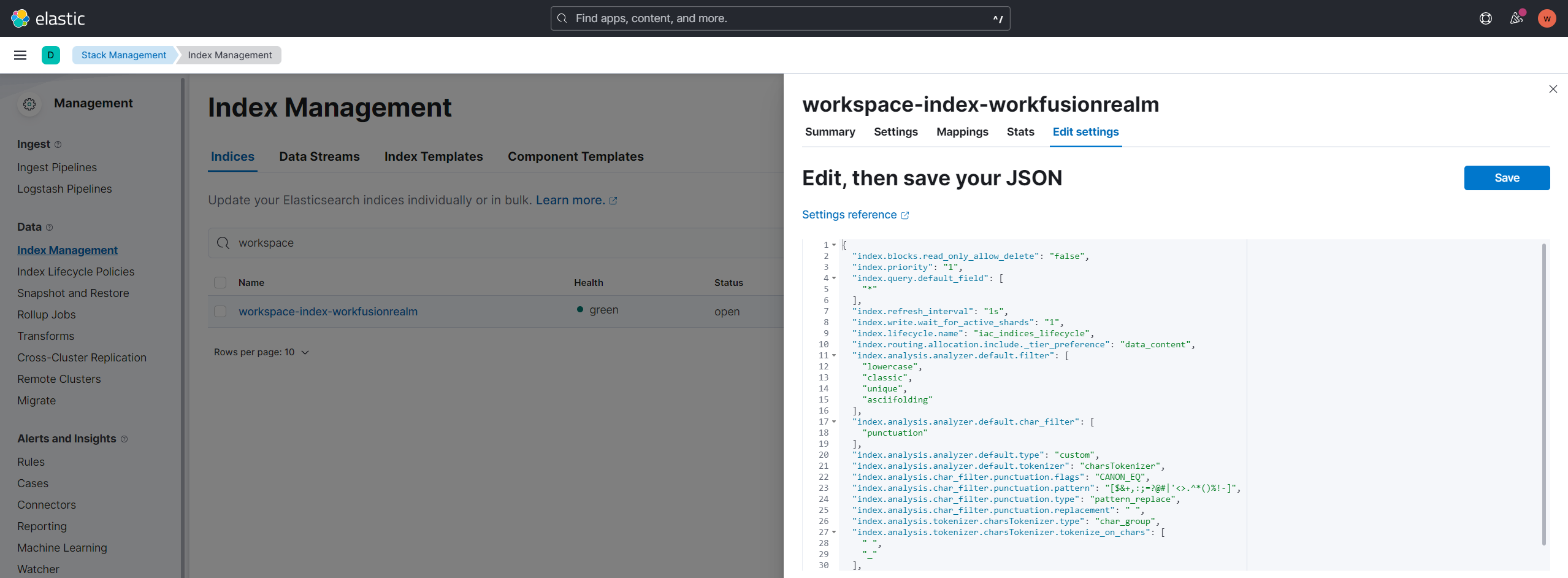
All WorkSpace indices have default ILM policies that manage the indices. Also, WorkSpace has a mechanism to delete outdated tenant indices when a tenant is off.
note
Elasticsearch ILM policies are responsible for the lifecycle of indexes.
Index lifecycle management
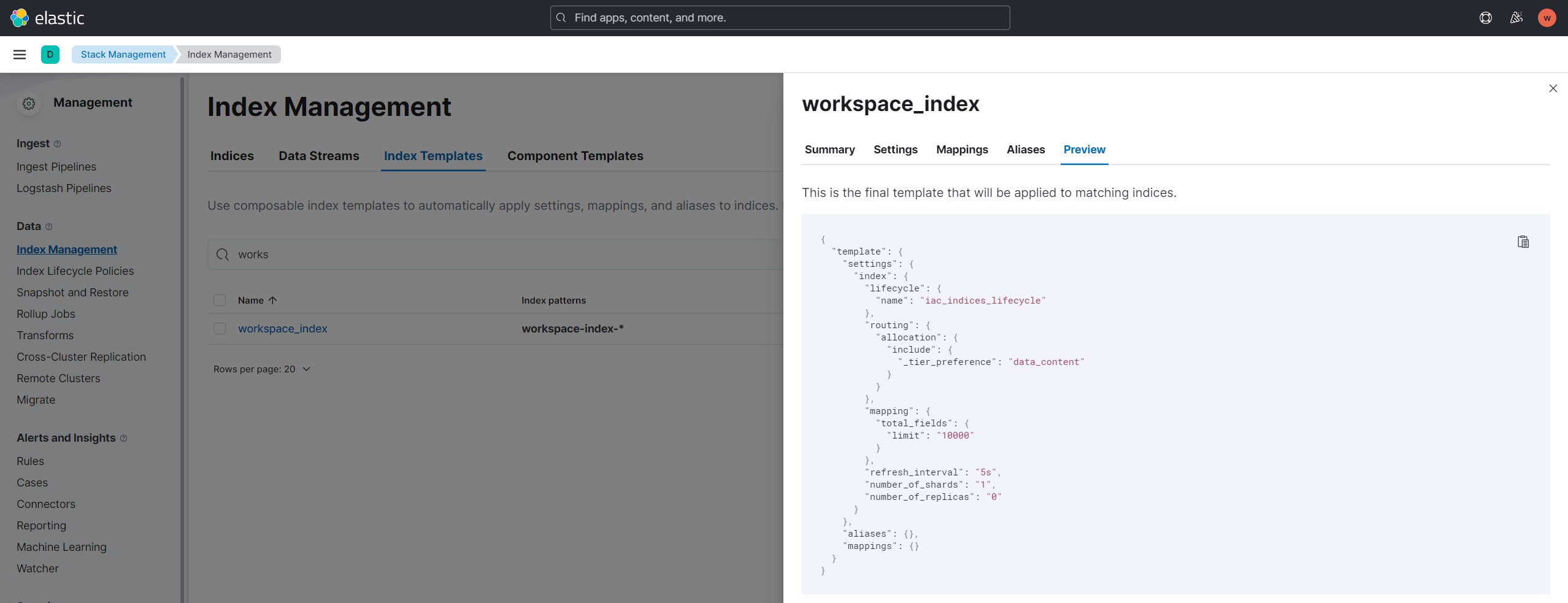
Elasticsearch has a special index template for WorkSpace indices, which is a way to direct Elasticsearch to configure an index when it is created:
workspace-index-*
The template is used for applying an index configuration like ILM policies, index mappings, settings, and so on.
You can check the index template configuration on the Index Management page in Kibana:
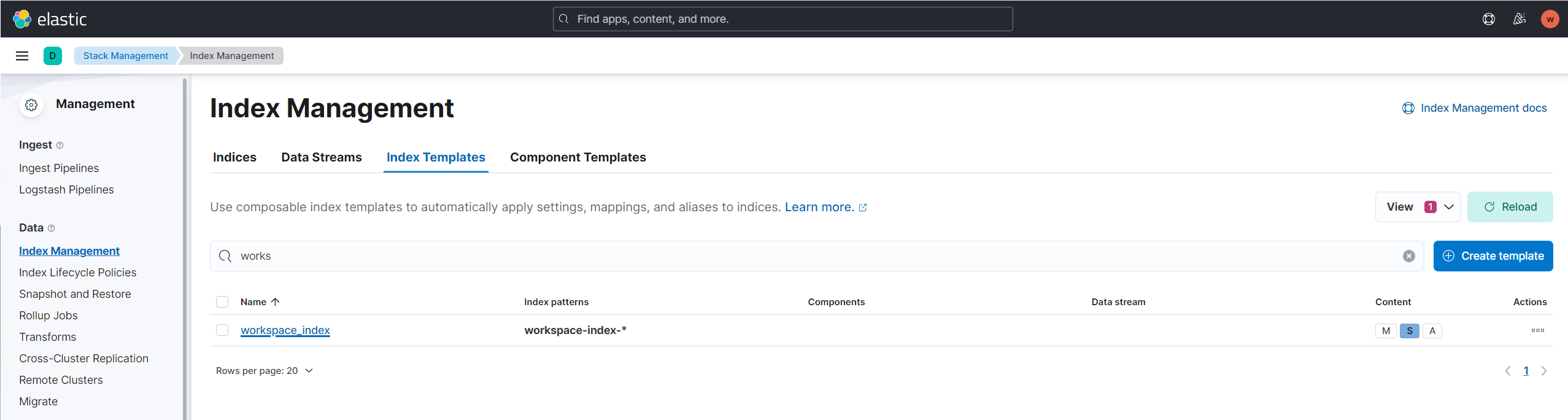
To see the index template configuration, click workspace-index.
Limitations
Mind the following limitations for the advanced search to work properly:
WorkSpace uses a simple custom tokenization based on
' 'and'_'tokens. A tokenizer breaks text into terms whenever it encounters a character that is in a defined set.A standard tokenizer is used by Elasticsearch by default, breaking the words based on grammar and punctuation.
The number of unique mapped fields in an index is limited to 1,000. If you achieve this limit, delete an index in Elasticsearch. The index is recreated by the WorkSpace application automatically.
WorkSpace can show less results in case of an enormous number of matches.
Completed or deleted assignments are not available in search results.