
Account Settings
The Account Settings tab allows you to add, edit, enable, or disable the licenses for the Endpoints that the WorkFusion platform sends work to.
Among these endpoints are WorkSpace and other worker portals.
To create a new license, see Create new license.
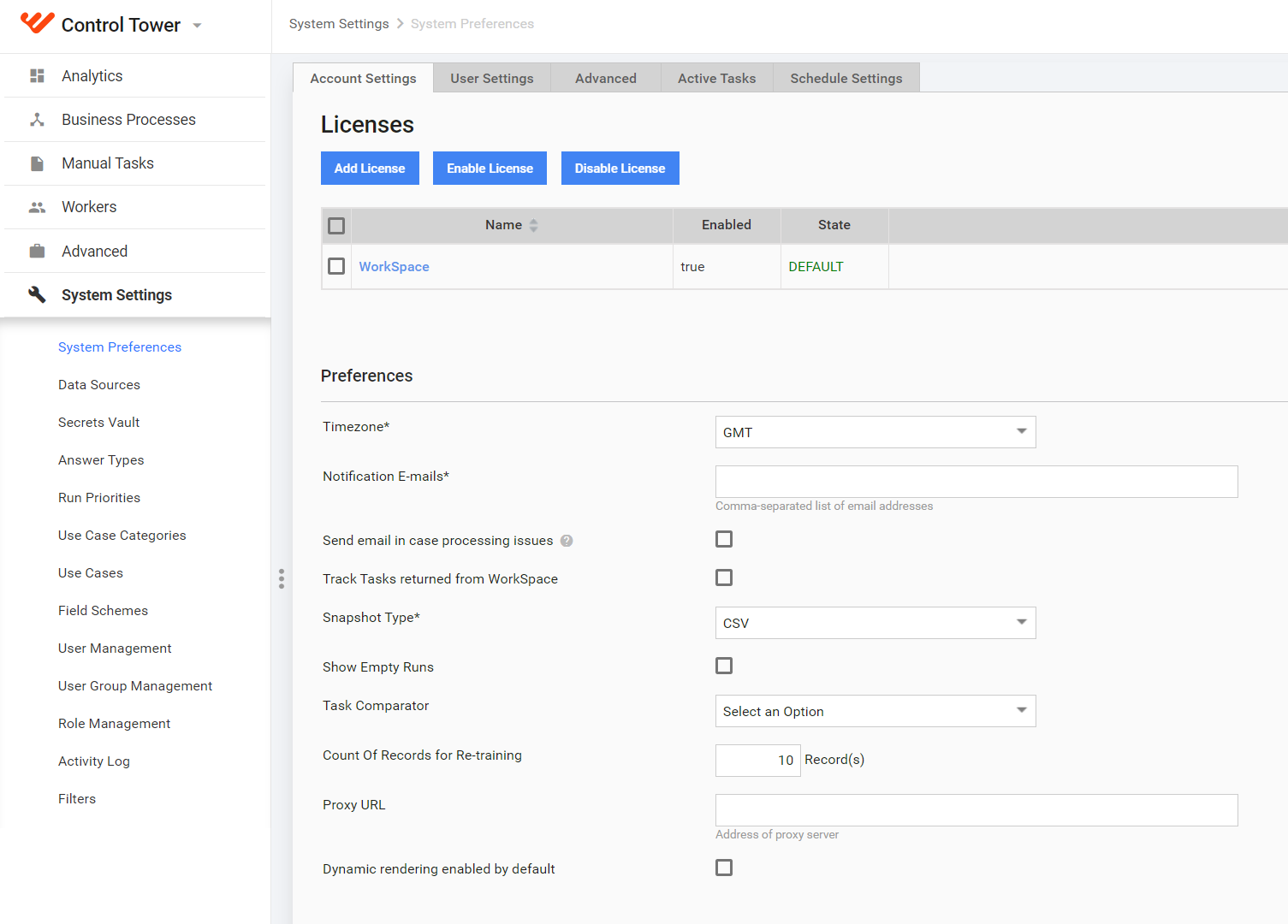
The preferences are as follows:
| Parameter | Description |
|---|---|
| Accept Amazon Notification | Select the checkbox to accept notifications originating from Amazon MTurk. |
| CGI Proxy URL | URL of the proxy server used in Information Extraction. |
| Count Of Records for Re-training | The parameter is used to override the appropriate ML model's parameter. To use this value, select it in Automation Settings. |
| Dynamic rendering enabled by default | The option enables Dynamic task rendering for all newly created tasks. |
| Idle Duration | Set a minimal time interval that is counted as idle. Idle Task is a Task having no Worker activity for a defined number of hours. |
| NLP-Service URL | NLP service is used for named entity recognition in Information Extraction. |
| Notification E-mails | Enter each email address that you would like to have notifications sent to. Use a comma to separate each listed email. |
| Production Task Comparator | Sort Tasks having the same template (Campaign), and make Workers complete these Tasks in a custom order. |
| Remember user on login page | If the option is checked, the Keep me logged in checkbox is shown on the login page. When the checkbox is selected, the session is not interrupted, so the user stays logged in until the manual logout. |
| Sandbox Task Comparator | Sort Tasks having the same template (Campaign), and make Workers complete these Tasks in a custom order. See the Task Comparator (Manual tasks sorting) topic. |
| Send email in case processing issues | If a Task or BP has some processing issues, a notification email will be sent to all users in Notification list. This email contains the following info: |
| Snapshot type | Global setting for the snapshot format type. Select the desired format from the dropdown list: CSV (Comma Separated Value) or XLSX spreadsheet. |
| Timezone | Select the time zone. All times shown within the WorkFusion platform will be based on this time zone. |