
Import project to IDE
Import generated project to Eclipse
In Eclipse, go to File > Import > Existing Maven Project.
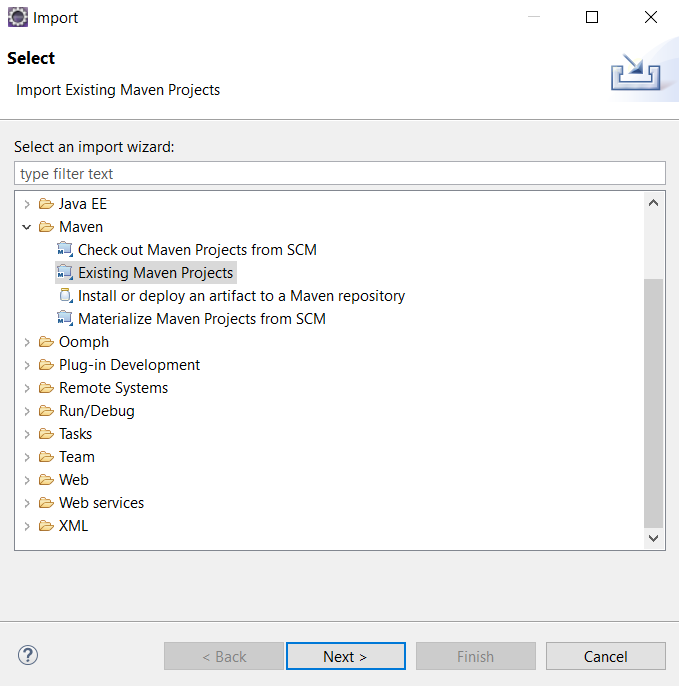
Click Next and navigate to the folder with a generated model stub.
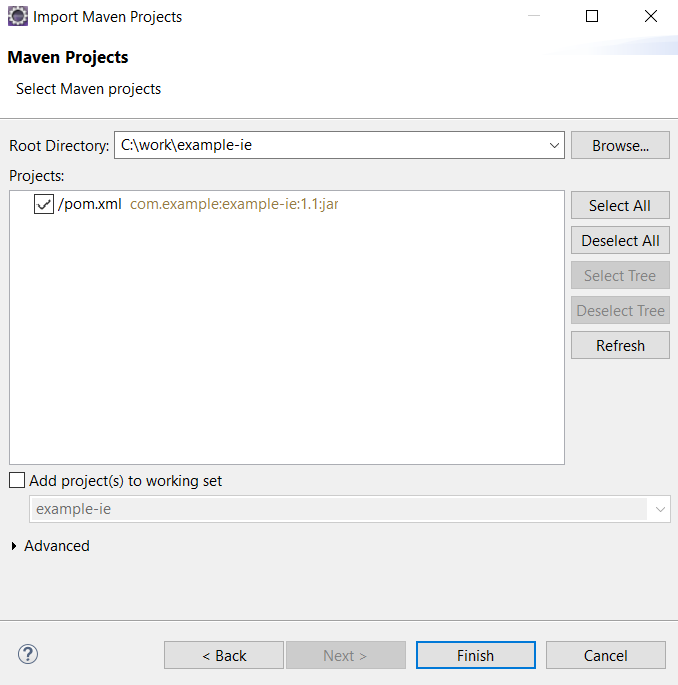
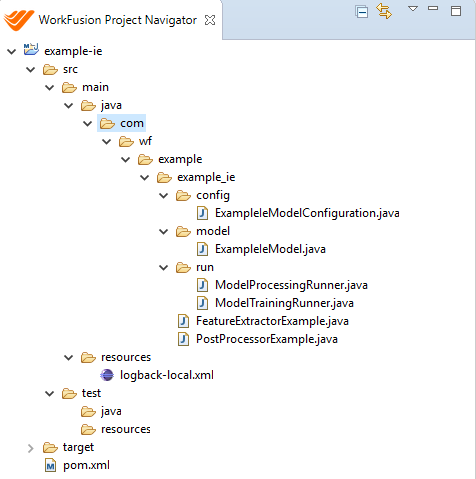
Click Finish. A new project appears in the Projects view.
Import generated project to IDEA
In IDEA, go to File > New > Module from Existing Source.
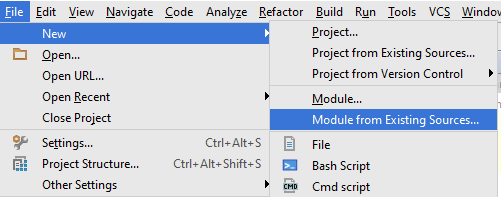
Navigate to the folder where you have a generated model:
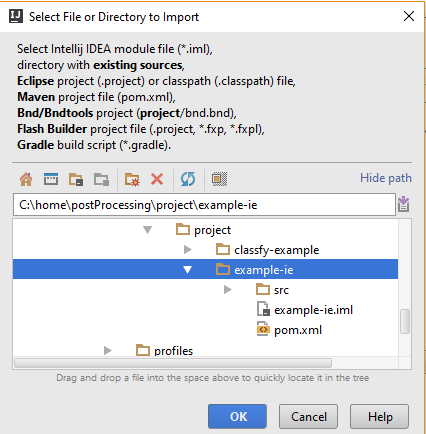
Leave all settings as is.
Click OK > Next > Next > Finish. Your model is imported, and you are ready to start development.