Set up sample project from GitHub
General overview
- Open WorkFusion Studio and create a new workspace
- You have two options how to get Samples project from the WorkFusion public GitHub repository:
- import with WorkFusion Studio
- clone manually with Git
Clone and set up samples
Import with WorkFusion Studio
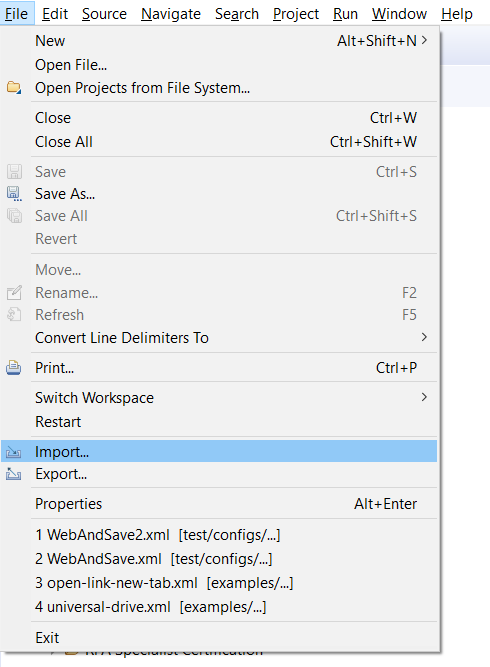
- Go to File > Import in the main menu.
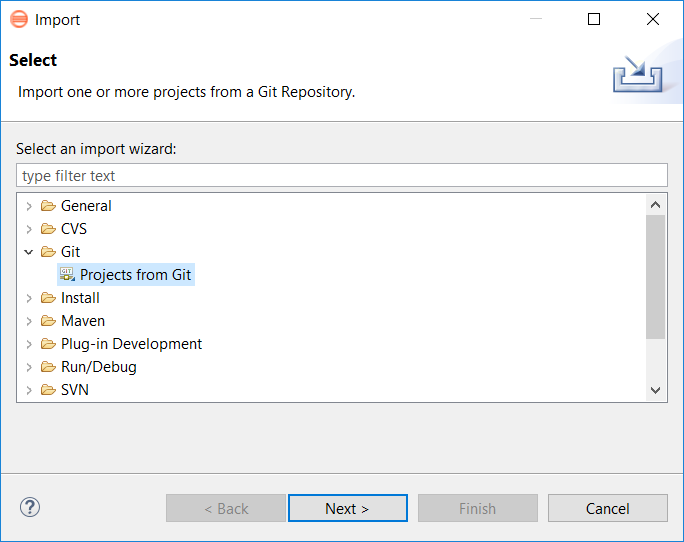
- Select Projects from Git.
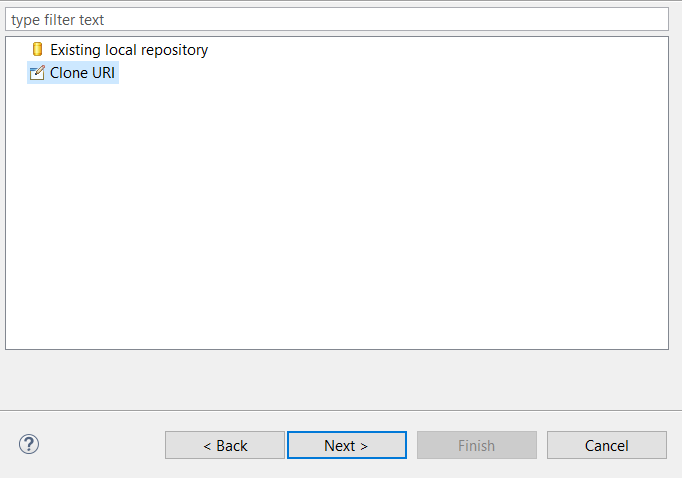
- Select Clone URI.
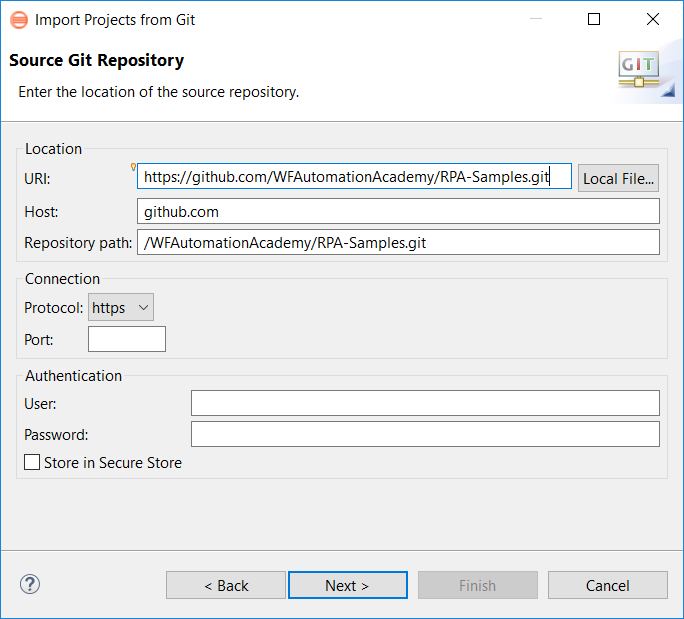
- Paste the link copied from the Automation Academy Samples Repo on GitHub: https://github.com/WFAutomationAcademy/rpa_samples.git.
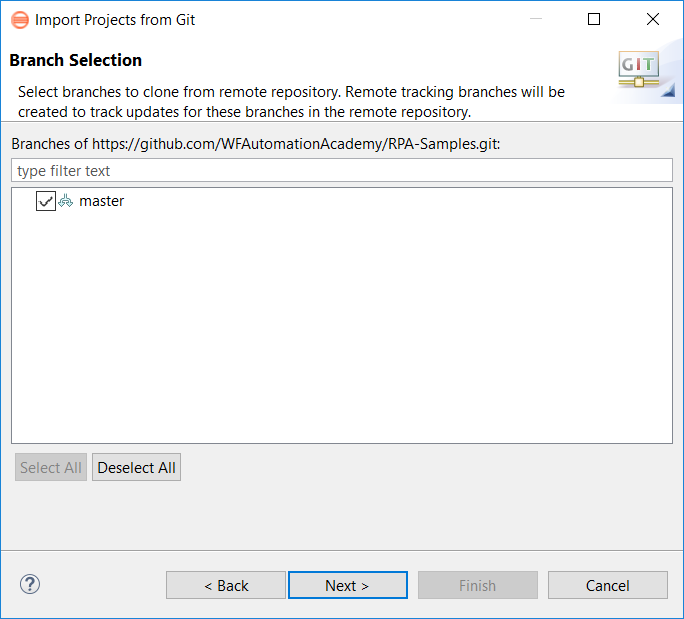
- Select the master branch.
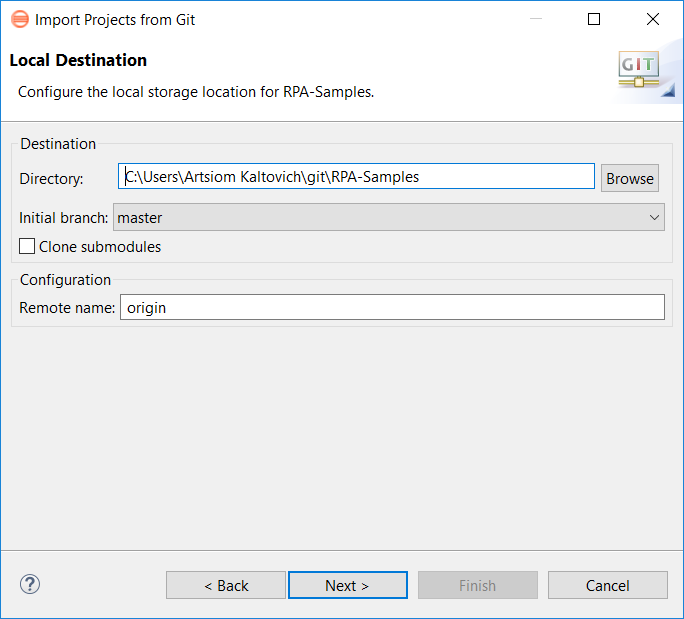
- Specify the local path.
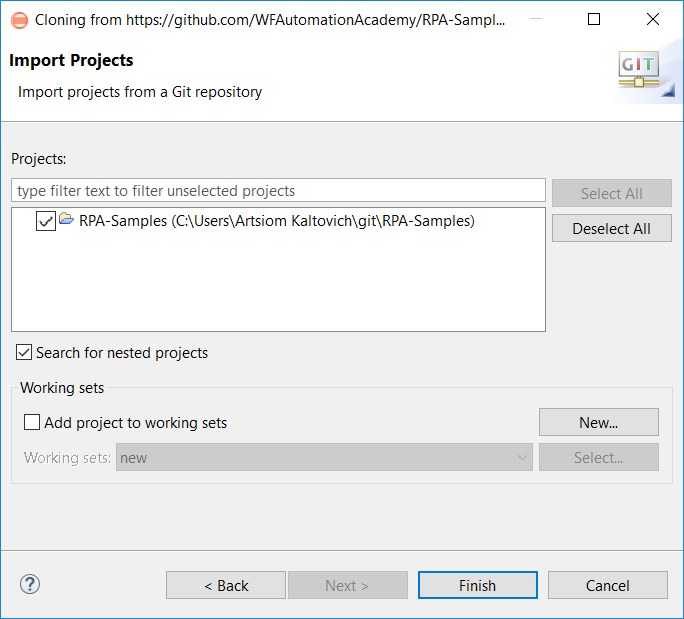
- Import as the existing Eclipse project.
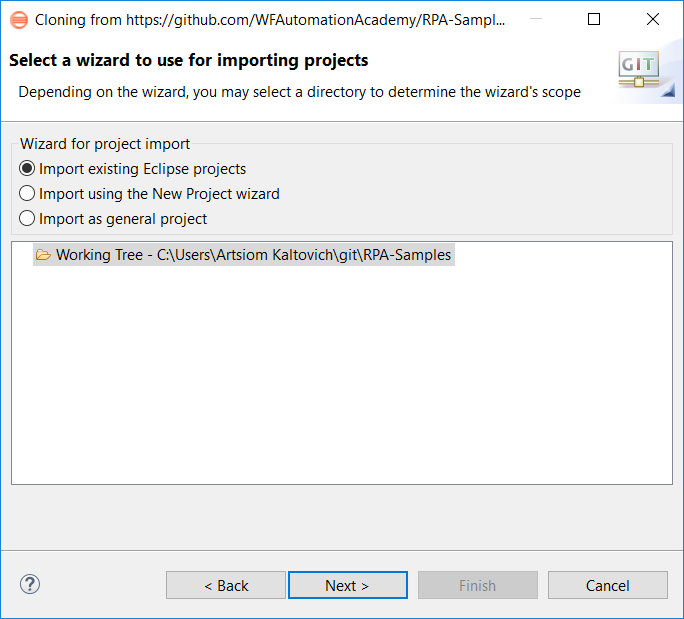
- Press Finish.
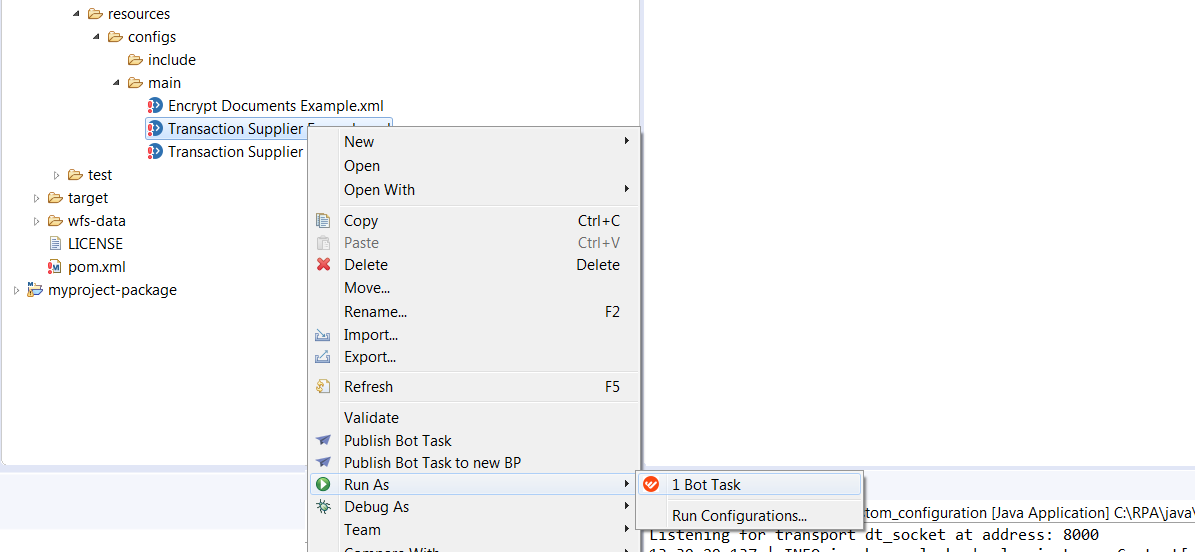
- To check if everything is ok, launch one of the samples as a bot task.
Clone from GitHub
- Open the console and go to the created workspace.

- Type the Git clone command (you can get links to clone by the GitHub web application on our repo page).

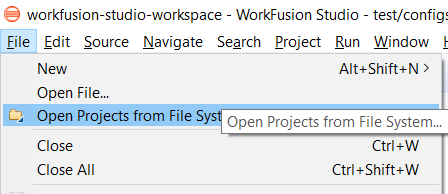
- Launch WorkFusion Studio and open the cloned project.
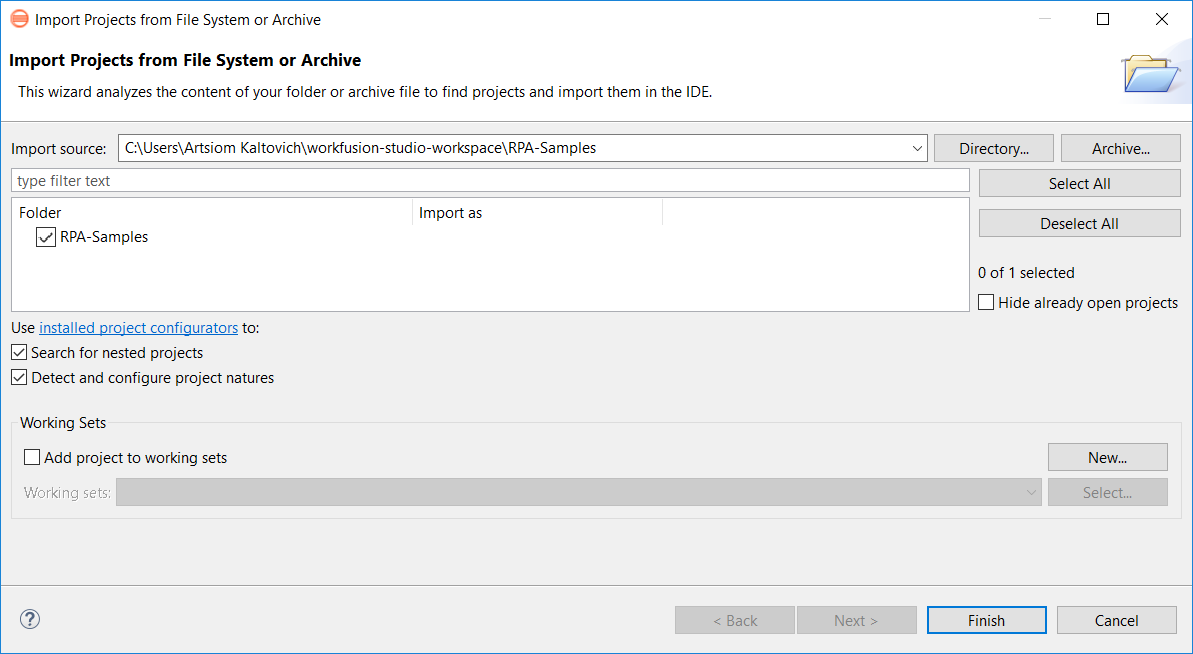
- Select the folder you have cloned.
- To check if everything is ok, launch one of the samples as a bot task.
How to contribute more samples
Before contributing, make sure that the code you contribute is well-formatted. You can see the actual way GitHub requires you to follow in order to propose a pull request.
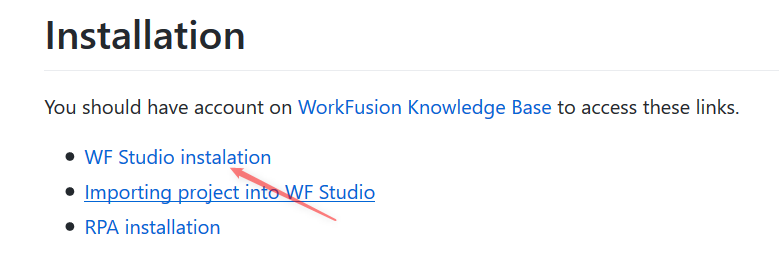
See an example of making a pull request below. Let's pretend you have found an issue and wish to fix it, for example, there is a typo in Studio installation.
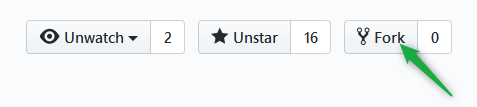
- Press Fork.
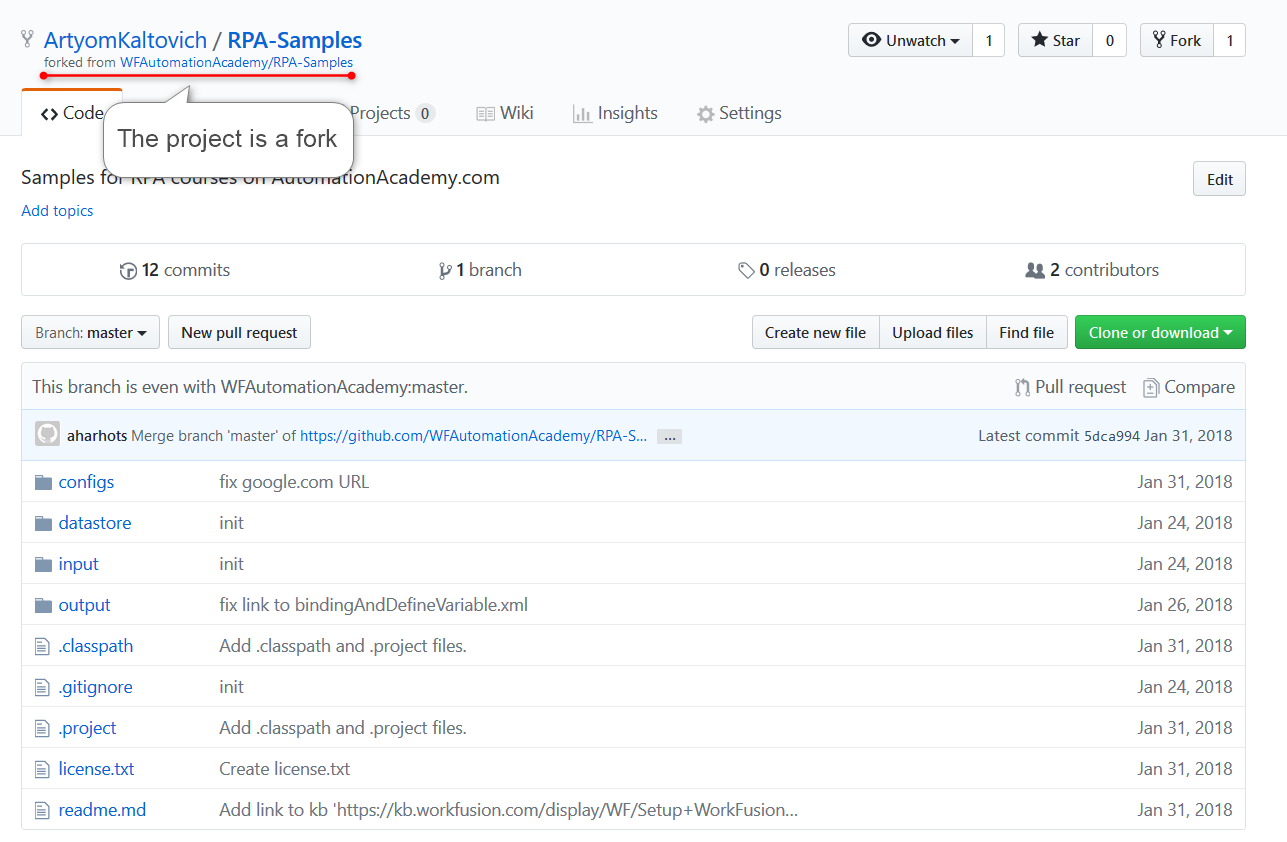
After forking, GitHub creates a new project in your account, and you are redirected to its page.
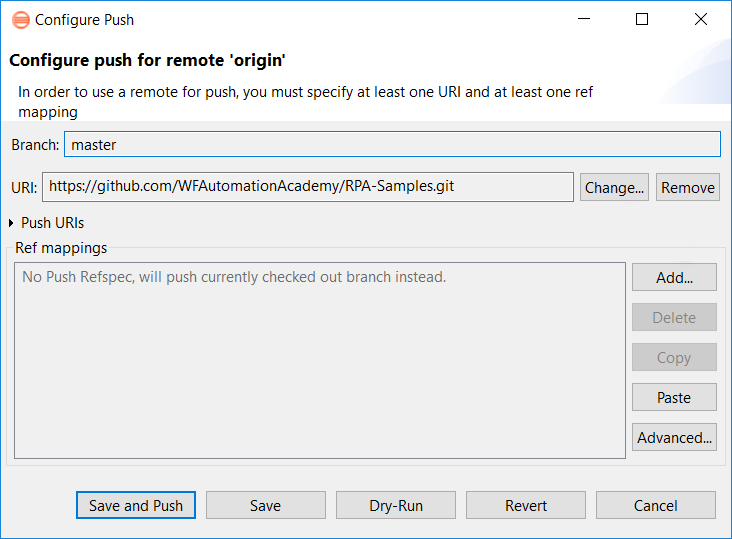
- Configure remote branches in WorkFusion Studio.
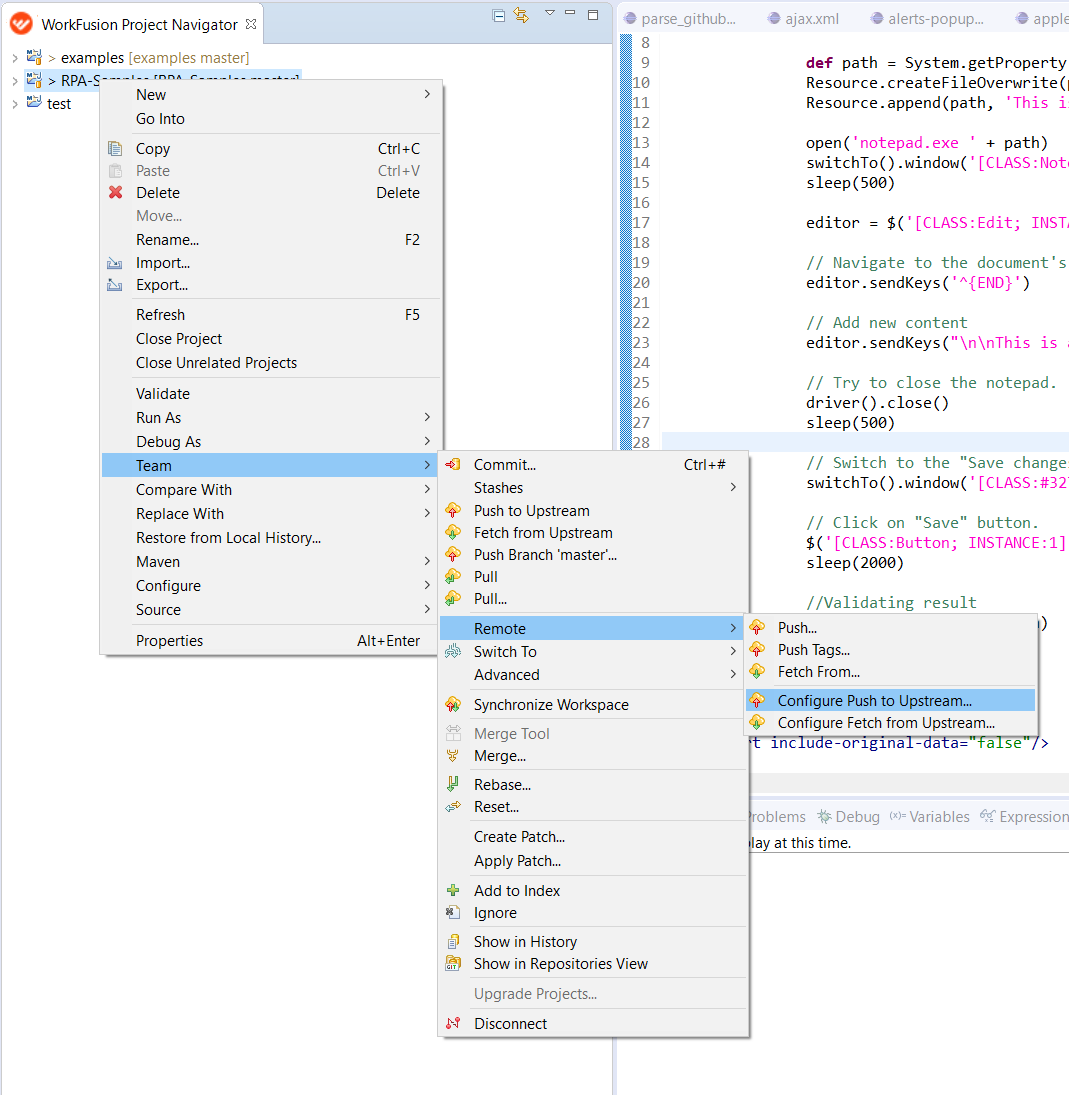
- Change the origin branch to your fork.
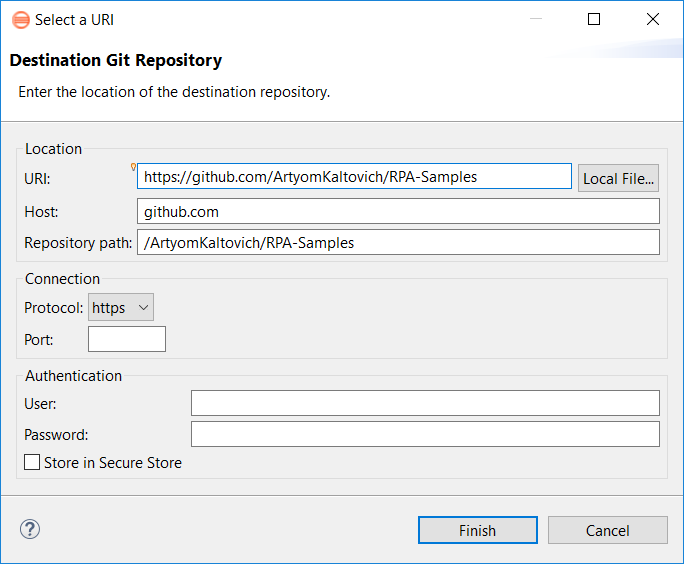
- To change the origin, paste the link to your fork.
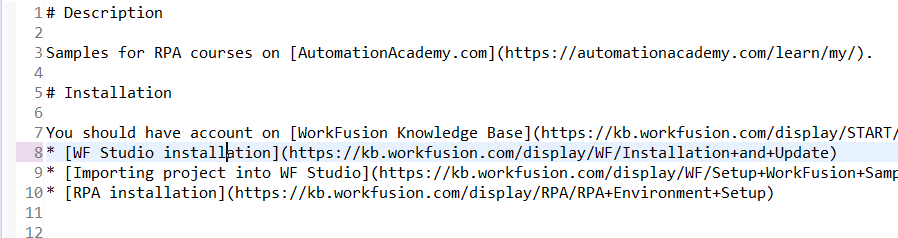
- Make the needed fixes.
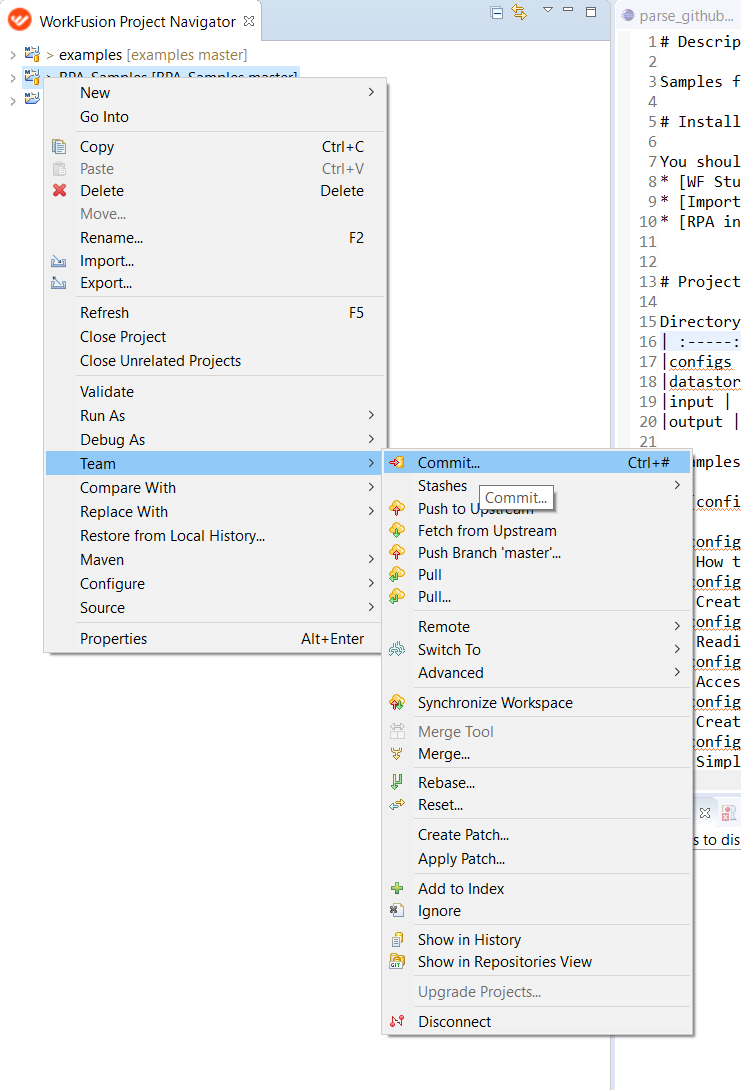
- Commit the fixes.
- Provide a clear and full description of your changes and push your commit(s).
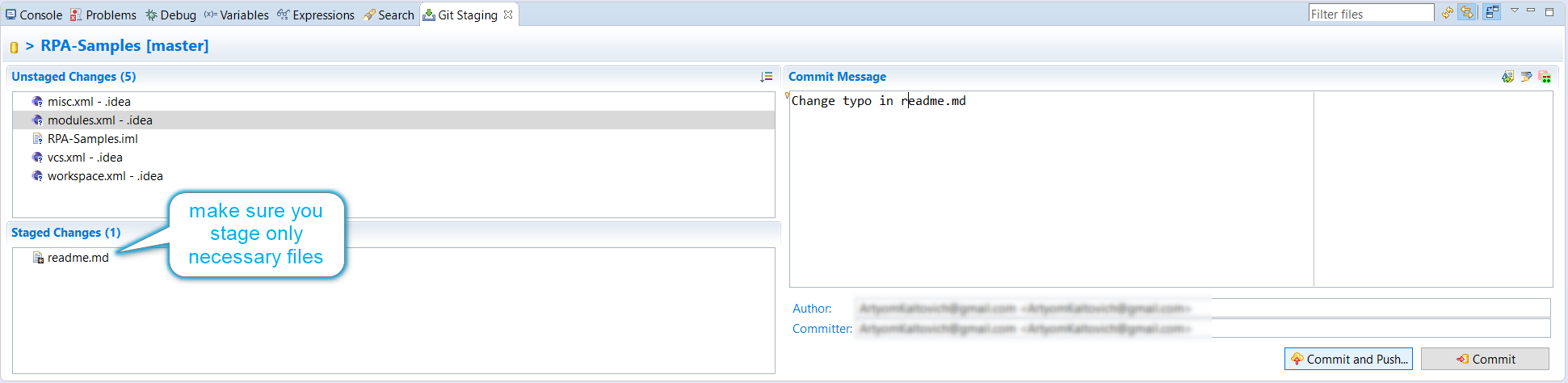
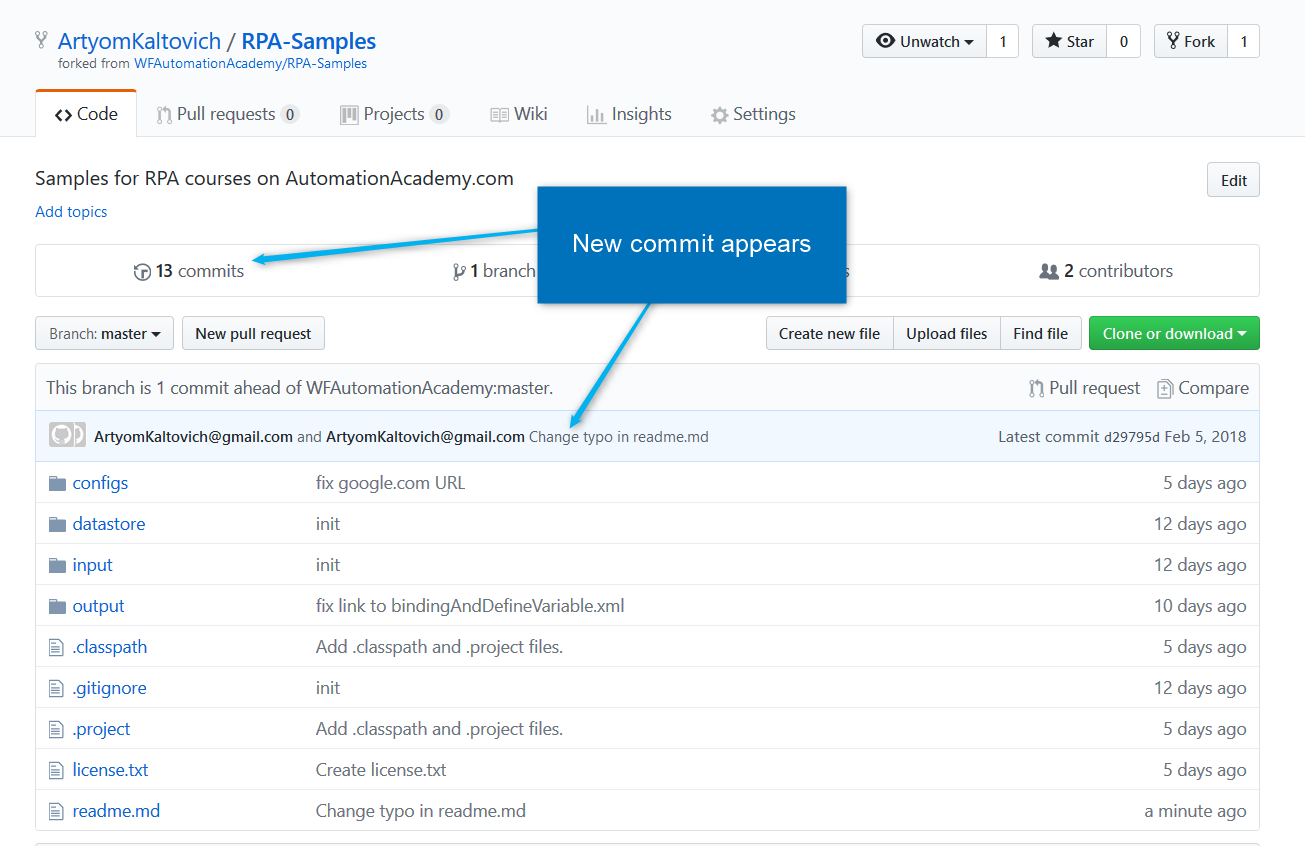
- Check your fork after the commit has been done.
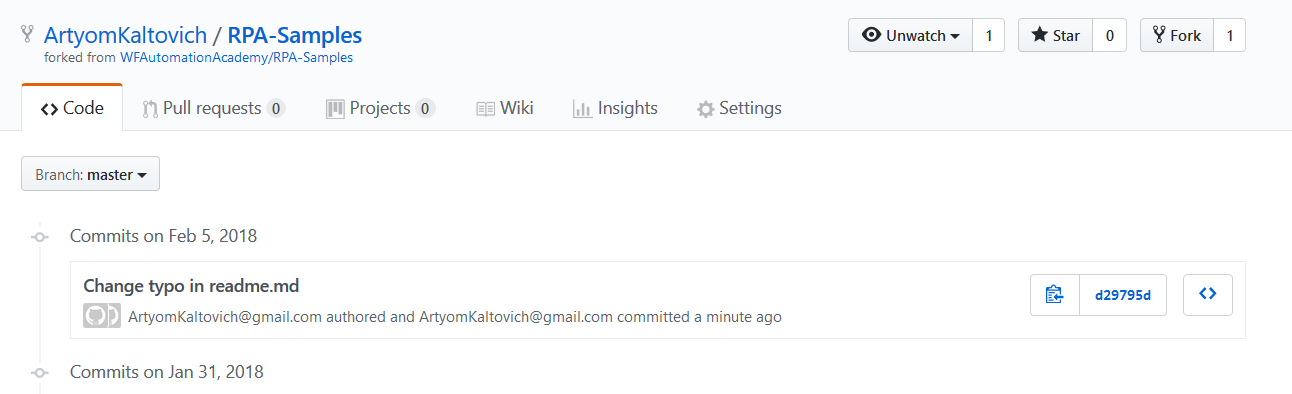
- (Optional) Check the commits list.
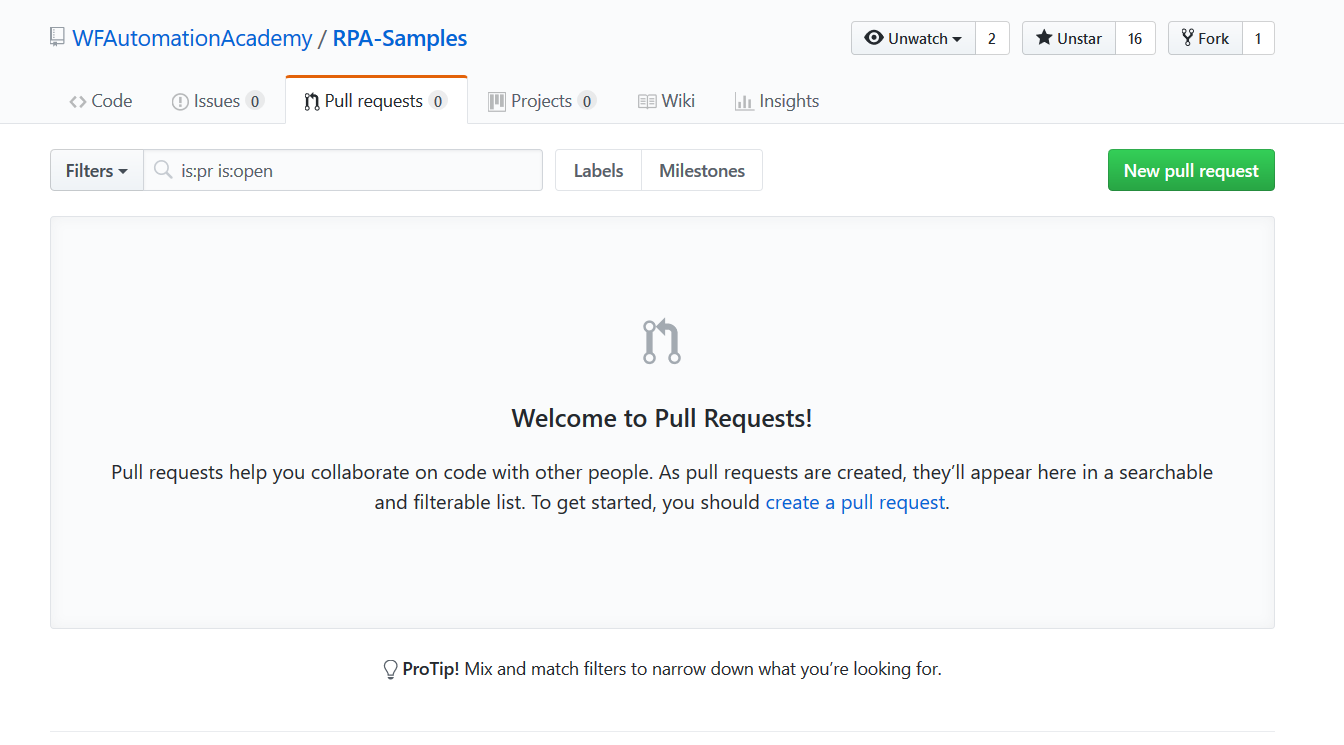
- Open the Studio repository and press Pull Request.

- Press New pull request.
- Click compare across forks.
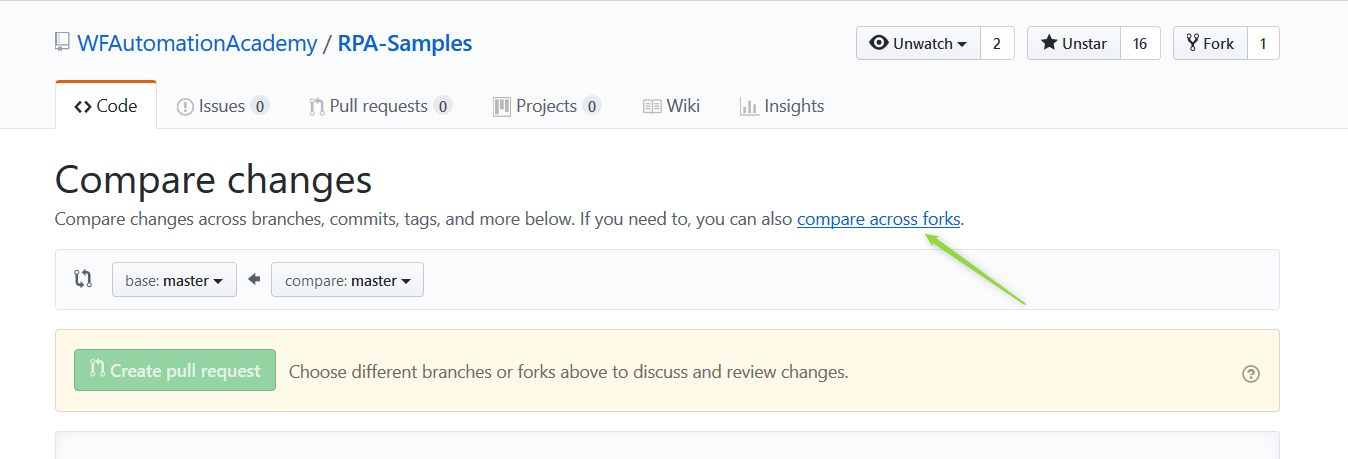
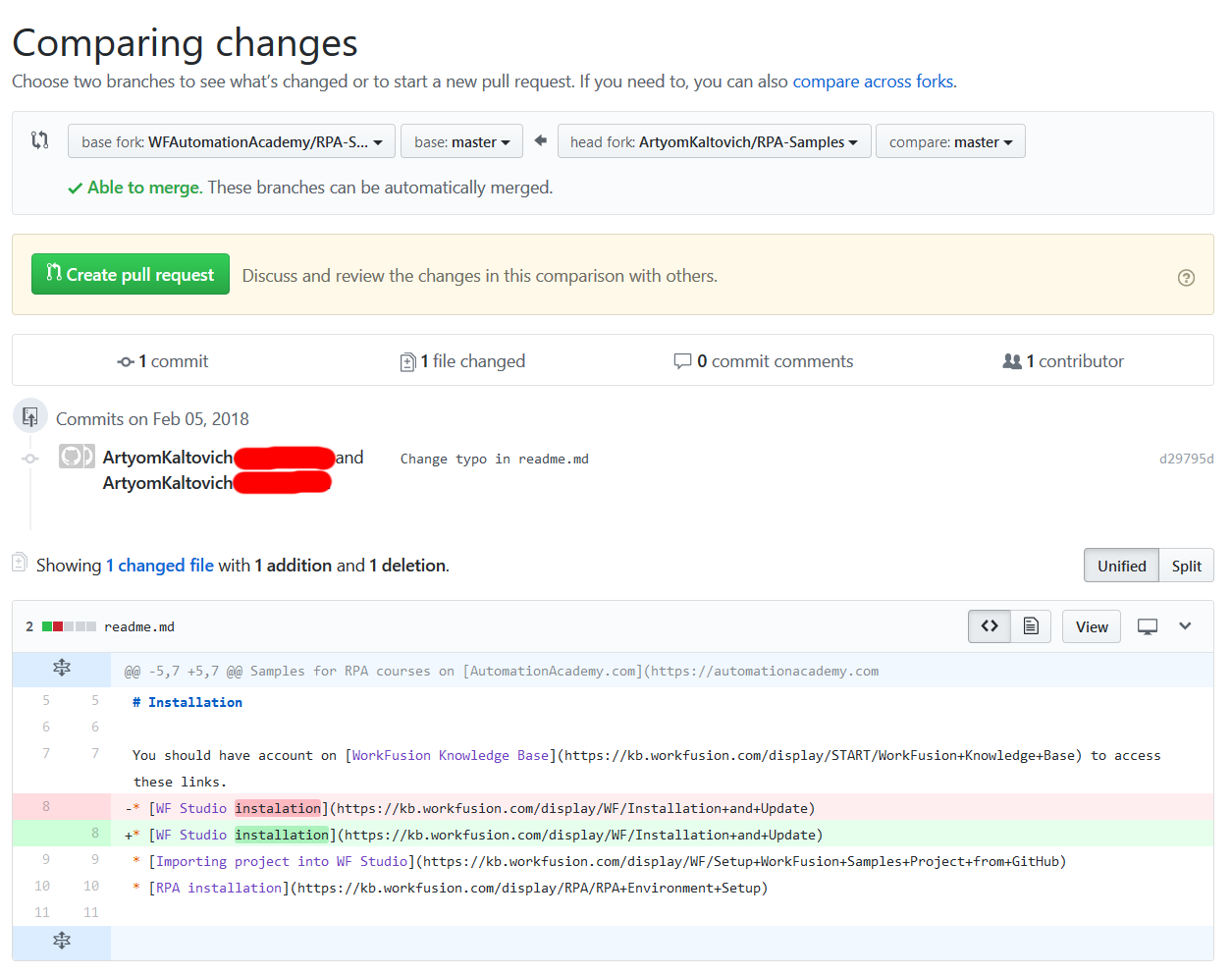
- Select base and head branches.
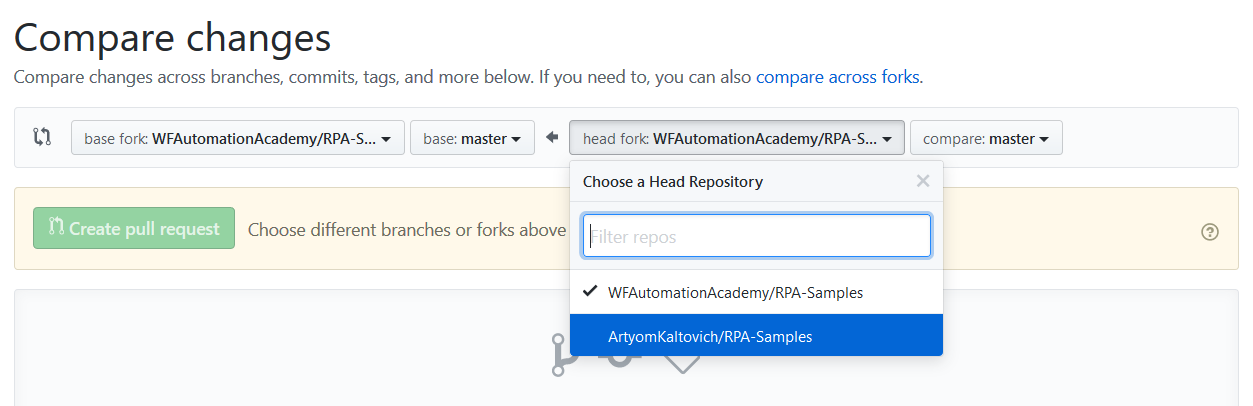
- Press Create pull request.
- Provide the pull request title and description.
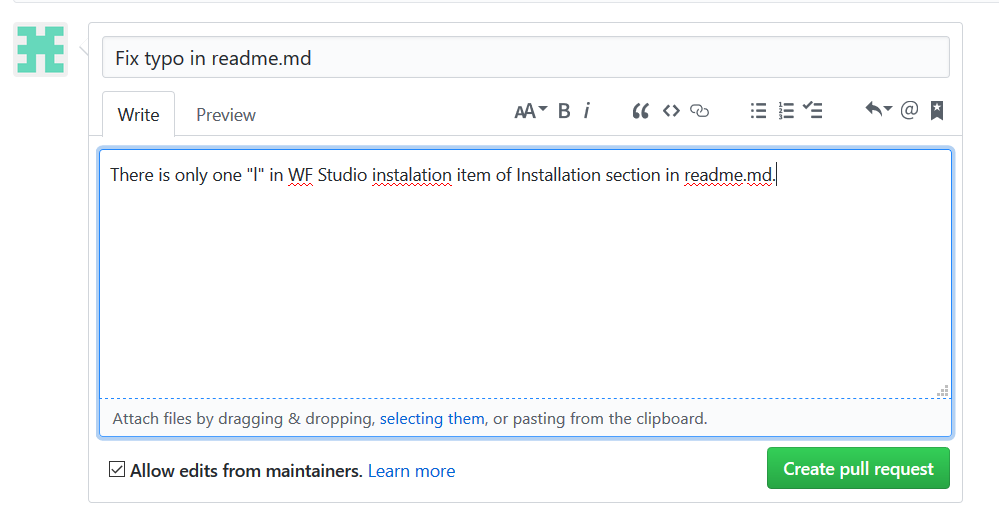
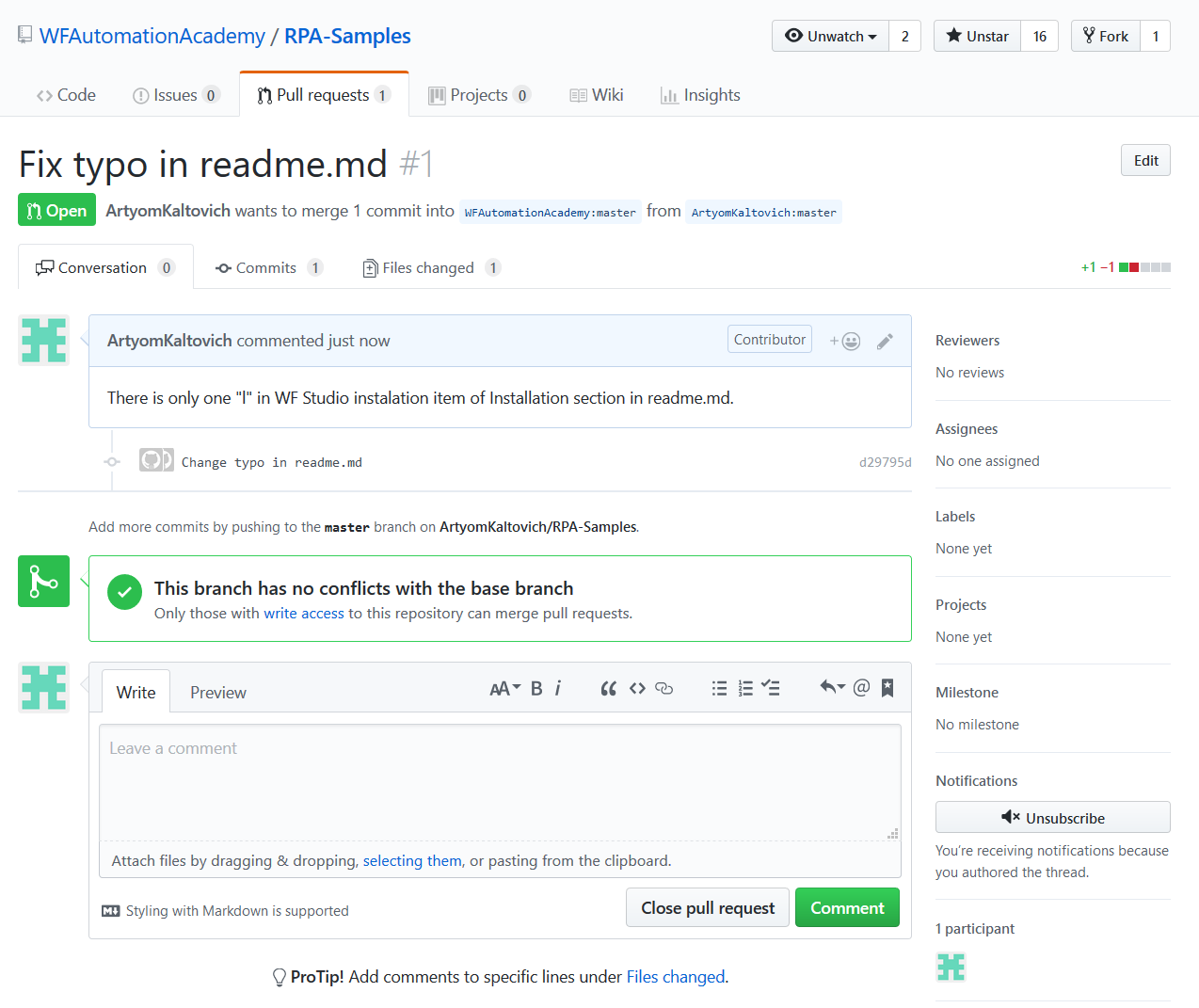
A newly created pull request looks like that. If needed, provide some documentation and fixes before your pull request is accepted.