
Purge Data Stores
When your Data Stores size gets big (for example, 100 K records and more), it can slow down Bot task execution, and you need to perform the Data Store purging procedure.
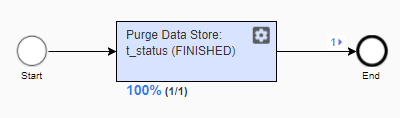
The article describes how to perform Data Store purging using a one-step Business Process.
General Use Case
The general workflow is as follows:
- Create a single-step Business Process with a Bot step to purge a specific Data Store.
- Specify a condition inside of Bot Step Config.
- Run the Business Process periodically, when a purge procedure is needed, or create a Schedule for this Business Process.
Modify Data Store
Assume, a Data Store named as "t_status" has the next structure and is populated with data:
| name (type: TEXT) | status (type: TEXT) |
|---|---|
| one | FINISHED |
| two | RUNNING |
| three | FINISHED |
| four | NEW |
We are going to remove all of records with status = "FINISHED".
performance
To speed up the table cleaning it's highly recommended to create an index in the status column of the Data Store in the PostgresSQL database wf_datastore before running the purging BP.
The table name is extended with the prefix "ds_".:
create index ds_t_status_IDX_status on "ds_t_status"(status);
Configure bot step
Condition to purge: status = 'FINISHED' (row #5)
<?xml version="1.0" encoding="UTF-8"?>
<config charset="UTF-8">

    <datastore name="t_status"><![CDATA[
        delete from @this where status = 'FINISHED';
    ]]></datastore>

    <export include-original-data="true"></export>

</config>
Run Business Process
For PostgresSQL, Data Store content BEFORE purging:
wf_datastore=# select * from ds_t_status;

 ds_t_status_id | name  |  status
----------------+-------+----------
              1 | one   | FINISHED
              2 | two   | RUNNING
              3 | three | FINISHED
              4 | four  | NEW
(4 rows)
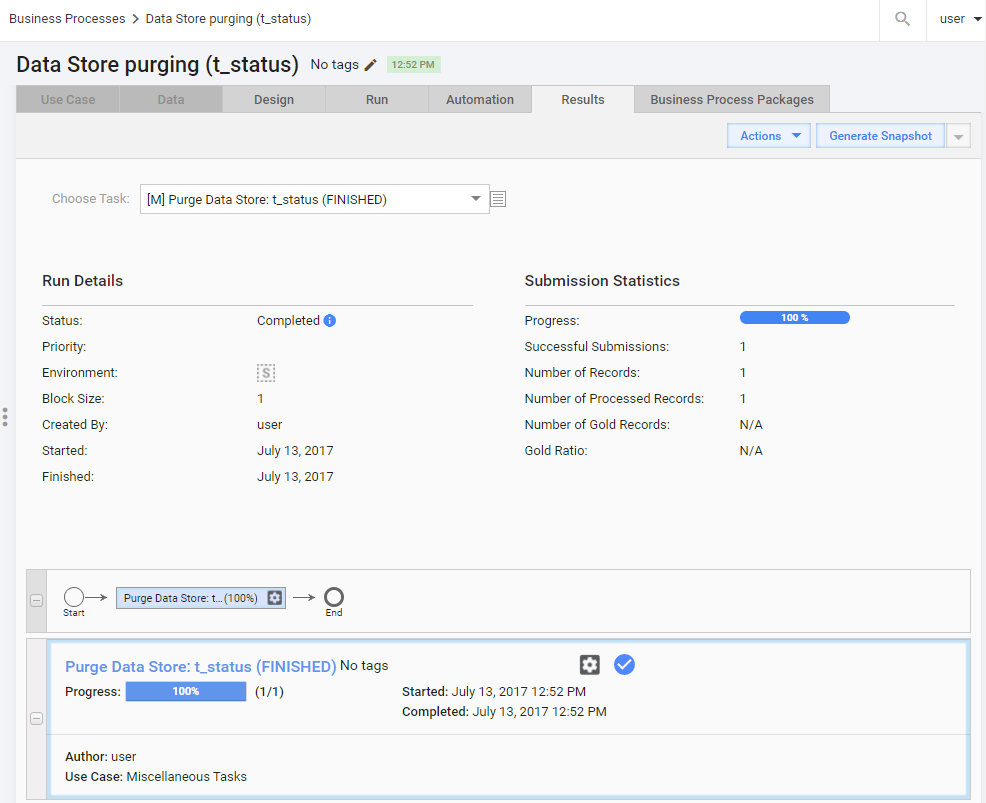
For PostgresSQL, Data Store content AFTER purging:
wf_datastore=# select * from ds_t_status;

 ds_t_status_id | name | status
----------------+------+---------
              2 | two  | RUNNING
              4 | four | NEW
(2 rows)
To fulfill purging of data stores periodically you may want to schedule the Business Process executing. Your DBA can observe increasing of rows in data stores. Tables with 100,000 records and more are good candidates for purging (524,288 rows in the example below).
For PostgresSQL, to determine the number of records in a PostgreSQL console:
select count(*) from "ds_t_status";

 count
--------
 524288
Purge Data Stores by last modification time
The general workflow is as follows:
- Create a Business Process that accepts a list of Data Stores to purge in a CSV file.
- Add one Bot Task (see its code below).
- Run the Business Process periodically, when a purge procedure is needed or create a schedule for this Business Process.
Set up input list of Data Stores
list-of-data-stores.csv
datastore_name, purge_timestamp_column, days
t1, update_timestamp, 30
t2, change_timestamp, 10
datastore_name: name of a Data Store to purgepurge_timestamp_column: Data Store's column with time of the last modificationdays: number of days from the current date to start purging
Configure Bot Task
The Config below uses the SQL syntax to find records to purge:
Machine config:
<?xml version="1.0" encoding="UTF-8"?>
<config charset="UTF-8">

    <datastore name="${datastore_name}"><![CDATA[
        delete from @this where "${purge_timestamp_column}"::timestamp < now() - interval '${days} day';
    ]]></datastore>

    <export include-original-data="true"></export>

</config>
Sample Data Stores
Your Data Stores being purged need to have a time-stamp column that shows the date of the last record update (t1.update_timestamp and t2.change_timestamp accordingly in the example below).
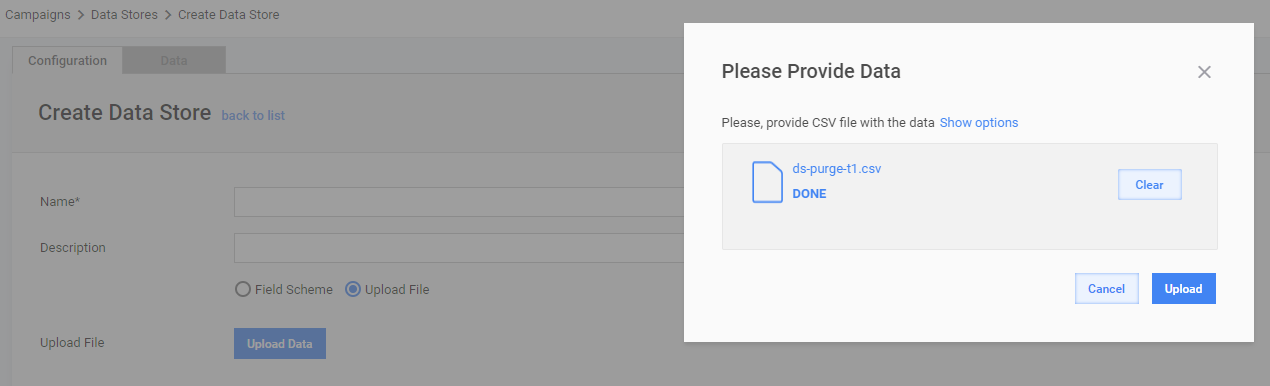
ds-purge-t1.csv is a file for the t1 Data Store:
unique_name,update_timestamp
one,2017-01-01 12:00:00
two,2017-06-01 17:20:30
three,2017-08-01 09:40:45
ds-purge-t2.csv is a file for the t2 Data Store:
unique_name,change_timestamp
first,2017-01-02 11:12:13
second,2017-03-15 10:20:30
third,2017-07-01 09:40:45
fourth,2017-08-03 23:19:01
caution
The default data type is TEXT, not TIMESTAMP.
If a Data Store is created from a file, the update_timestamp column has the TEXT type (by default). Thus, it was explicitly converted to ::timestamp in the configuration. See row #5 in the Bot Config.
Don't forget to update timestamp.
All Business Processes that use a Data Store should update a value of the update_timestamp column each time when a change occurs.
Sample of timestamp updating:
<var-def name="var_unique_name">one</var-def>

<datastore name="t1"><![CDATA[
    update @this set update_timestamp = now() where unique_name='${var_unique_name}';
]]></datastore>