
Create license
A License is a WorkFusion object containing address and credentials used to connect and post Tasks to Cloud Worker Platforms, such as MTurk and WorkSpace.
To create a new License, perform the following actions:
Go to System Preferences > Account Settings.
Click Add License.
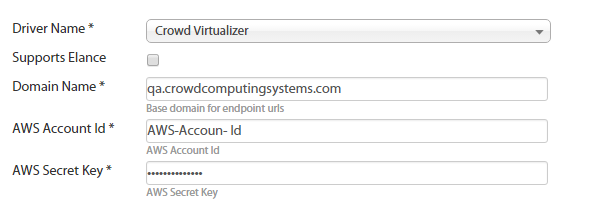
Enter License Parameters:
- Driver Name (Mechanical Turk or WorkSpace)
- Domain Name (only for WorkSpace)
- AWS Account ID and AWS Secret Key: these keys are provided by Amazon MTurk or WorkFusion.
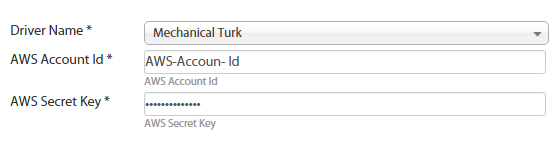
Click the Next button.
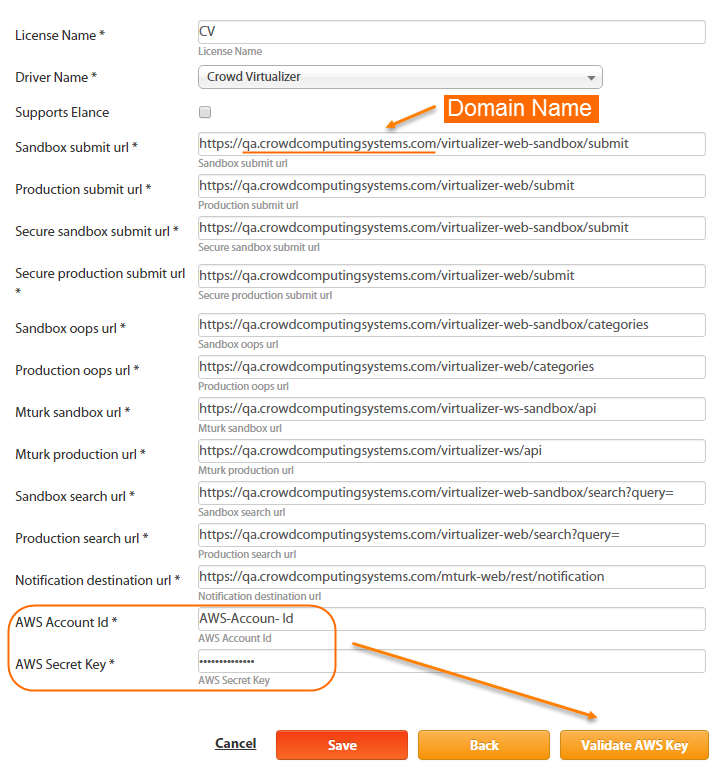
Enter the Licence Name.
Click the Validate AWS Key button.
If the combination of keys is valid, click the Save button.